
People· Creative
Cartoon Portrait
Turn a photo into a cartoon in one of seven styles, from classic hand-drawn and 3D animated to comic book, anime, caricature, flat vector and retro, with likeness and composition kept.
4 free credits — one Standard run of any tool. No card needed.
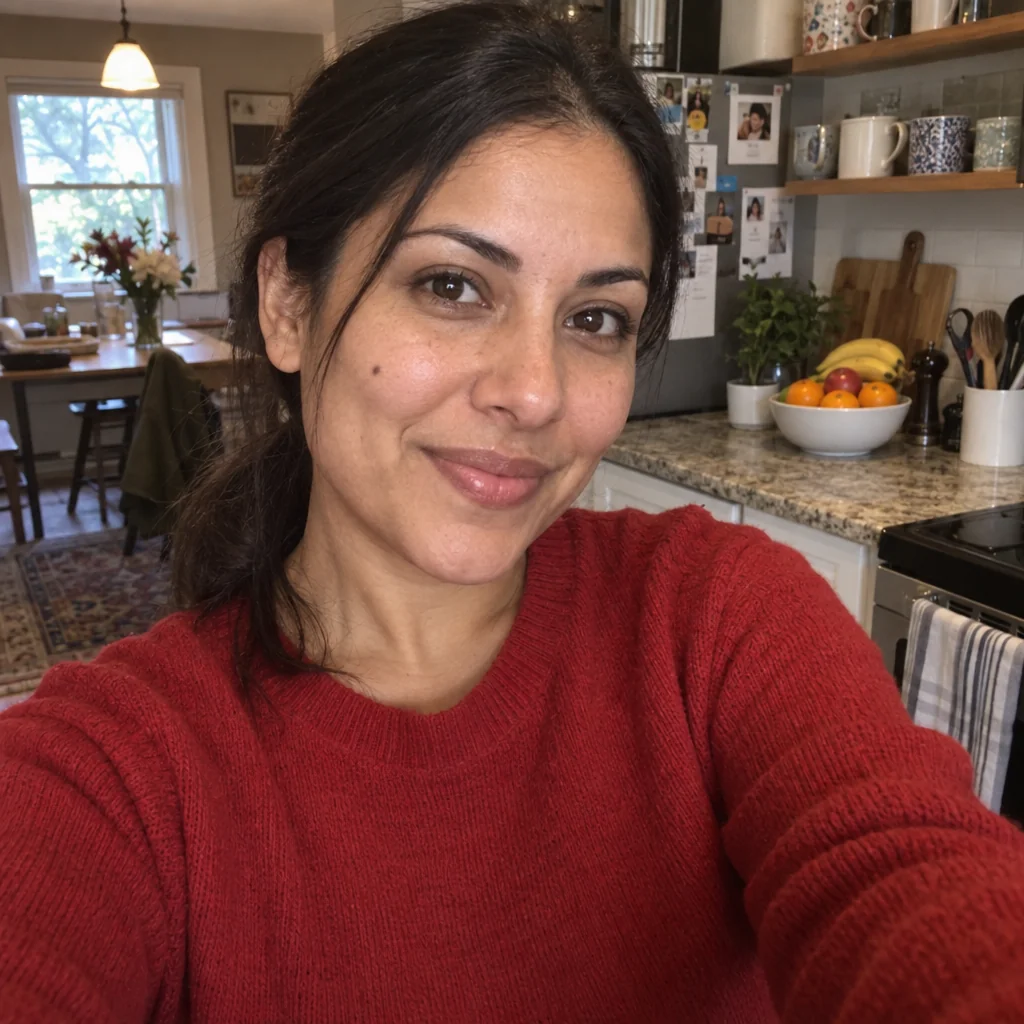
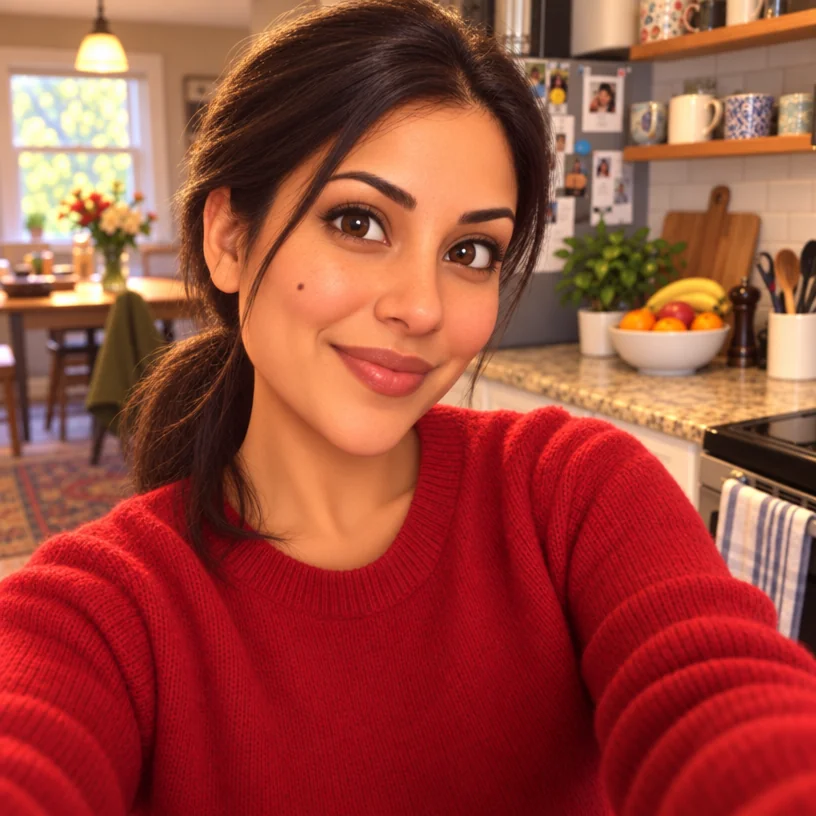
What you'll choose
- Photos you upload: Your photo
- Cartoon StyleClassic Cartoon3D AnimatedComic BookAnimeCaricatureFlat VectorRetro Cartoon
Cost per result
- StandardQuick results for everyday use4cr
- ProFiner skin, fabric and surface detail12cr
- MaxThe most detail, for large prints44cr
- Edit it with words, or send it into any other tool
- Standard, Pro and Max quality
- Saved to Your photos, downloadable full size
- Print-size upscales and short videos
How it works
- 01
Upload a photo — a portrait, a couple, a family or a pet.
- 02
Choose a cartoon style: classic, 3D animated, comic book, anime, caricature, flat vector or retro.
- 03
Shoot, compare with the original, and download or try another style.
Seven cartoon treatments — classic, 3D animated, comic book, caricature and more
Cartoon Portrait is the illustrated version of your photo in the style you pick. Classic Cartoon gives bold outlines and bright flat colors. 3D Animated makes you a soft-lit character from a modern animated feature. Comic Make brings strong ink, dynamic shading and halftone dots. Anime offers clean line art and cel shading. Caricature gently exaggerates features while keeping you recognizable. Flat Vector reduces the photo to simple geometric shapes, and Retro Cartoon revives the limited palette and rubber-hose charm of 1960s animation.
The composition of your photo is preserved — pose, framing, background and every person in it — so a family photo becomes a family cartoon and a pet on the sofa becomes a pet on a cartoon sofa. Likeness carries through hair, face shape, glasses, clothing and coloring. It is used for birthday and anniversary cards, kids' room prints, team pages with a lighter tone, social avatars and gifts for people who already have every photo of themselves.
A Standard run costs 4 credits and takes seconds; Pro and Max quality give cleaner lines and richer shading for prints. Run one photo through several styles and compare in Your photos. For a head-and-shoulders avatar on a plain background, Avatar Maker is built for that; for the specific Japanese anime treatment of a whole scene, Photo to Anime is the dedicated tool. Upscale the finished cartoon before sending it to print.
Good to know
Works well with
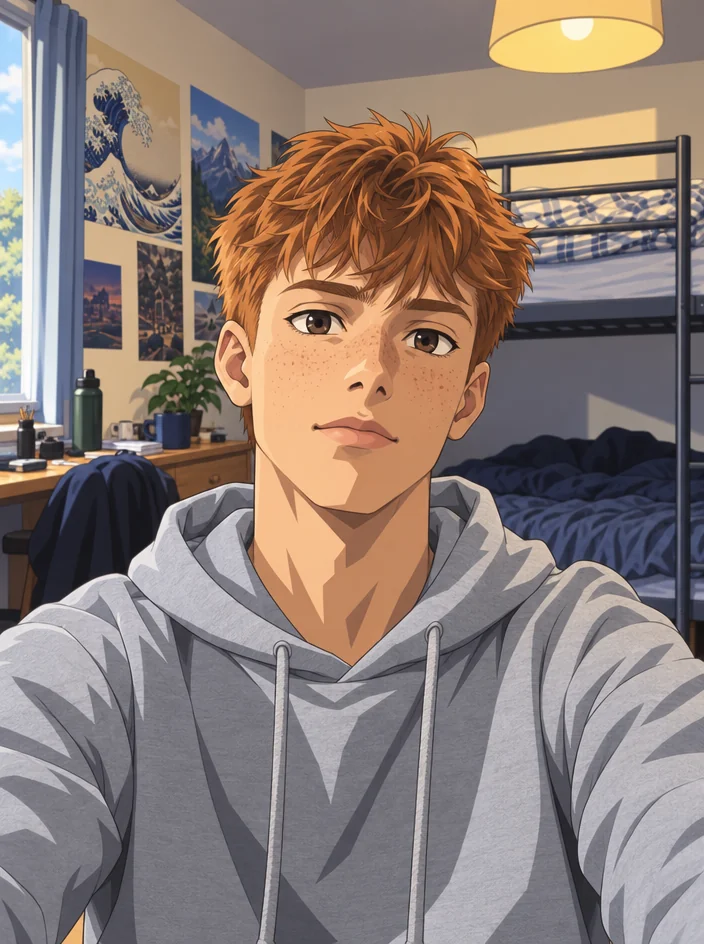 from 4 credits
Photo to Anime
Your photo redrawn as a Japanese anime photo — line art, cel shading, big eyes
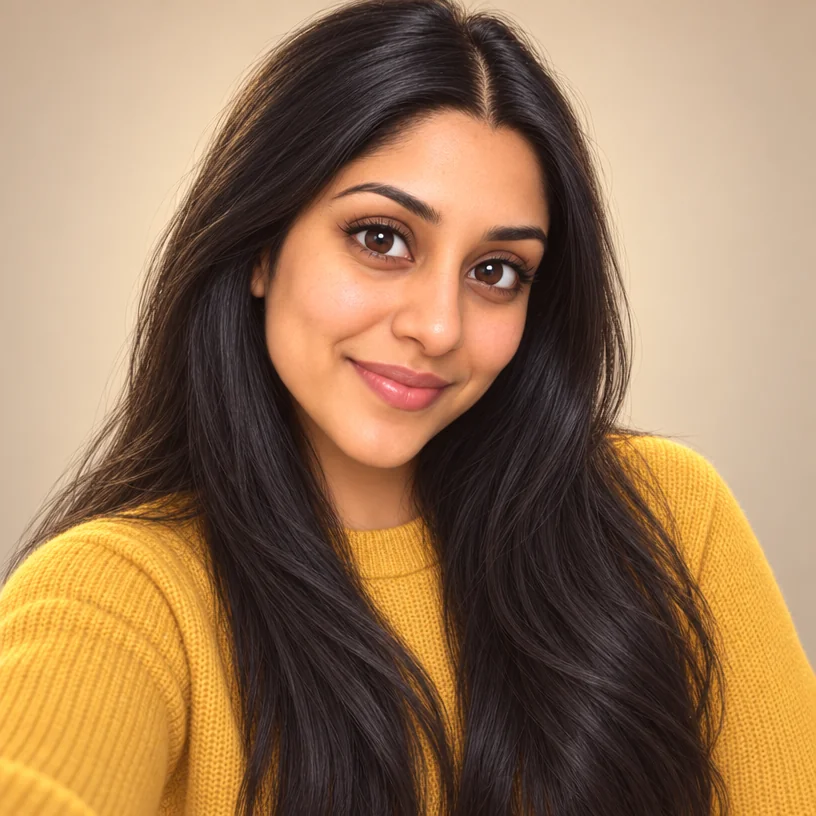 from 4 credits
Avatar Maker
A profile avatar in eight styles — 3D, anime, vector, pixel, comic, clay, neon
 from 4 credits
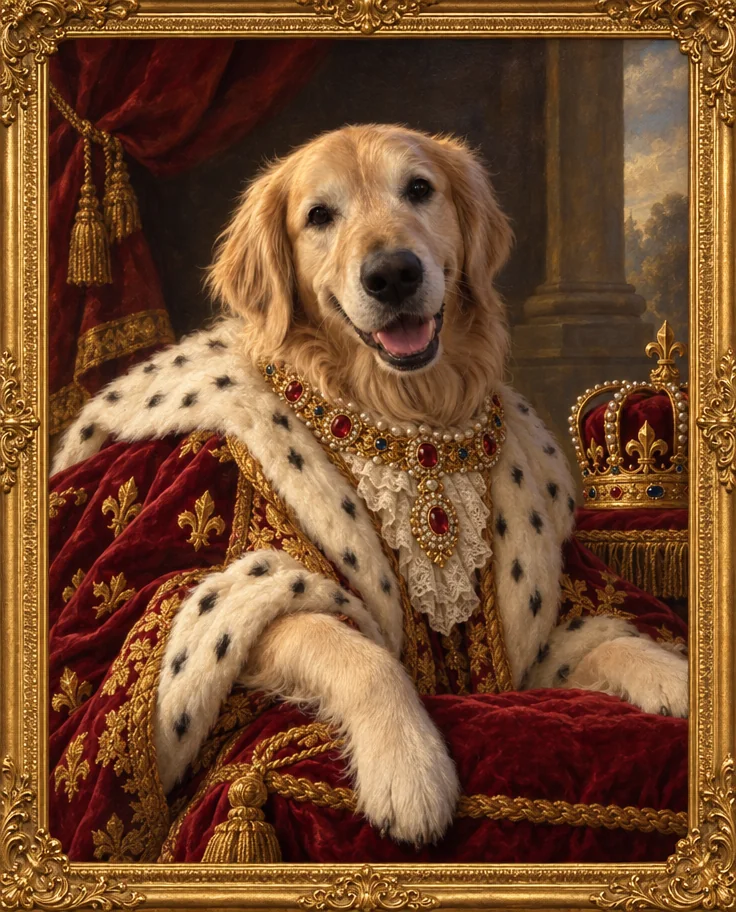
Pet Portrait
Studio, royal oil painting, superhero or watercolor — your pet, unmistakably
- Example coming soonfrom 3 credits
Image Upscaler
Enlarge any photo to 4, 8, 16 or 32 megapixels for prints and screens