
Creative· Creative
Image Generator
Create an image from a text description — a backdrop for a shoot, a scene, a prop, a card — in any of eight aspect ratios, with no photo required.
4 free credits — one Standard run of any tool. No card needed.
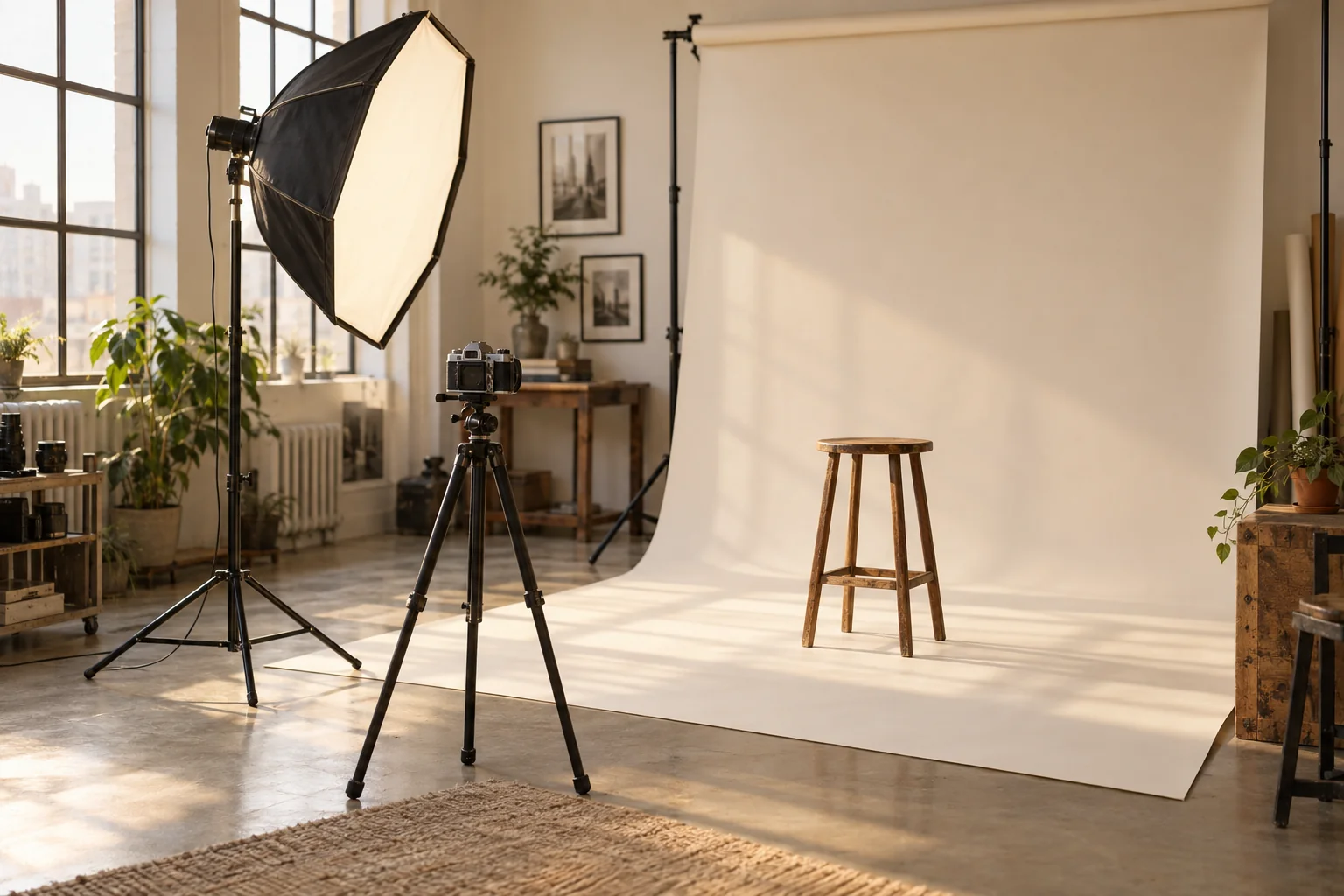
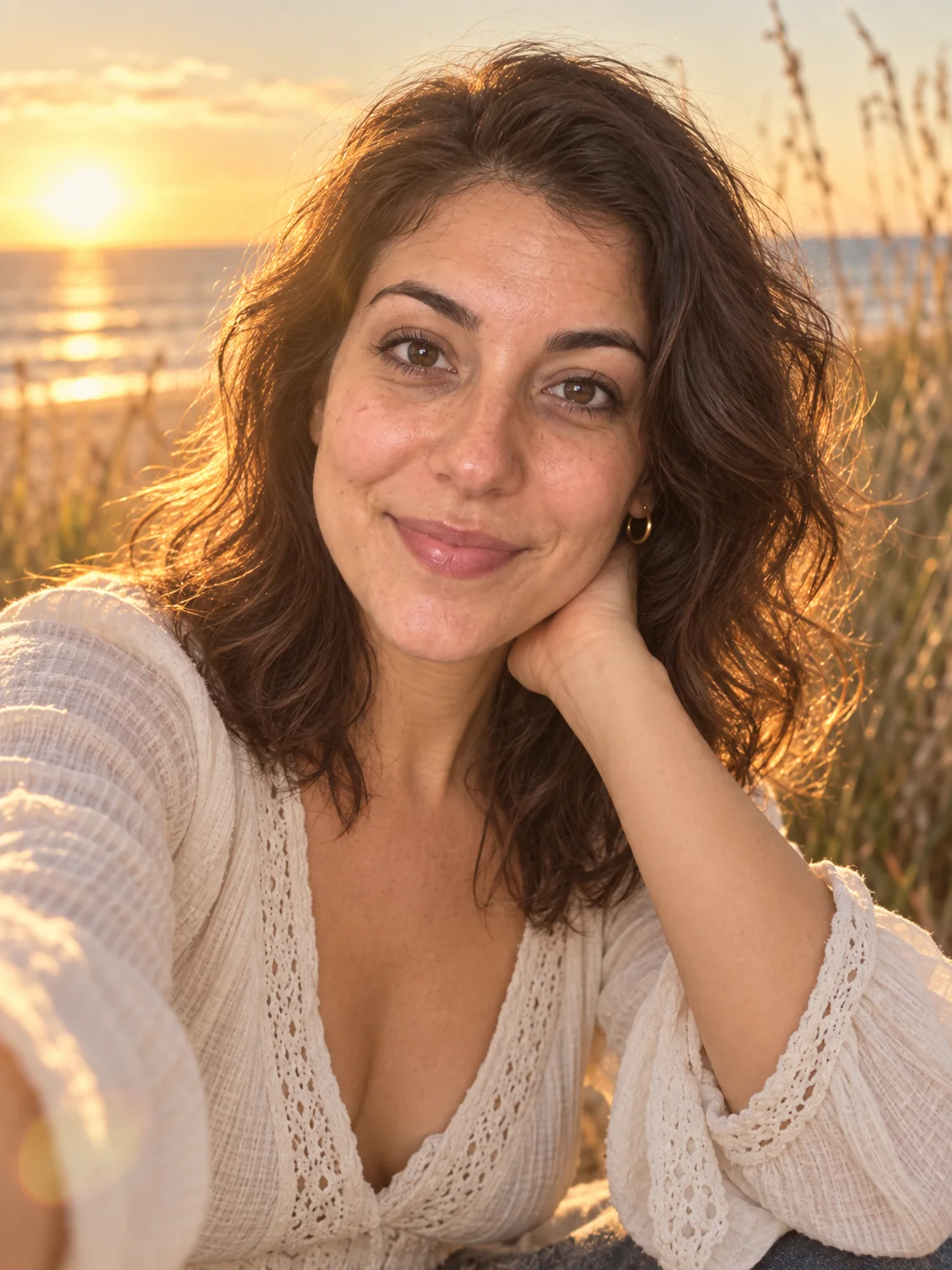
Made with this tool in the studio.
What you'll choose
- Describe the Image
- Aspect RatioSquare 1:1Portrait 3:4Portrait 4:5Portrait 2:3Story 9:16Landscape 4:3Landscape 3:2Wide 16:9
Cost per result
- StandardQuick results for everyday use2cr
- ProFiner skin, fabric and surface detail10cr
- MaxThe most detail, for large prints42cr
- Edit it with words, or send it into any other tool
- Standard, Pro and Max quality
- Saved to Your photos, downloadable full size
- Print-size upscales and short videos
How it works
- 01
Describe the image: subject, setting, light and mood, and say whether it should be empty of people.
- 02
Choose the aspect ratio for where it will be used.
- 03
Shoot, then download or send the result into another tool as a backdrop or base.
Generate a photo, backdrop or prop from a description in any aspect ratio
Most of the Studio starts from your photo. Image Generator starts from nothing but words. Describe what you want — a warm-gray studio backdrop, an empty holiday living room, a Mediterranean street at golden hour, a birthday card background with room for text — and the Studio renders it in seconds. It is the tool for the scene you could not photograph and the prop you do not own, and its output goes straight into the rest of the Studio like any other photo.
The aspect-ratio select covers the photos people actually need: square 1:1, portrait 3:4, 4:5 and 2:3, story 9:16, and landscape 4:3, 3:2 and 16:9. Prompts work best when they name the subject, the setting, the light and the mood in that order, and say "no people" when you intend to add yourself later with Add People or Background Changer. Photographers use it for backdrops and mood boards; families use it for card backgrounds and party invitations.
A Standard run costs 2 credits — the least expensive way to make anything in the Studio — with Pro at 10 and Max at 42 for print-grade detail. Every result lands in Your photos, where you can edit it with words, expand it, upscale it or animate it. Real photos of you remain the job of AI Photoshoot; Image Generator is the set-builder that gives those photos somewhere to go.
Good to know
Works well with
 from 4 credits
Background Changer
Describe a new backdrop and step into it with matching light and perspective
 from 4 credits
AI Photo Editor
Edit any photo with a sentence — the tool for everything without its own button
 from 4 credits
Expand Photo
Widen a tight crop — the scene continues naturally into any aspect ratio
 from 4 credits
AI Photoshoot
Twenty shoots — LinkedIn to golden hour — from one to four of your selfies