Life moments
Christmas photos, no photographer
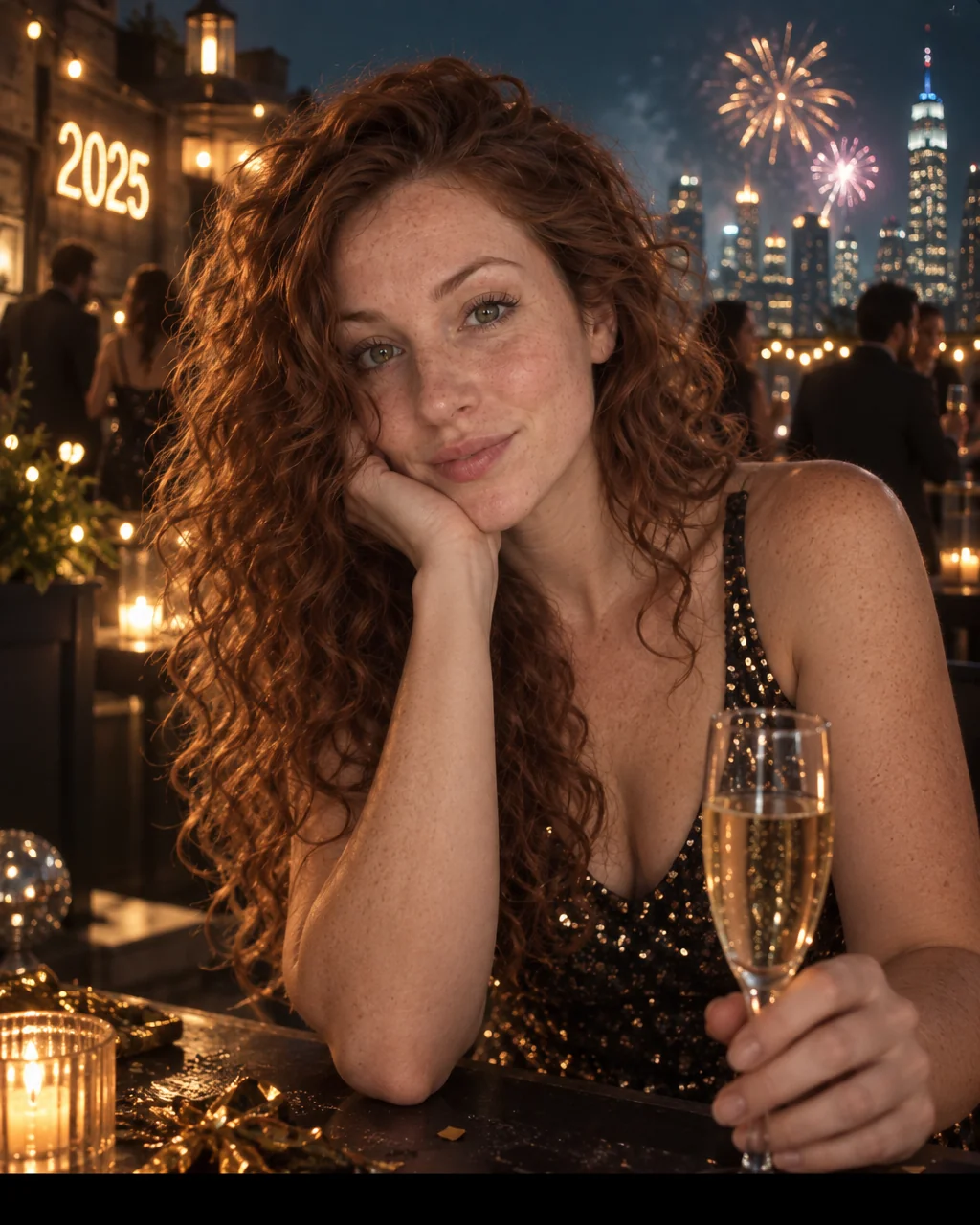
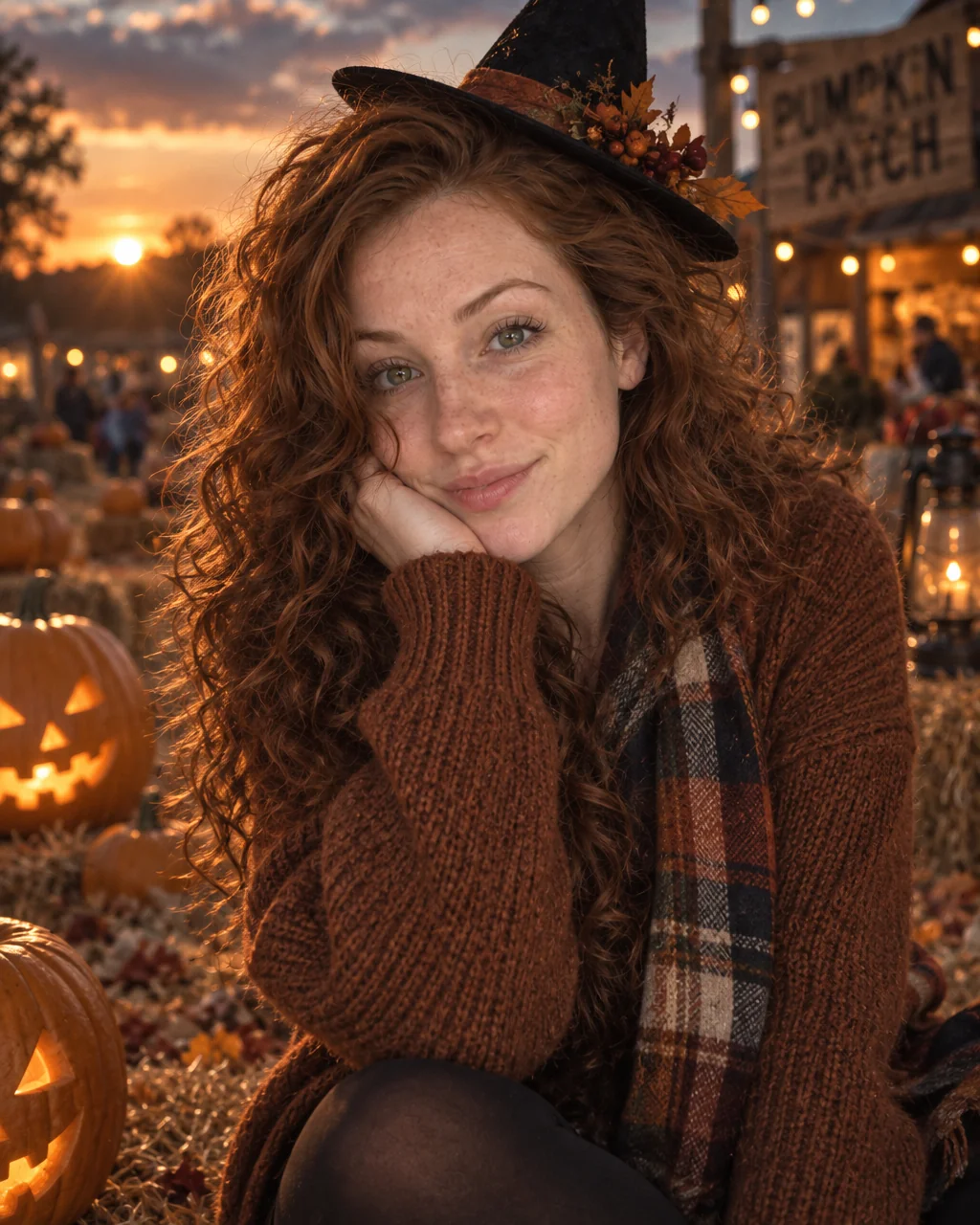
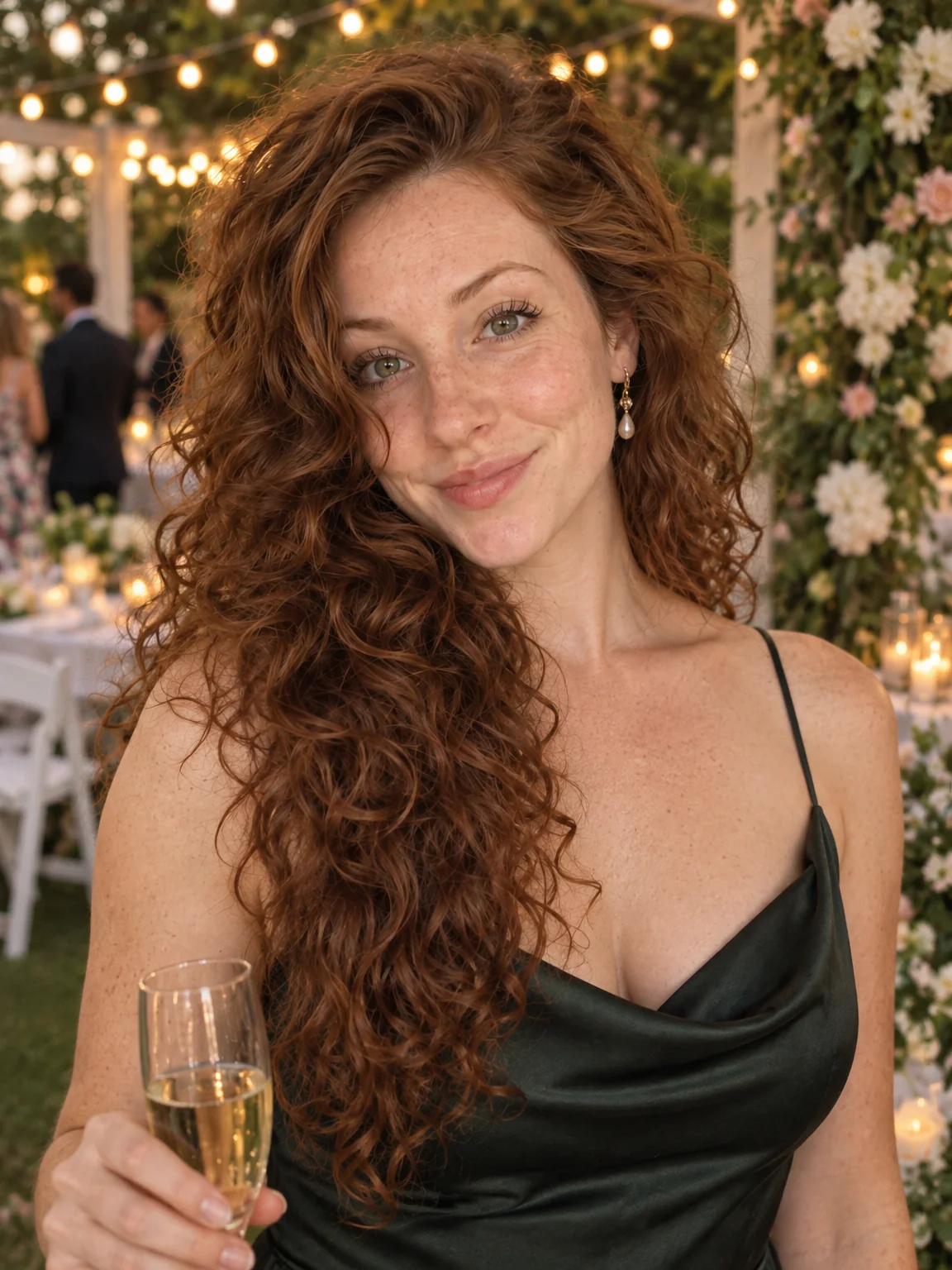
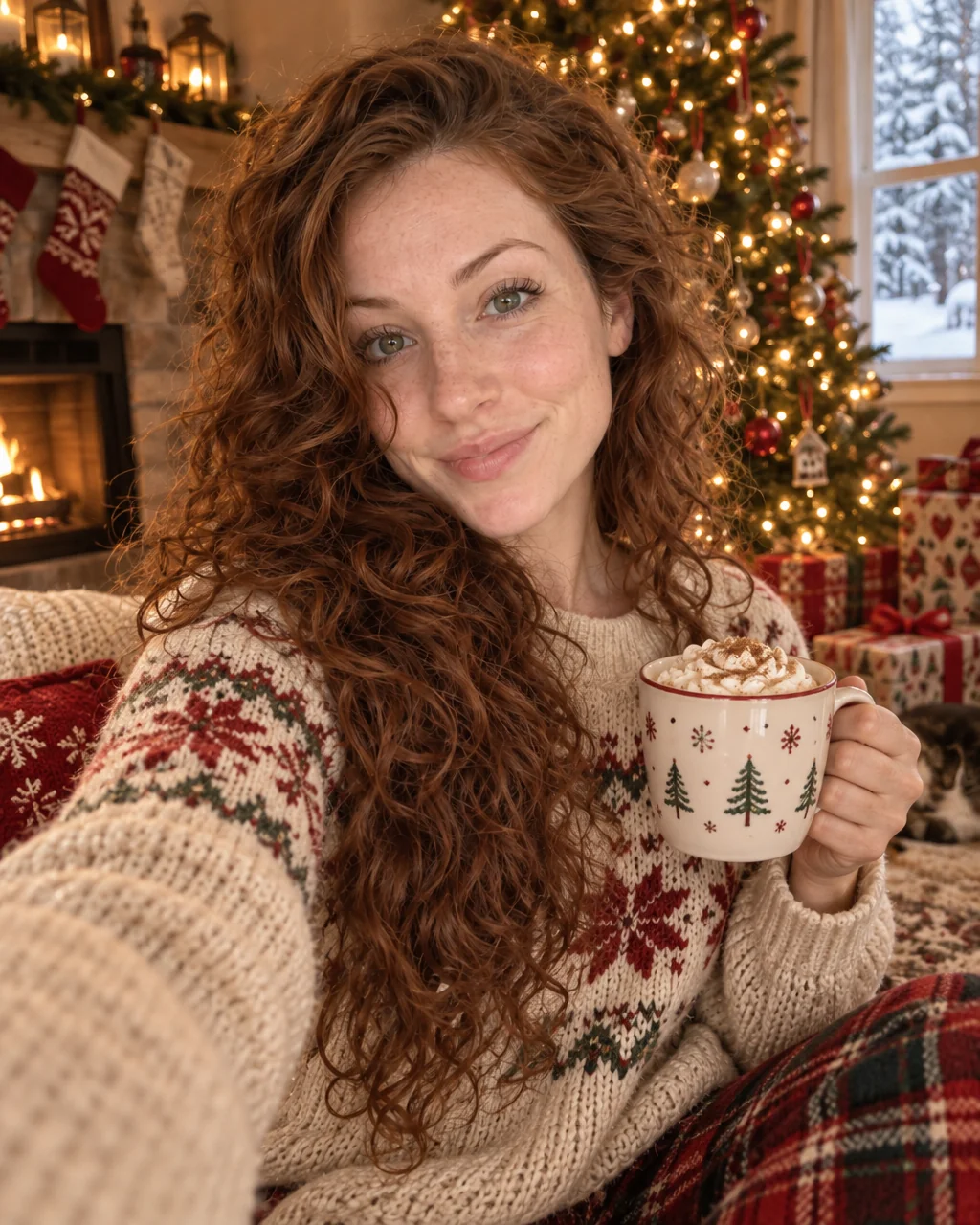
Christmas morning is pajamas, wrapping paper and a phone camera pointed at the floor. Christmas photos from the Studio are the ones you meant to take: a lit tree, presents beneath it, snow in the window and warm cinnamon light on a face that has not had coffee yet but looks like it has.
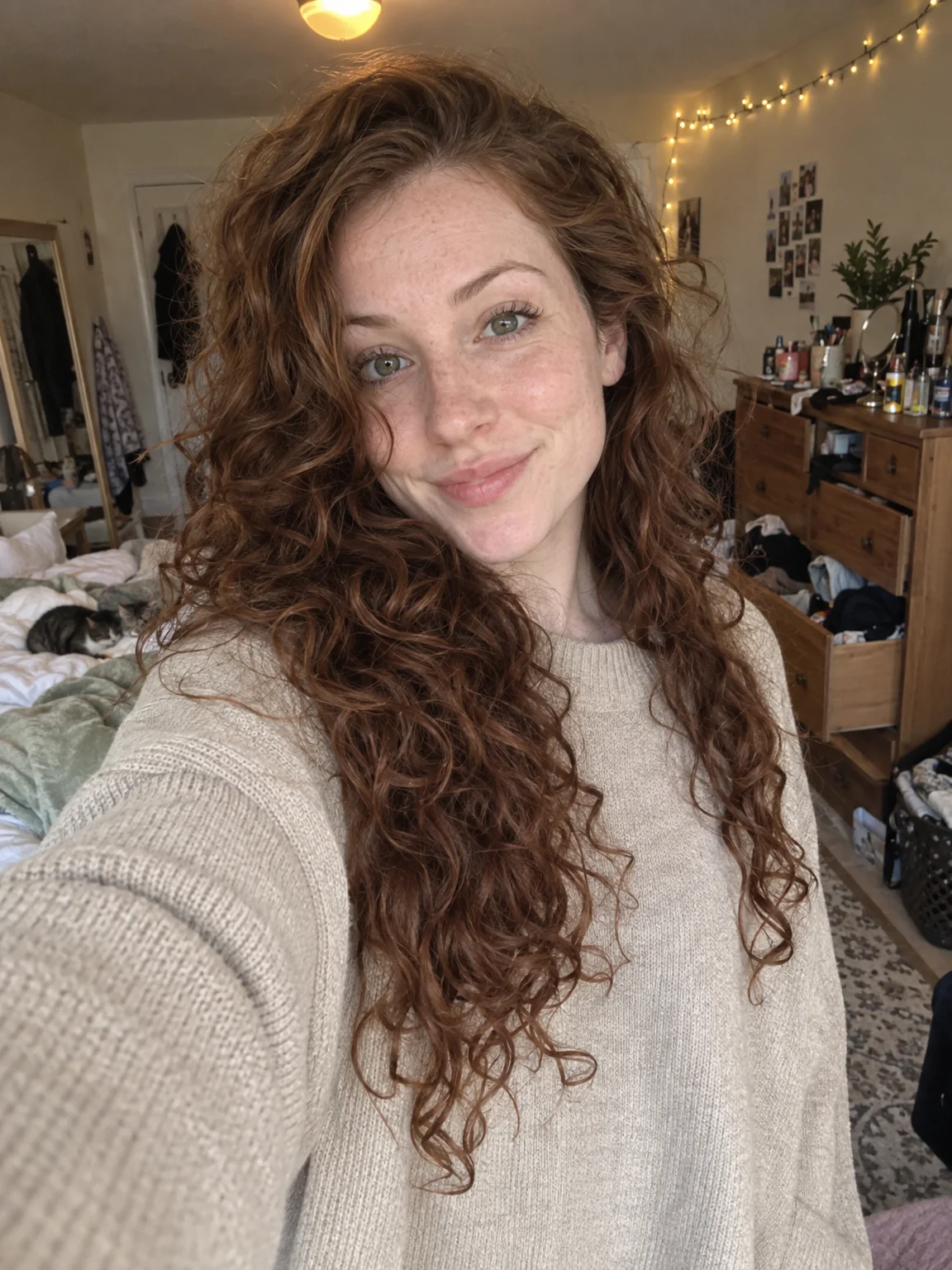
You want the festive portrait for the post and the photo, made from any selfie taken any time in December — or July. Pick the Holiday Card preset, attach one to four selfies, and Christmas photos are ready in seconds with the framing a photographer would have chosen. Keep every take of Christmas photos in Your photos, choose together, and finish the winner with a light Face Retouch and a print-size upscale.
4 free credits — one Standard run of any tool. No card needed.
Made for when
- The tree is up for three weeks and nobody takes a proper photo
- Matching pajamas deserve a better picture than the one you got
- You are spending Christmas away from the family living room
- The photo should look warm and cozy, not flash-lit and red-eyed
Step by step
- 01
Open AI Photoshoot, attach your selfies, select Holiday Card
This is the shoot itself — Christmas photos rendered around your own face in seconds.
AI Photoshoot - 02
Give the best result a light Face Retouch
Blemishes and redness go while pores, freckles and moles stay, so the photo still looks like you.
Face Retouch - 03
Re-light the photo for the mood you want
Change the key light, the shadows and the color of the scene without changing the person.
Relight Photo