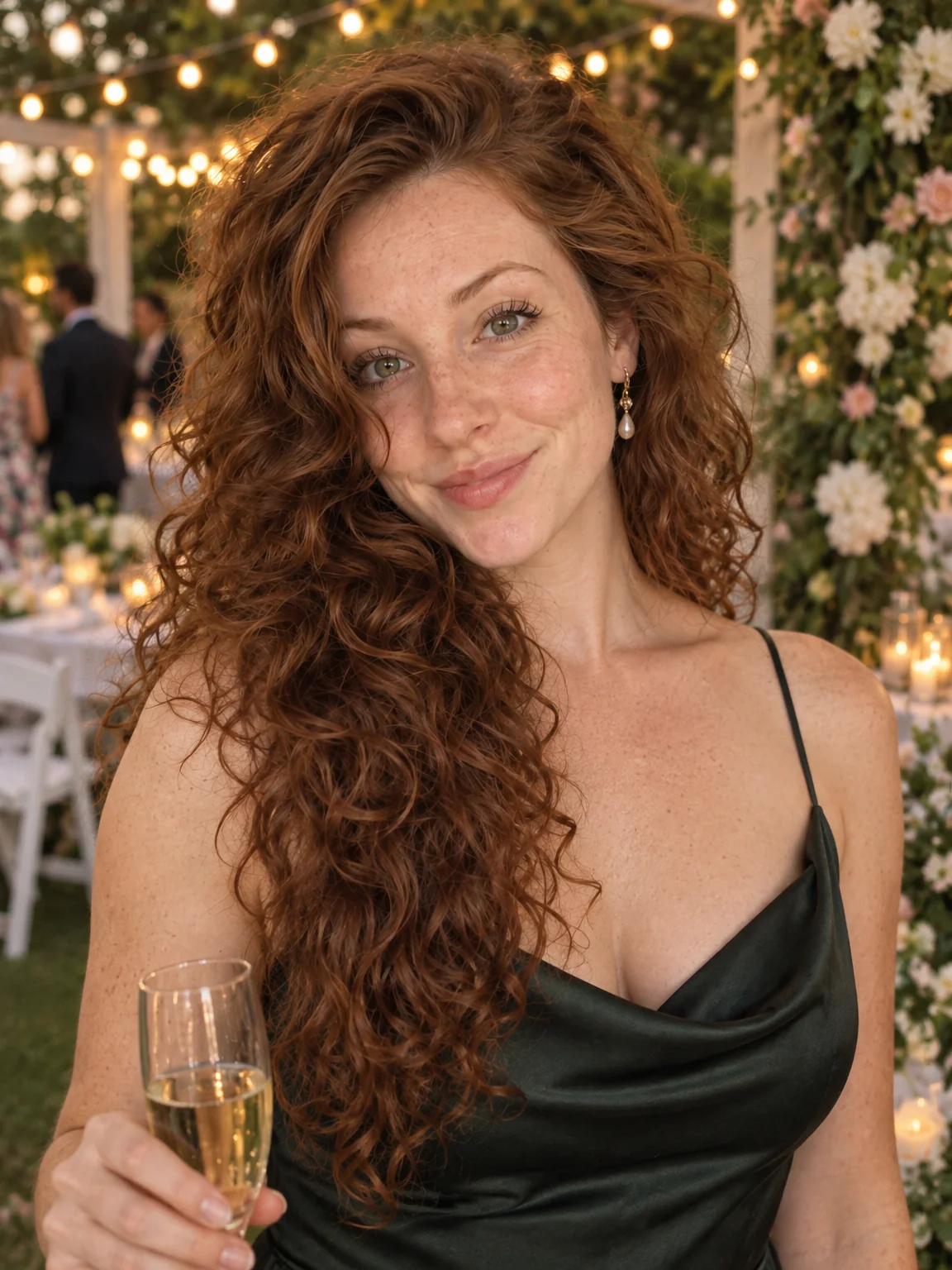
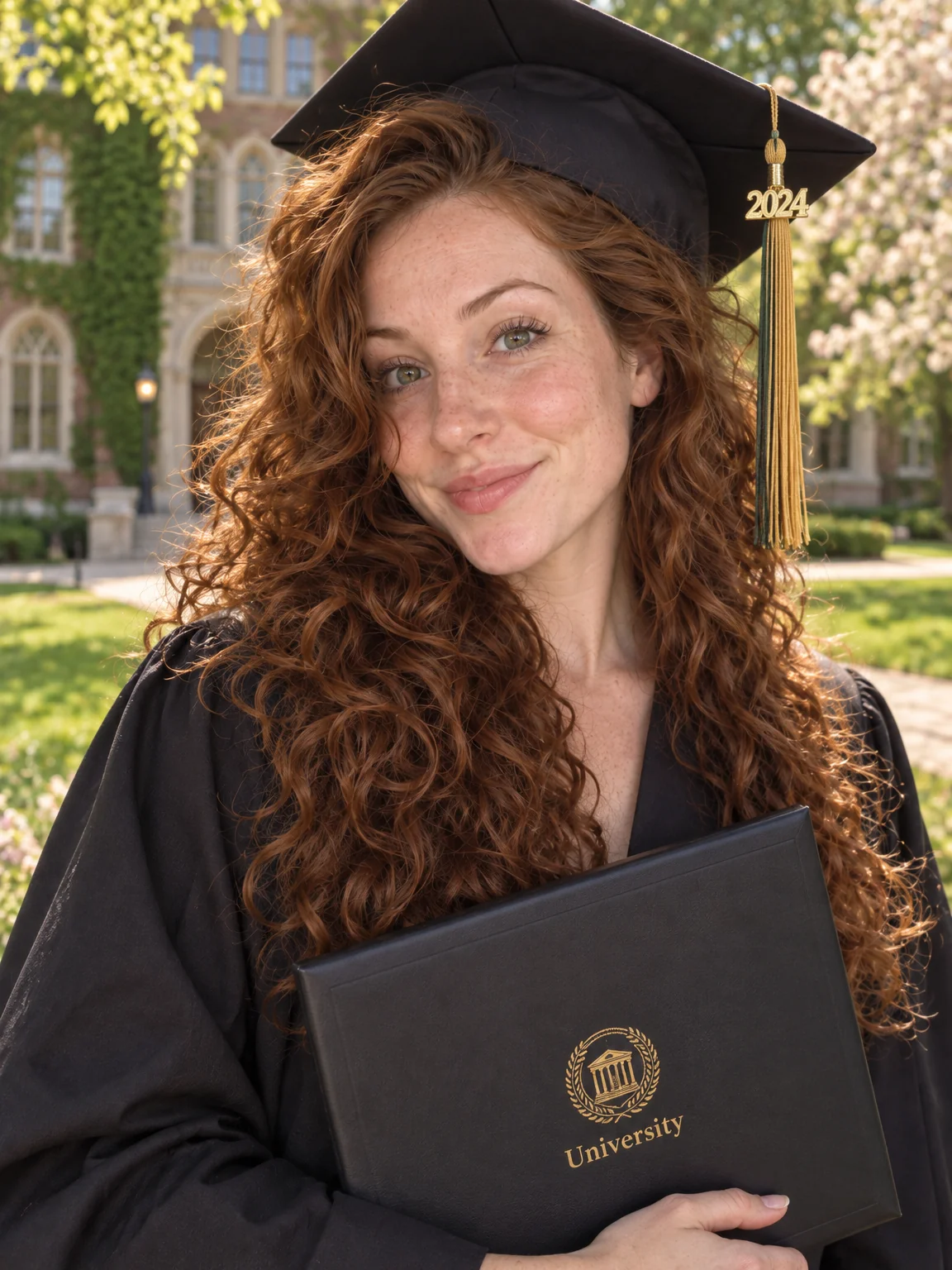
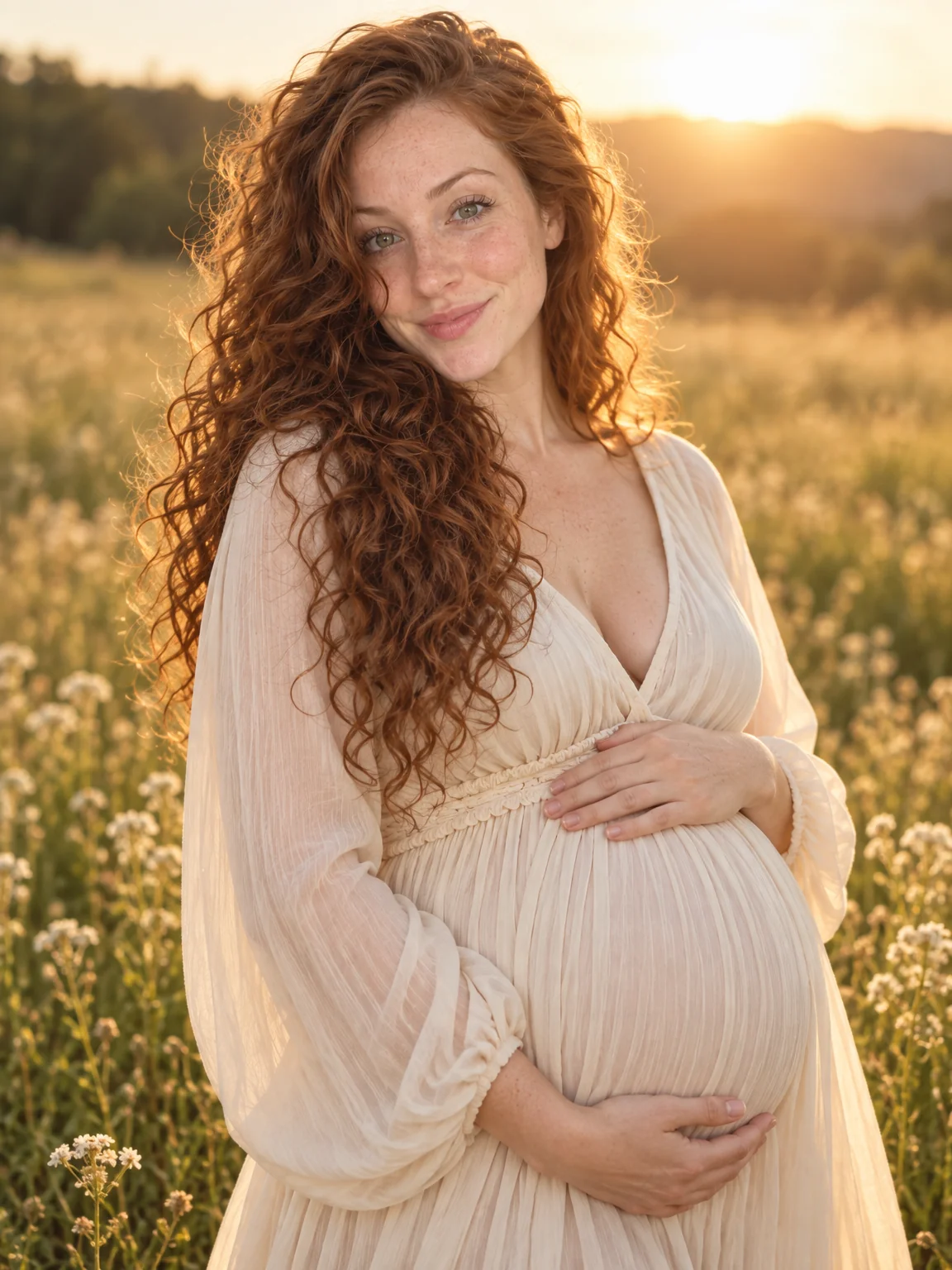
Life moments
Halloween portraits, no photographer
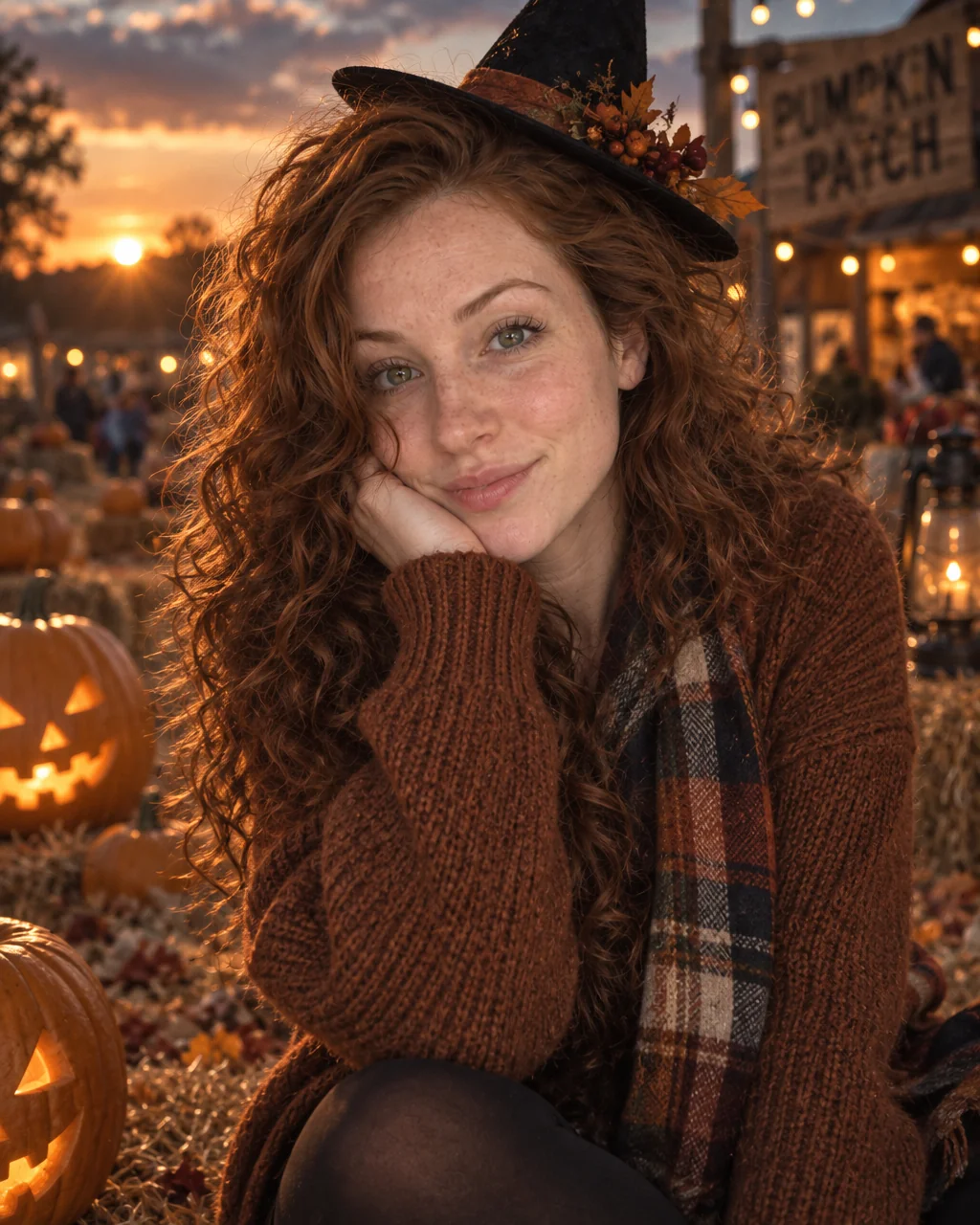
The costume took three weekends and the photos took three seconds in a hallway with the overhead light on. Halloween portraits from the Studio give it the film-still treatment: candlelight, carved pumpkins, drifting fog, a moody grade and a costume rendered from a sentence in the Outfit field.
You want a portrait that matches the effort of the costume, or a costume you never had to make at all. The Cinematic preset carries the wardrobe, the setting and the light of the occasion; your selfies carry the person, so Halloween portraits show you at the moment rather than a model. Retouch the keeper among your Halloween portraits, expand it to a card or banner ratio, and upscale it once before it goes to print or to the family group chat.
4 free credits — one Standard run of any tool. No card needed.
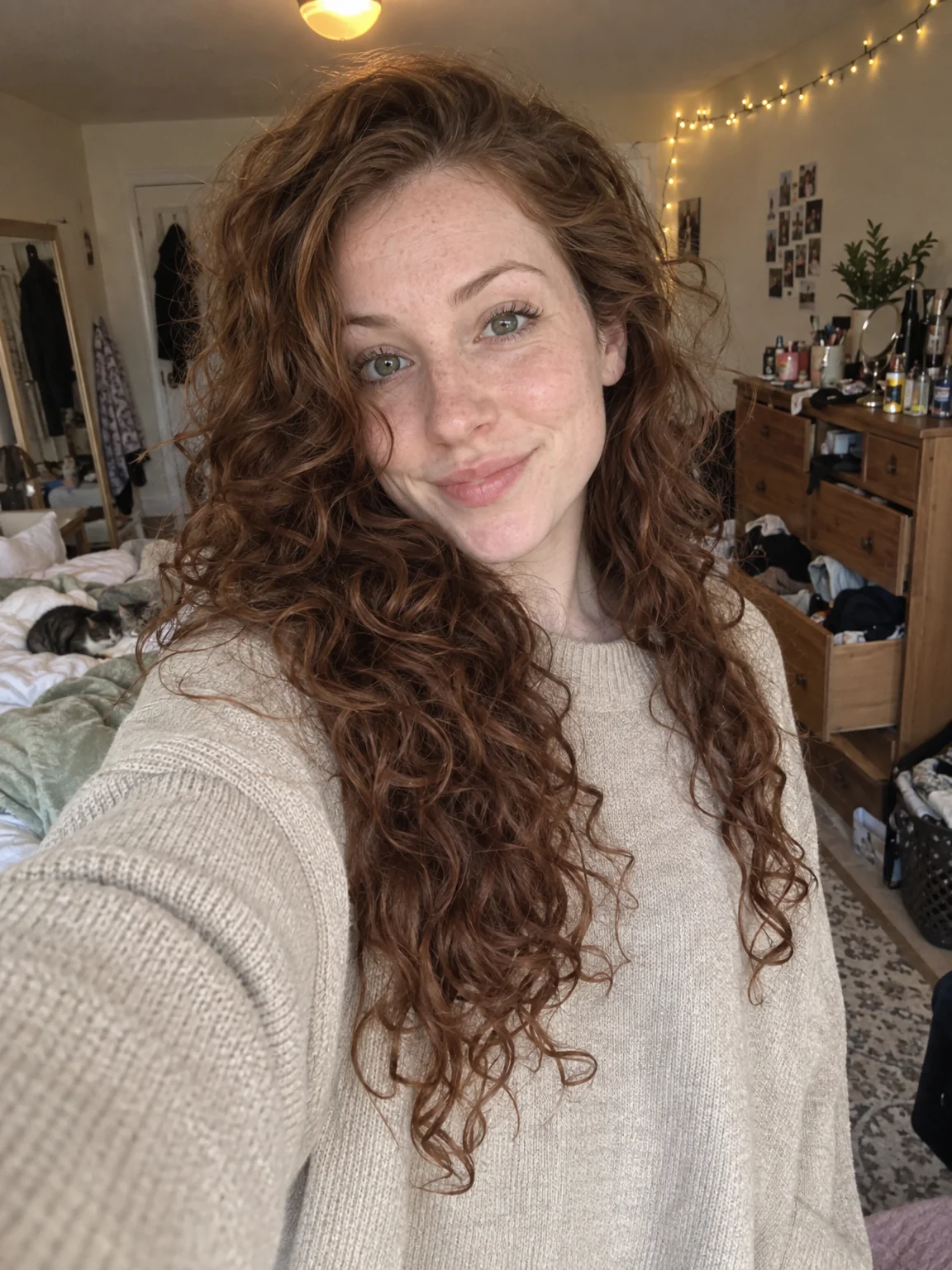
Made for when
- Hallway lighting flattened a costume that deserved a movie poster
- You want to try three costumes without buying any of them
- The party photos have someone else's elbow in every photo
- A moody, cinematic look is impossible with a phone flash
Step by step
- 01
Start AI Photoshoot on the Cinematic preset with a few selfies
The preset carries the framing, light and wardrobe for Halloween portraits; your selfies carry the likeness.
AI Photoshoot - 02
Give the best result a light Face Retouch
Blemishes and redness go while pores, freckles and moles stay, so the photo still looks like you.
Face Retouch - 03
Re-light the photo for the mood you want
Change the key light, the shadows and the color of the scene without changing the person.
Relight Photo