Life moments
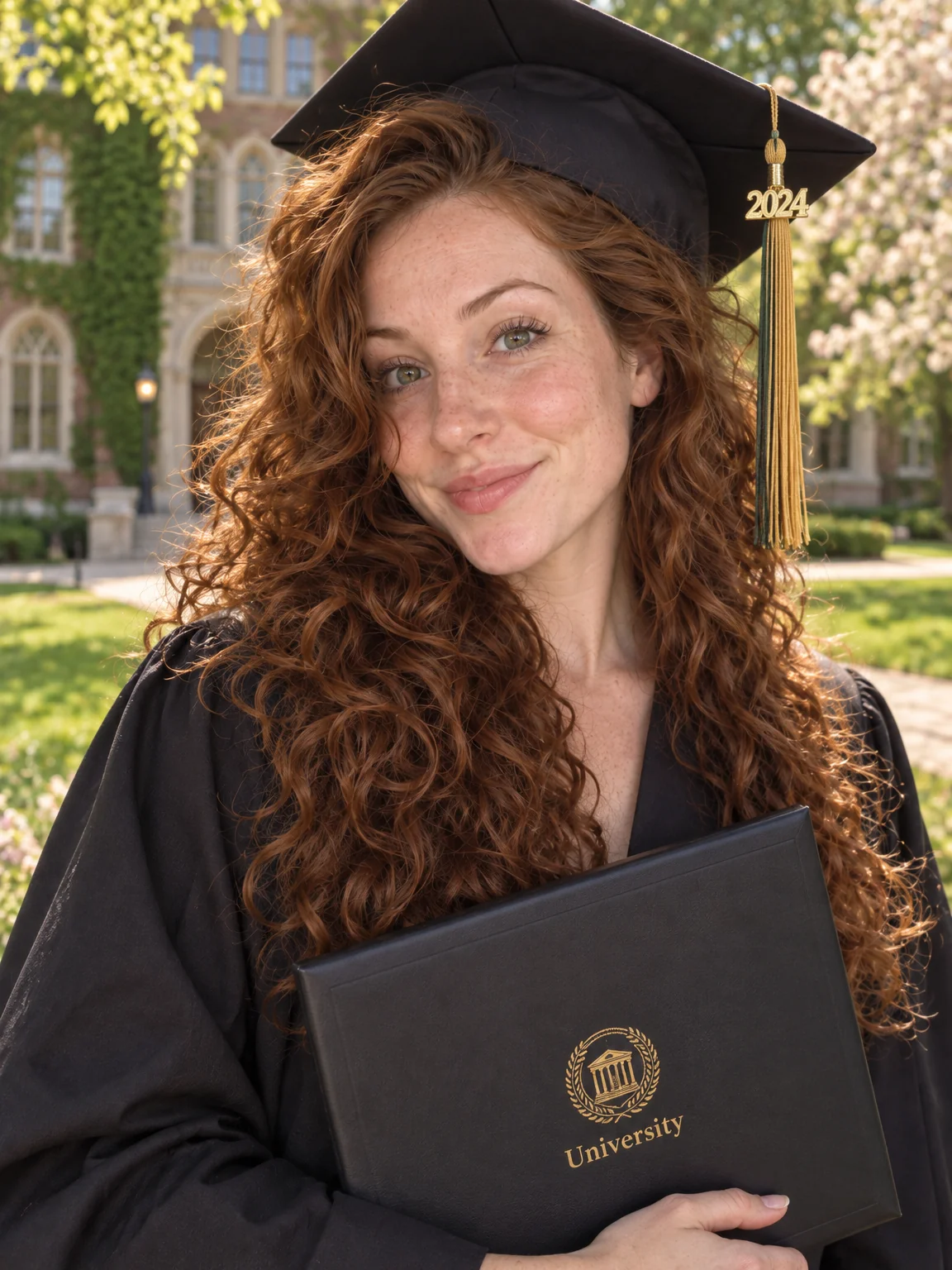
Graduation photos, no photographer
The gown was rented for a day, the campus photographer had a queue, and the sun was in the wrong place. Graduation photos from the Studio put you back in cap and gown on a sunlit lawn with ivy-covered brick softly behind, diploma in hand and a smile that took four years to earn.
You want the portrait the family expected — for the mantelpiece, the announcement and the grandparents — even if the day itself was a blur. Pick the Graduation preset, attach one to four selfies, and graduation photos are ready in seconds with the framing a photographer would have chosen. Retouch the keeper among your graduation photos, expand it to a card or banner ratio, and upscale it once before it goes to print or to the family group chat.
4 free credits — one Standard run of any tool. No card needed.
Made for when
- The official photo was rushed and the tassel was in your eye
- You graduated remotely and never wore the gown on campus
- Grandparents want a print and all you have is a group selfie
- The announcement card needs a landscape photo and you have a portrait
Step by step
- 01
Open AI Photoshoot, attach your selfies, select Graduation
The preset carries the framing, light and wardrobe for graduation photos; your selfies carry the likeness.
AI Photoshoot - 02
Polish skin and eyes with Face Retouch
Blemishes and redness go while pores, freckles and moles stay, so the photo still looks like you.
Face Retouch - 03
Widen the picture with Expand Photo
Turn the portrait into a landscape or story shape without cropping anything out.
Expand Photo