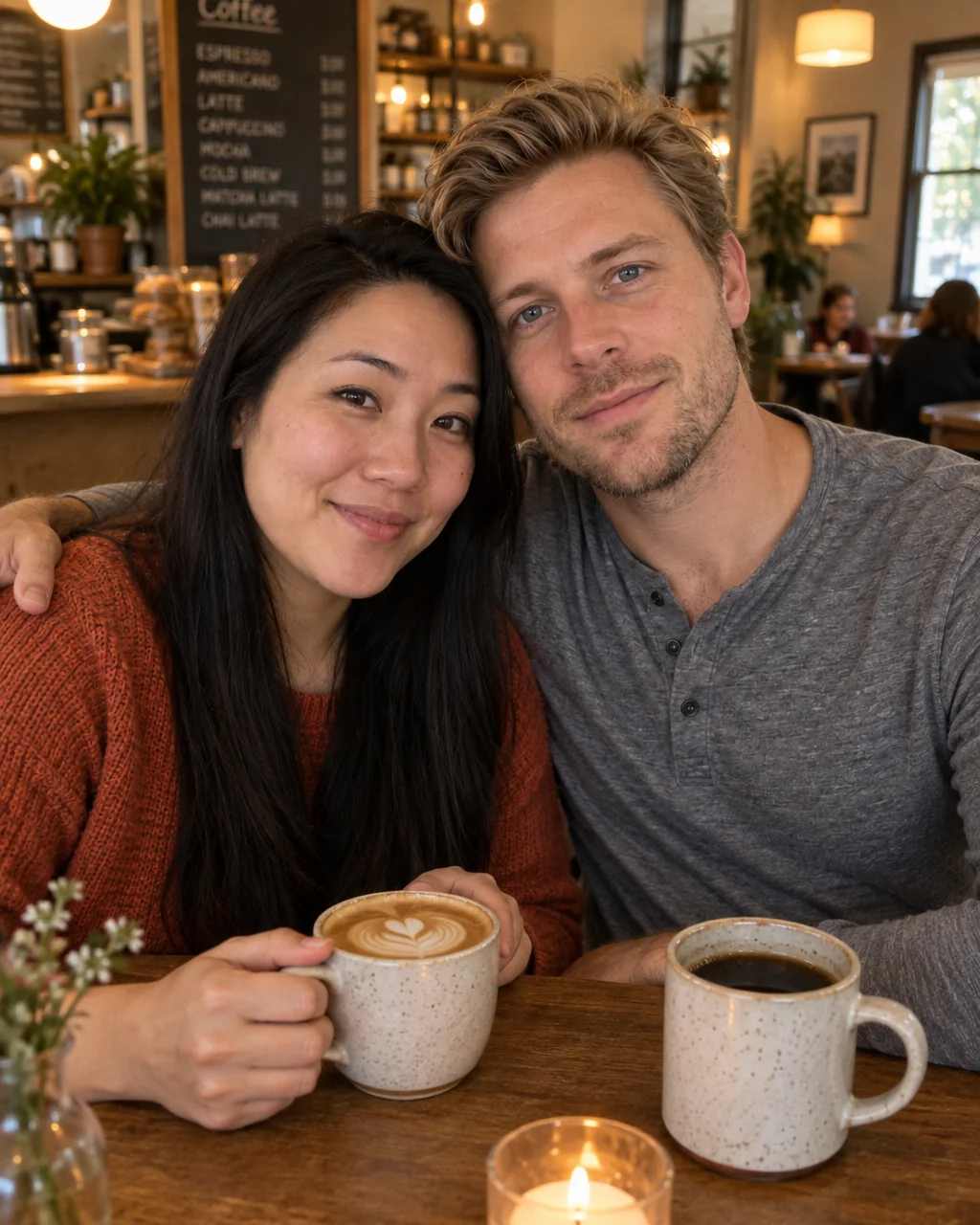
Life moments
Engagement photos, no photographer
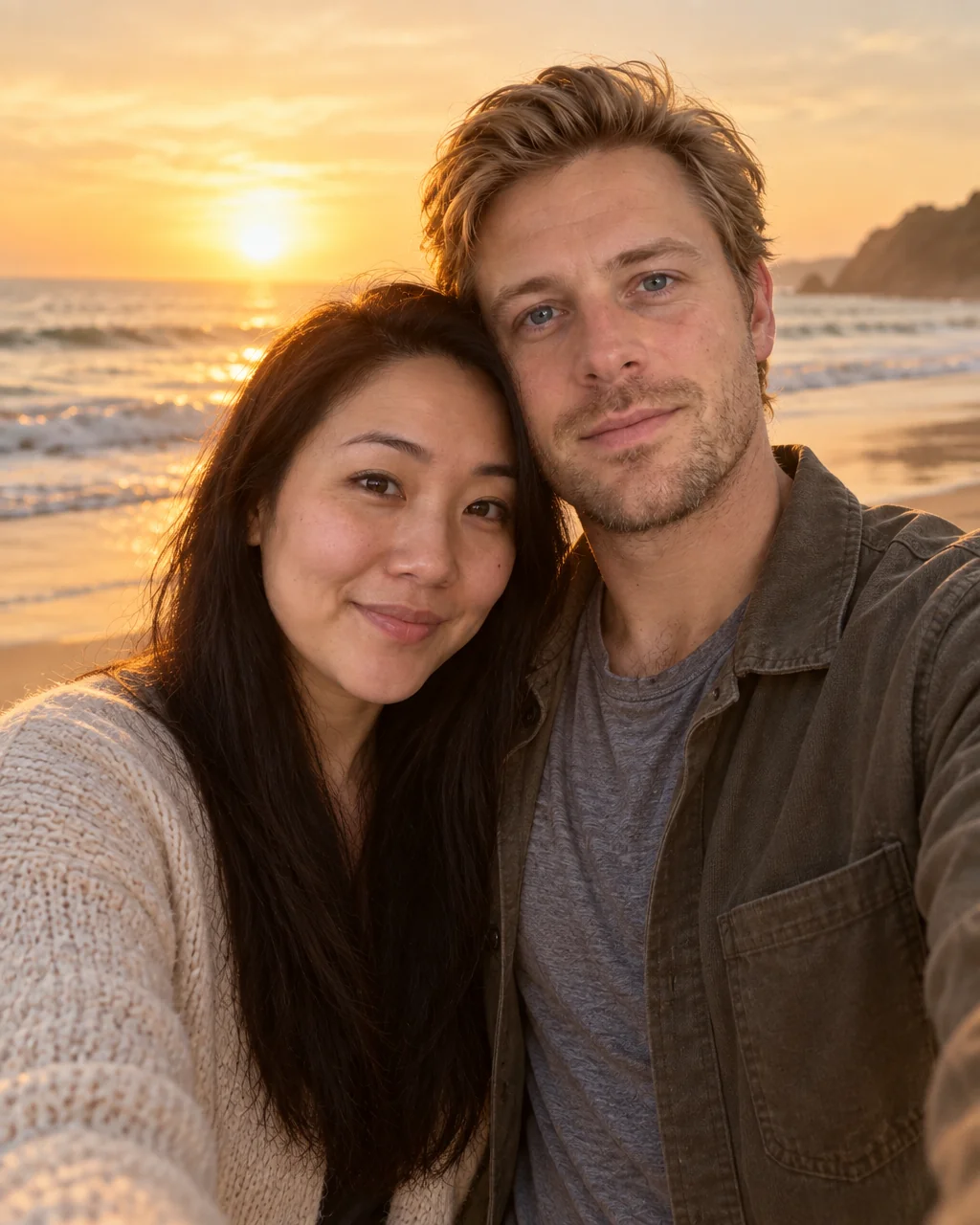
You said yes on a Tuesday in the kitchen, and the ring photo is a hand over a countertop. Engagement photos from the Studio compose the two of you together on a sunset beach, or in a garden with string lights, from one selfie each — both faces kept exactly, the light matched, the moment finally pictured.
You want the announcement photo and the save-the-date without coordinating two calendars and a photographer's golden hour. Upload the selfies you have, choose the Sunset Beach preset, and the studio renders engagement photos with your face, hair and skin tone kept exactly and the occasion built around you. Retouch the keeper among your engagement photos, expand it to a card or banner ratio, and upscale it once before it goes to print or to the family group chat.
4 free credits — one Standard run of any tool. No card needed.
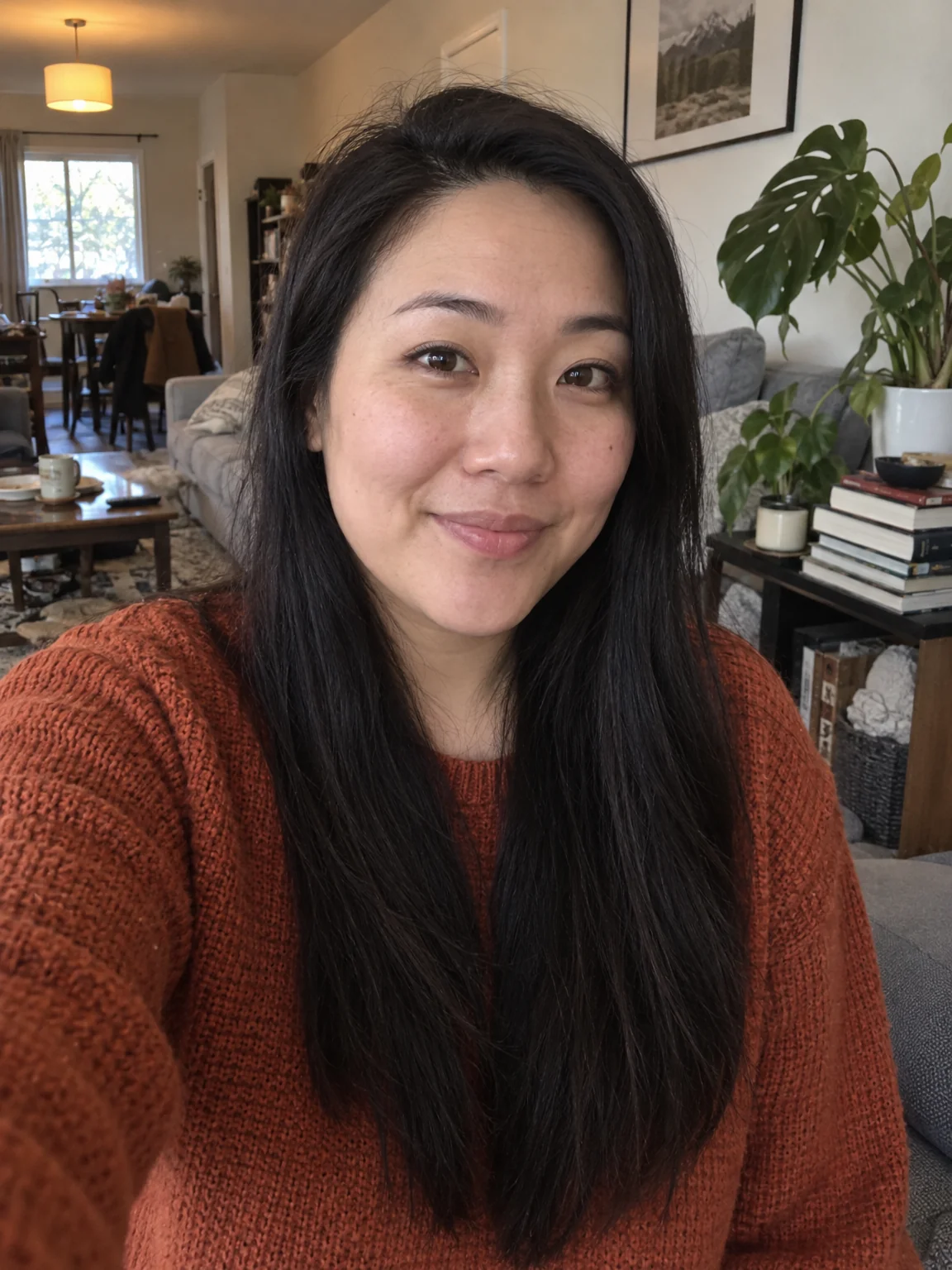
Made for when
- The proposal photo is blurry and taken by a stranger
- One of you is always the one holding the phone
- The save-the-date needs a landscape photo with room for text
- You want a warm, romantic setting that neither of you lives near
Step by step
- 01
Make Couple Photos from one selfie of each person
Two separate selfies become engagement photos with both faces kept exactly and the light matched.
Couple Photos - 02
Warm the light with Time of Day or Relight
The mood of the photo changes with the light, and the light is now a setting.
Time of Day - 03
Upscale the final photo for print
8 MP covers standard prints; 16 MP handles A3 and canvas — engagement photos deserve a photo.
Image Upscaler