Life moments
Holiday card photos, no photographer
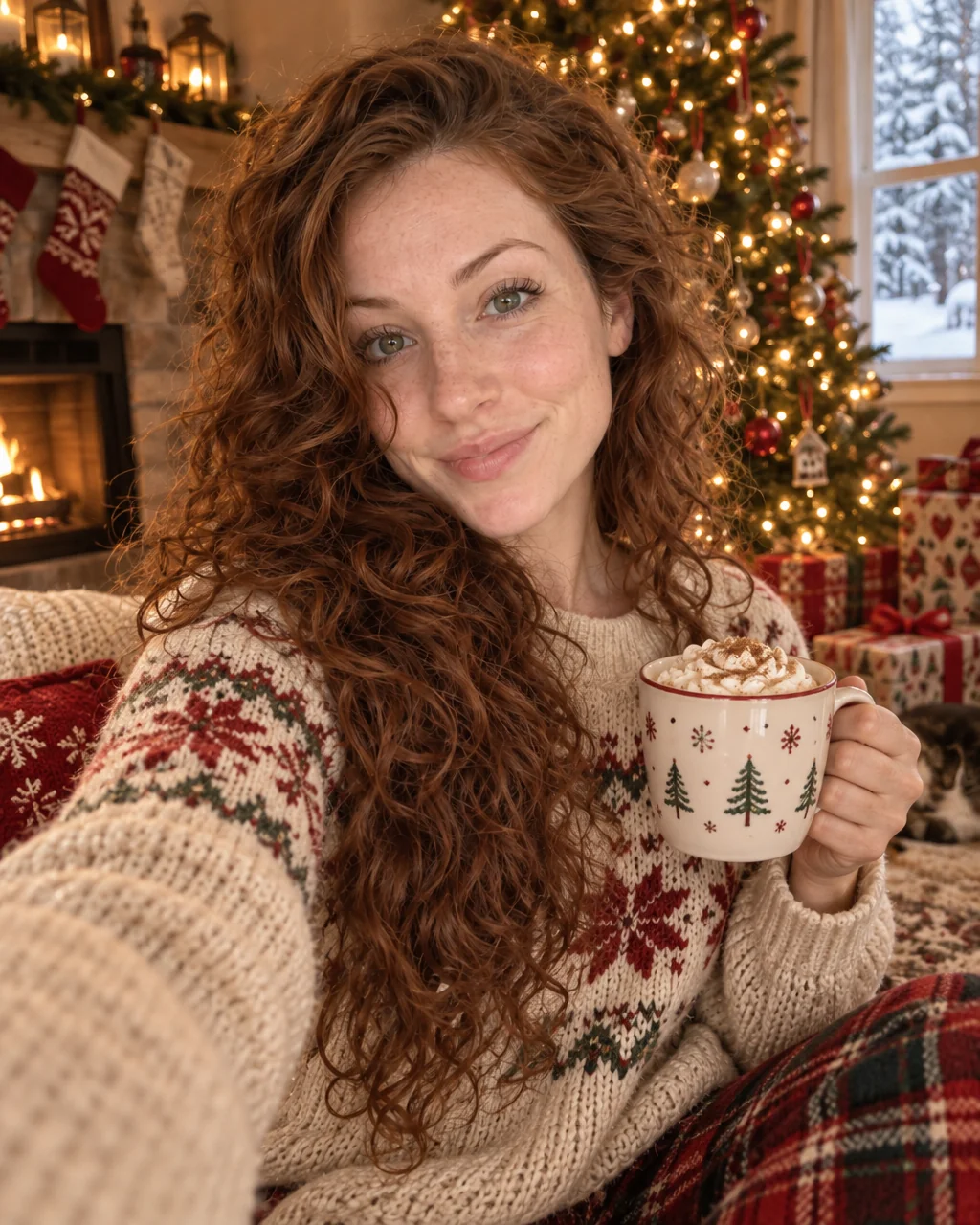
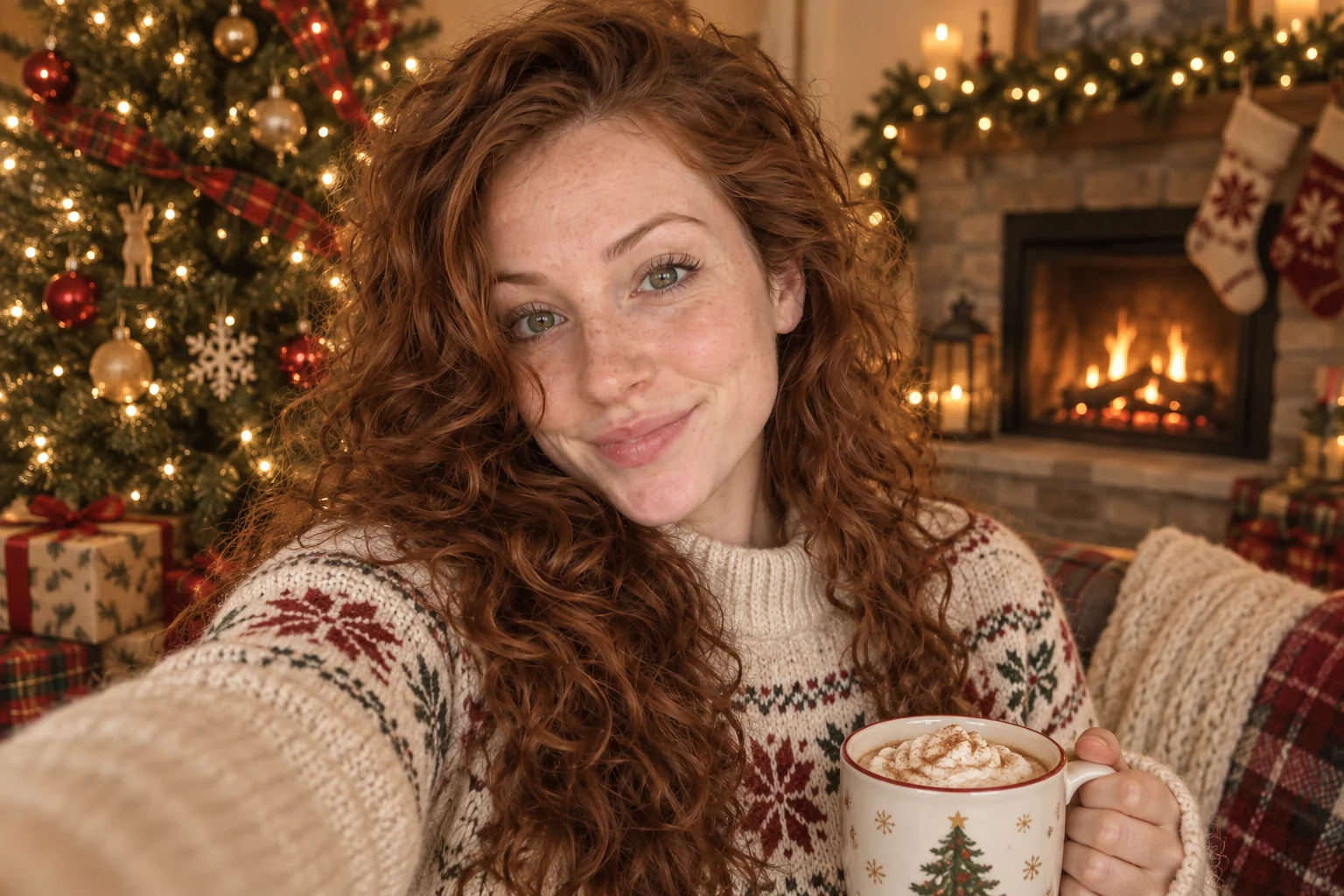
The card goes to print in November and the tree is not up, the sweater is at the cleaners and the kids will not sit still. Holiday card photos from the Studio put you in a cozy knit beside a decorated tree with warm fairy lights and a soft fireplace, shot wide enough for a greeting to fit.
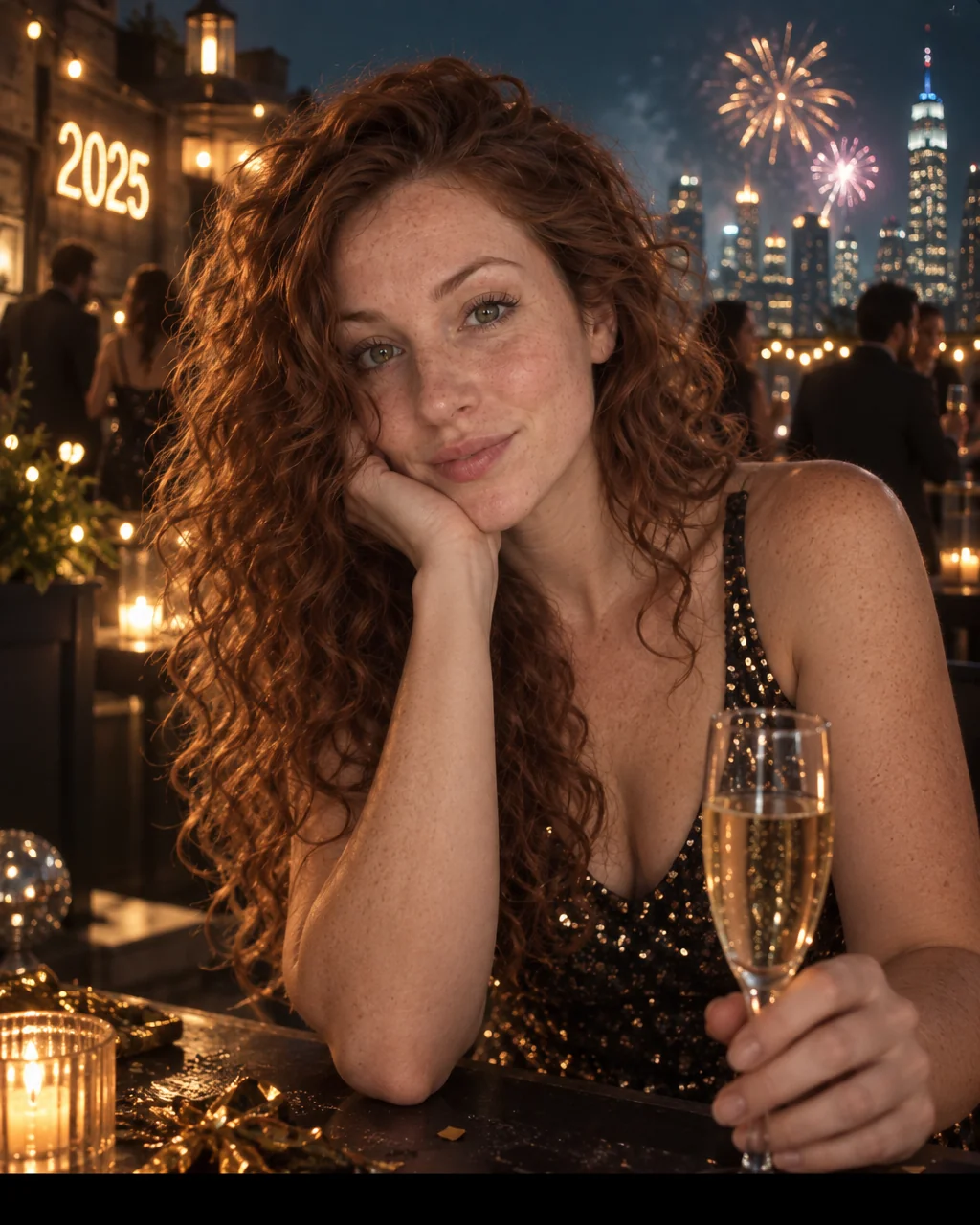
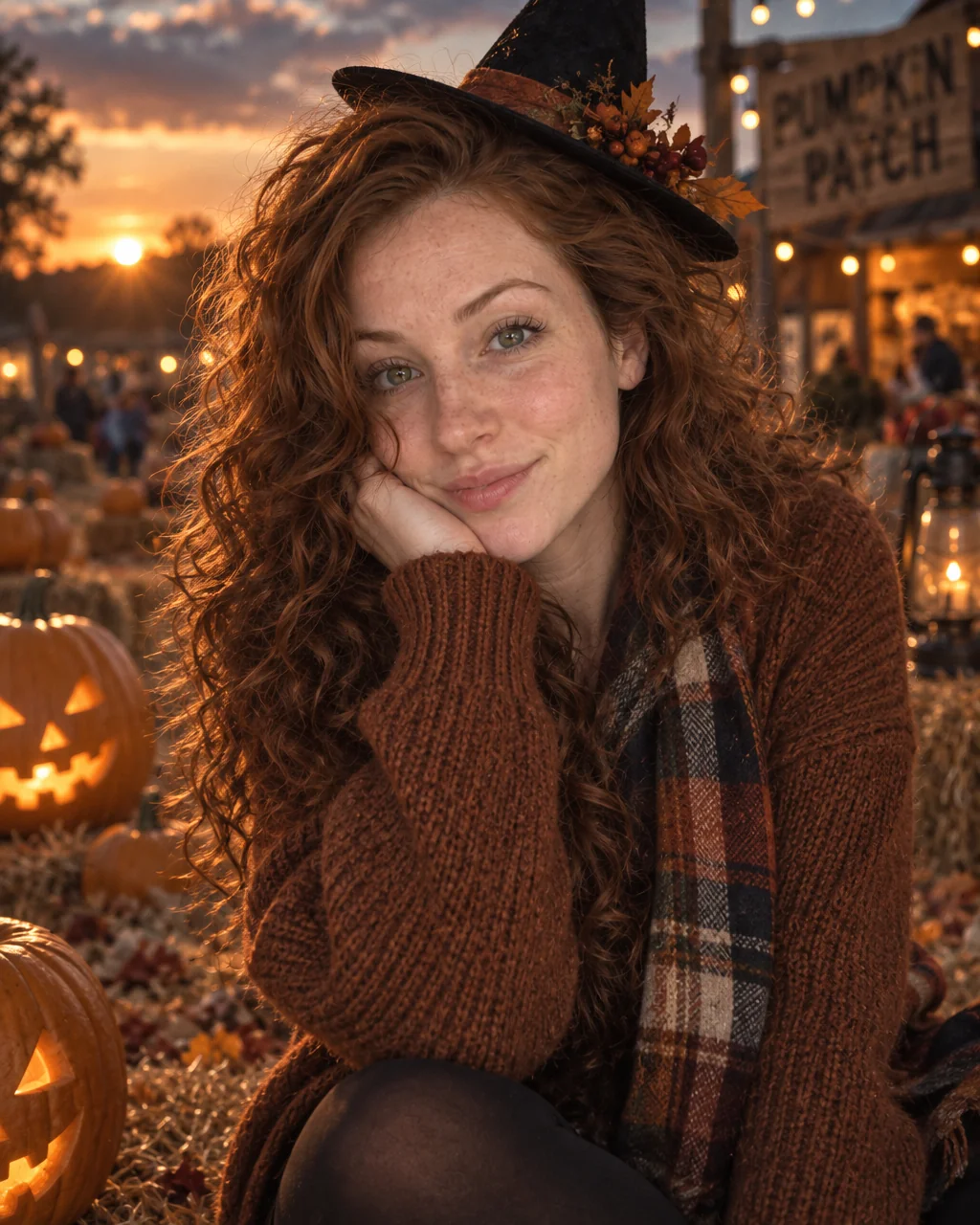
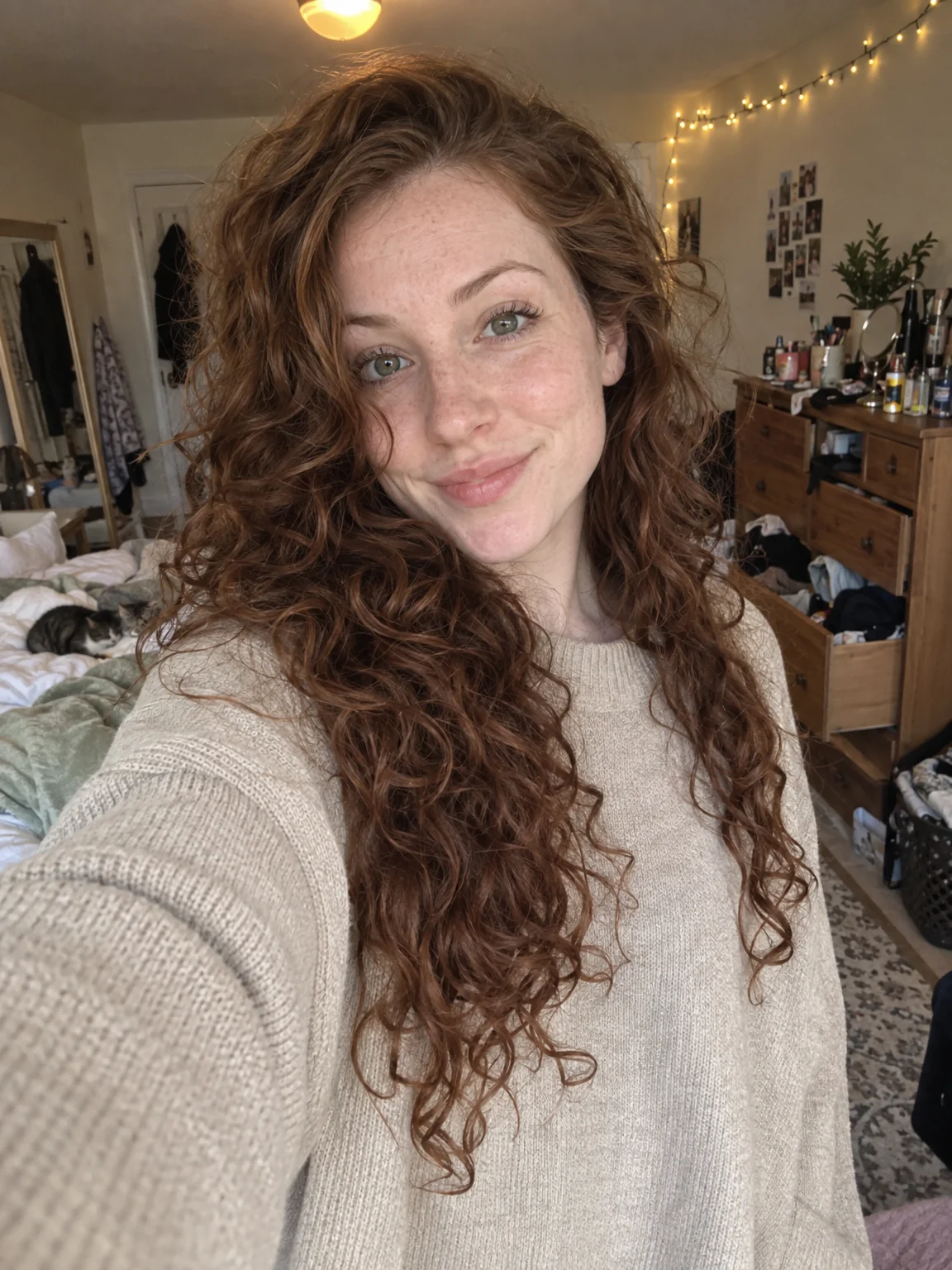
You want the card photo done in an evening, in a photo that already leaves room for the message and the year. The Holiday Card preset carries the wardrobe, the setting and the light of the occasion; your selfies carry the person, so holiday card photos show you at the moment rather than a model. Retouch the keeper among your holiday card photos, expand it to a card or banner ratio, and upscale it once before it goes to print or to the family group chat.
4 free credits — one Standard run of any tool. No card needed.
Made for when
- The print deadline arrives before the decorations do
- Last year's card photo was a hallway selfie with a filter
- You want the family in one photo and they are in three cities
- Card layouts need a wide photo and you only have tall ones
Step by step
- 01
Start AI Photoshoot on the Holiday Card preset with a few selfies
This is the shoot itself — holiday card photos rendered around your own face in seconds.
AI Photoshoot - 02
Give the best result a light Face Retouch
A restrained pass that evens skin and brightens eyes without the plastic look of a filter.
Face Retouch - 03
Expand the picture to the card or banner ratio
Holiday card photos often need a different shape for cards and banners; the scene continues seamlessly.
Expand Photo