Life moments
Maternity photos, no photographer
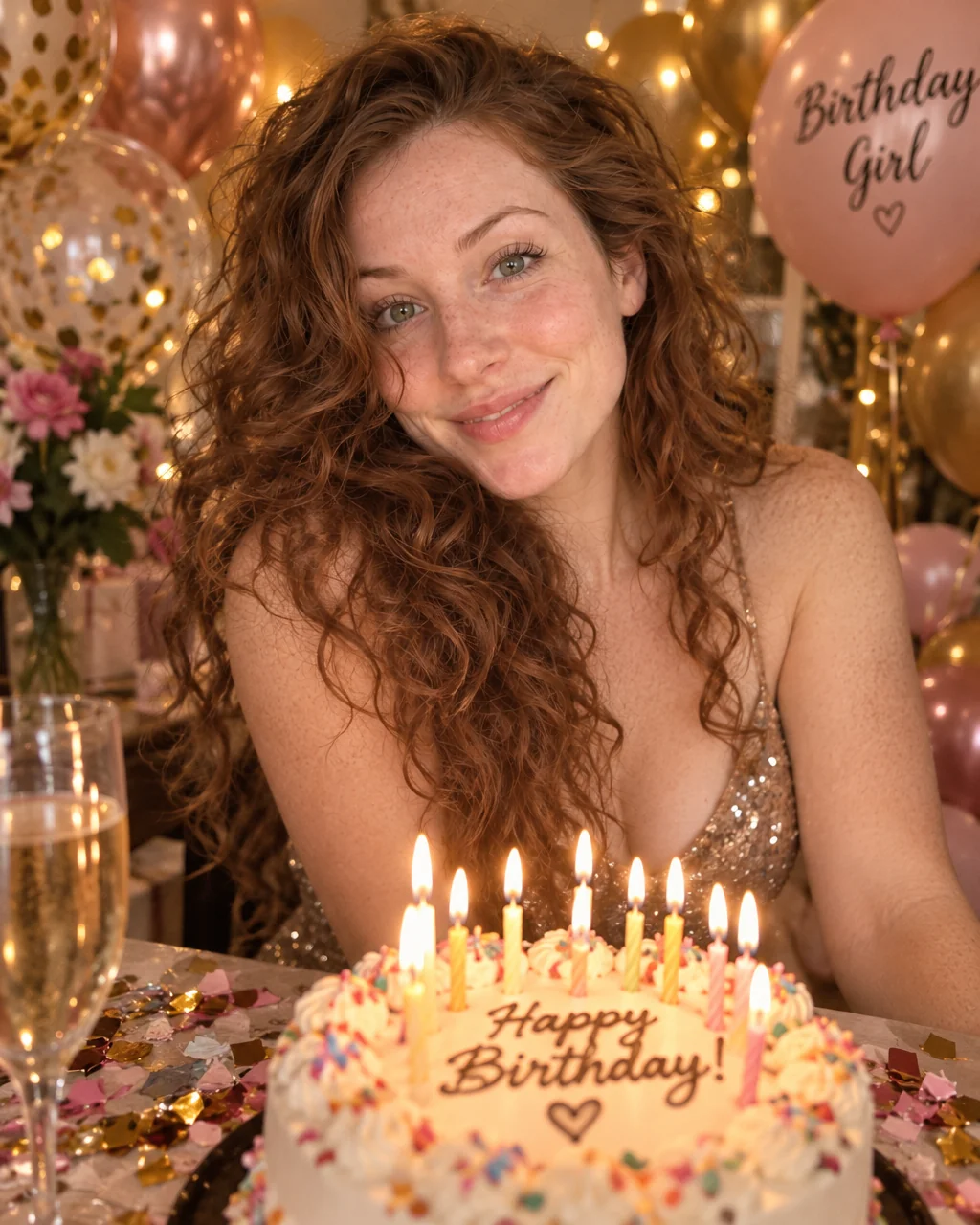
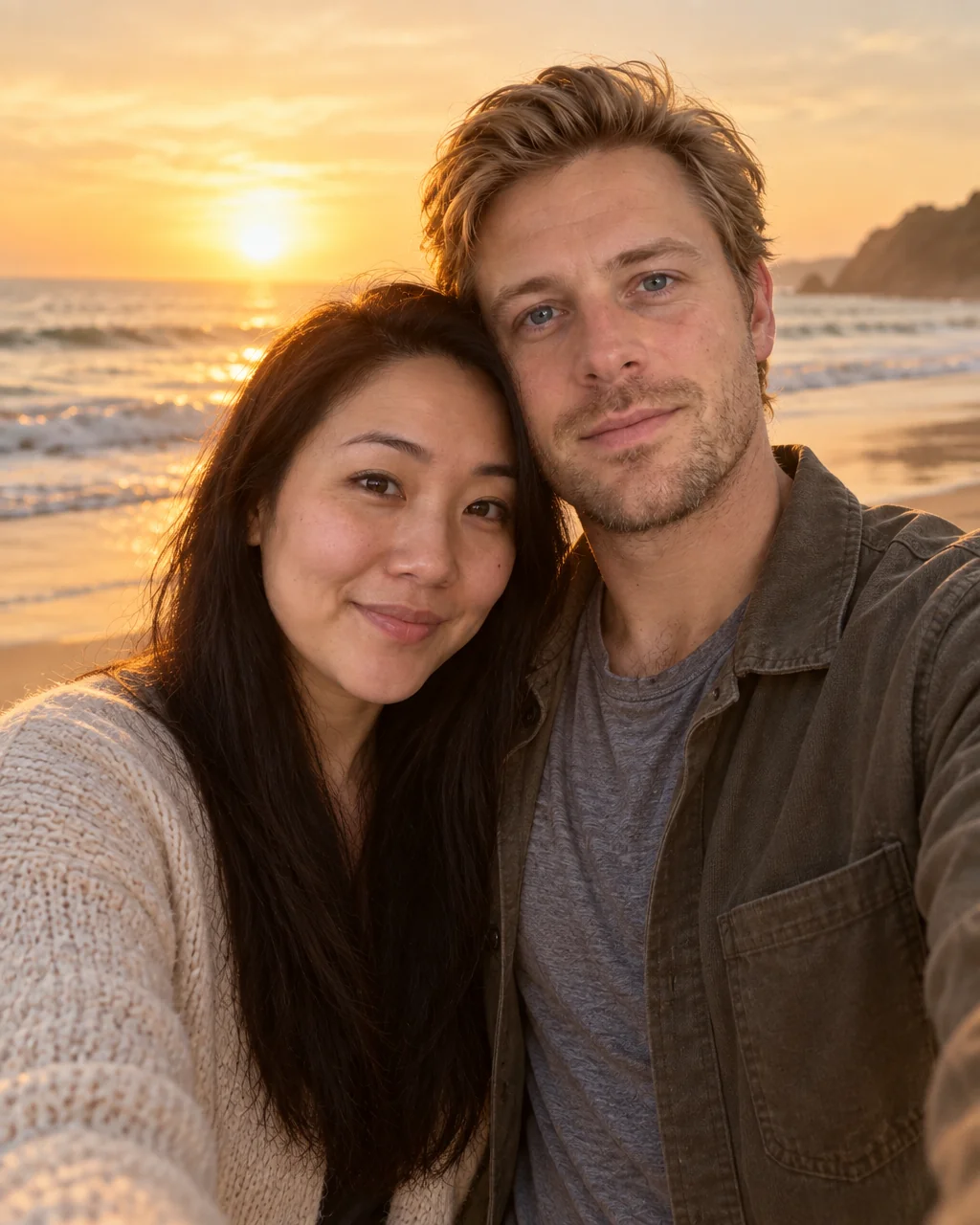
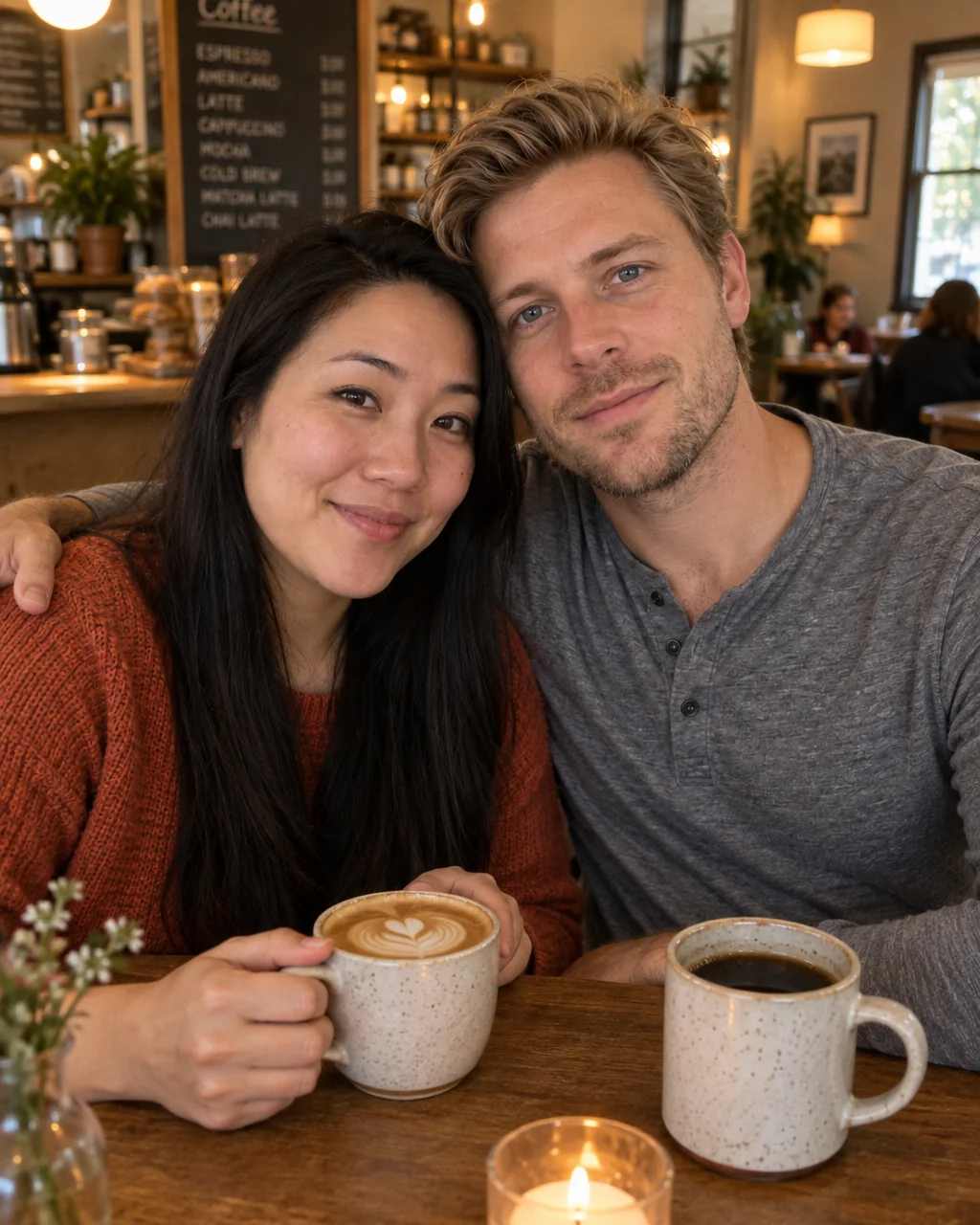
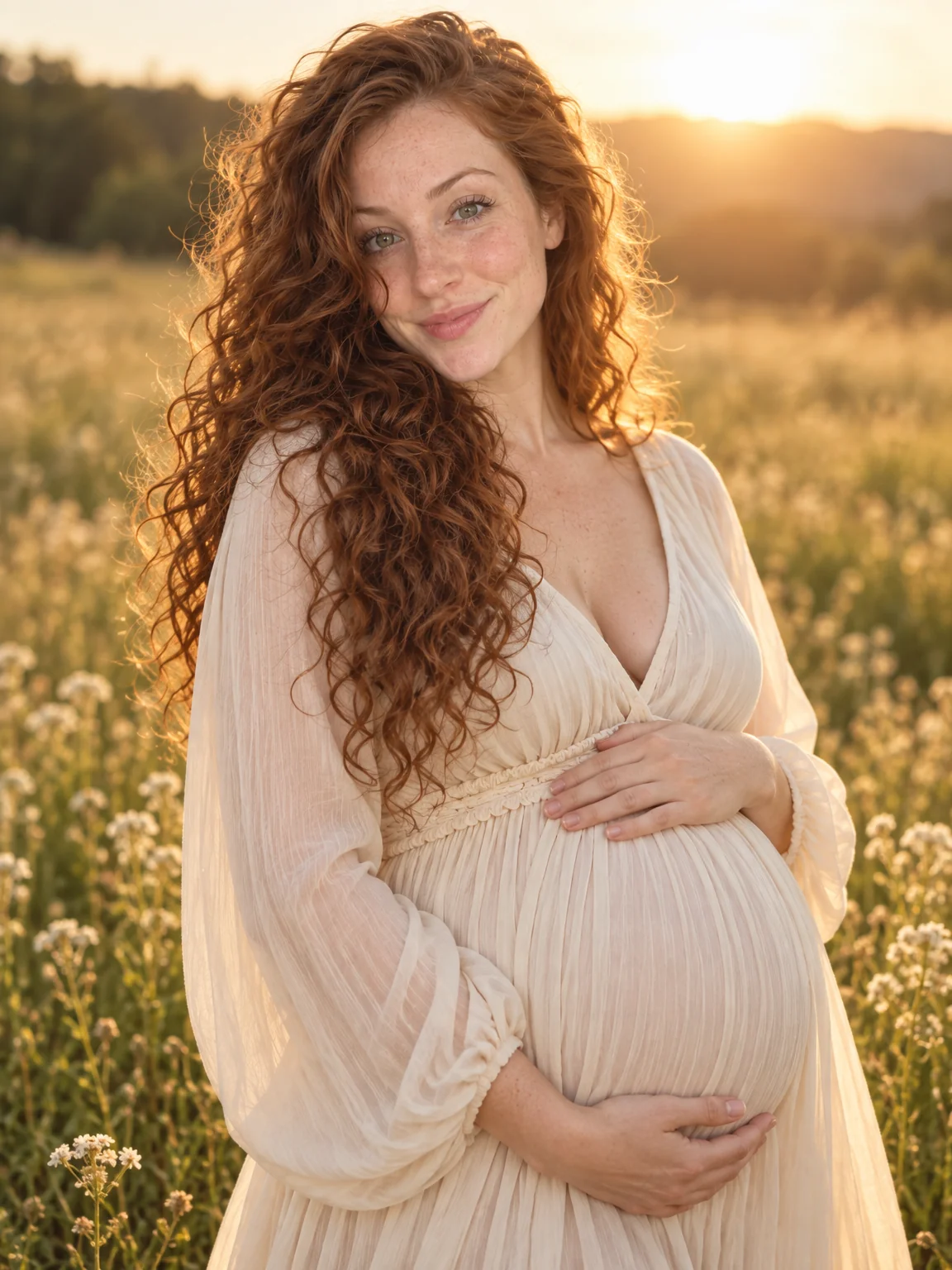
Maternity shoots get chosen for the one week when the bump is right and the body is tired, in a meadow that is an hour away. Maternity photos from the Studio bring the golden-hour backlight, the flowing dress and the tender, hands-on-bump composition to a selfie taken on the sofa.
You want the soft, timeless portrait of this season without the hour in the car and the hour standing in tall grass. Upload the selfies you have, choose the Maternity preset, and the studio renders maternity photos with your face, hair and skin tone kept exactly and the occasion built around you. When one of the maternity photos wins, send it to Expand Photo for the card layout and to Upscale for the framed print; both are one tap away under the result.
4 free credits — one Standard run of any tool. No card needed.
Made for when
- The photographer's next slot is after your due date
- You want the meadow-at-sunset look and it rained all month
- Standing for a shoot is the last thing your feet want
- You would like a partner in some photos and solo in others
Step by step
- 01
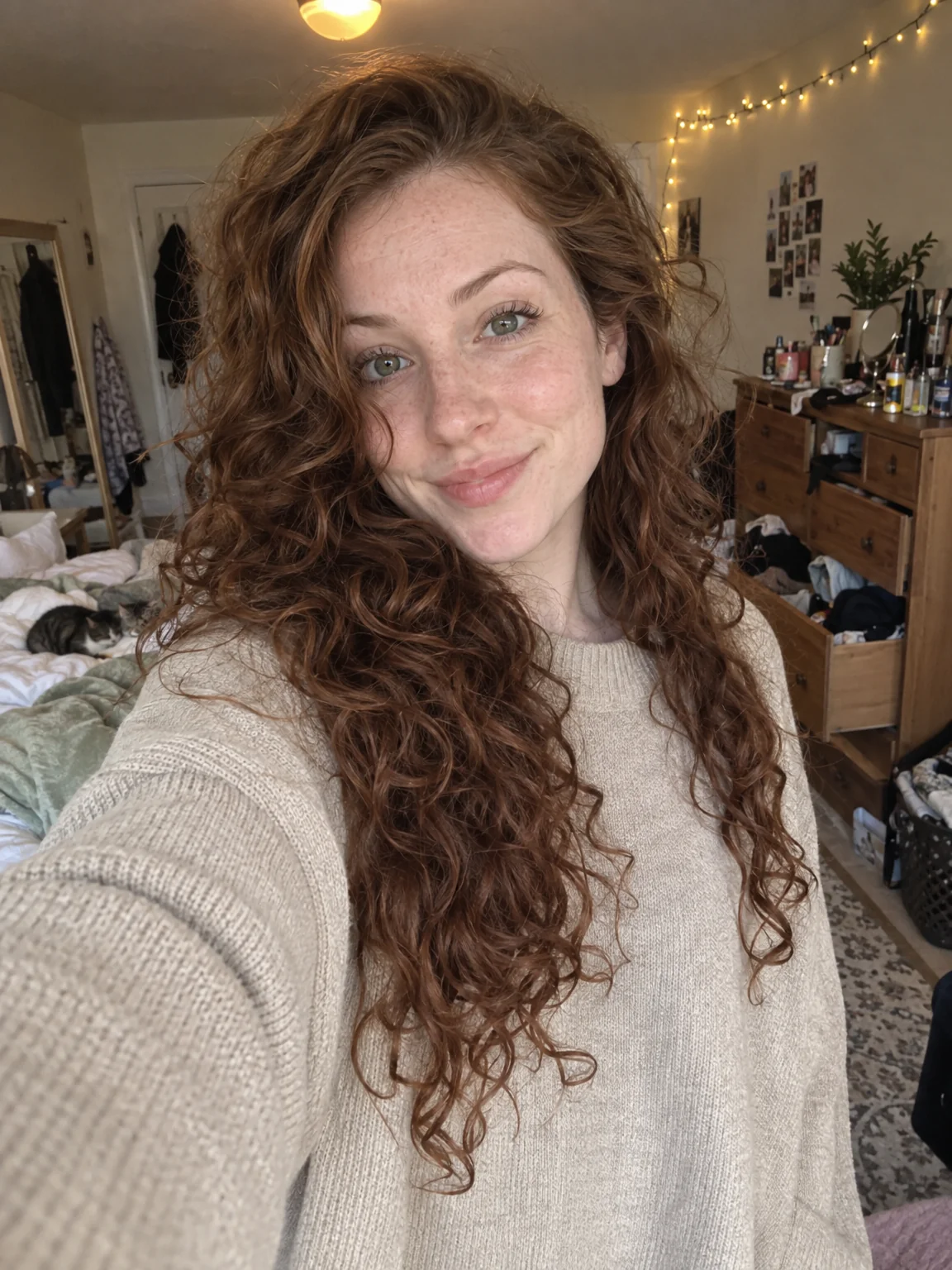
Start AI Photoshoot on the Maternity preset with a few selfies
The preset carries the framing, light and wardrobe for maternity photos; your selfies carry the likeness.
AI Photoshoot - 02
Give the best result a light Face Retouch
Blemishes and redness go while pores, freckles and moles stay, so the photo still looks like you.
Face Retouch - 03
Upscale the final photo for print
8 MP covers standard prints; 16 MP handles A3 and canvas — maternity photos deserve a photo.
Image Upscaler