
Fashion
From the hanger to a model, in seconds
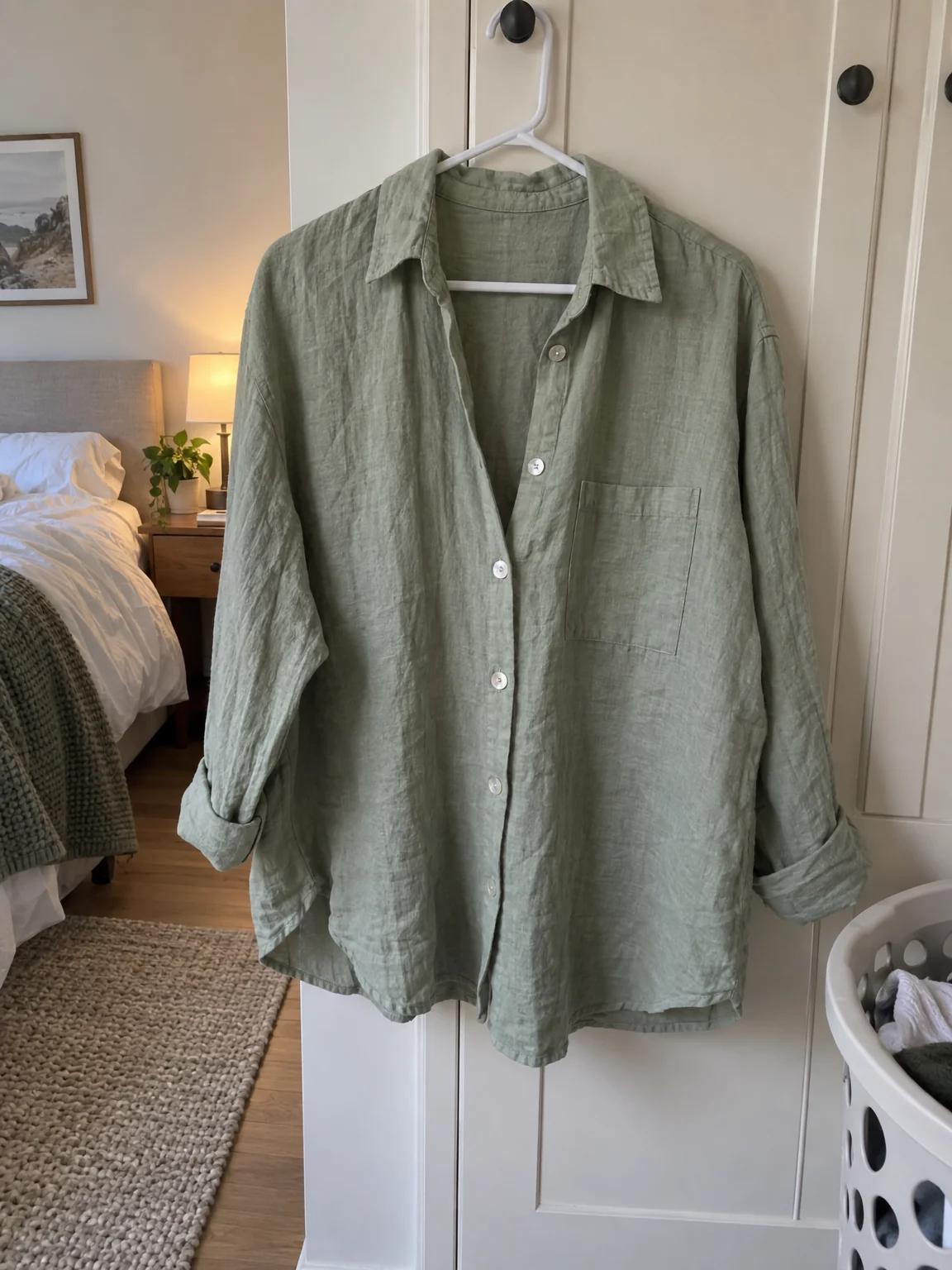
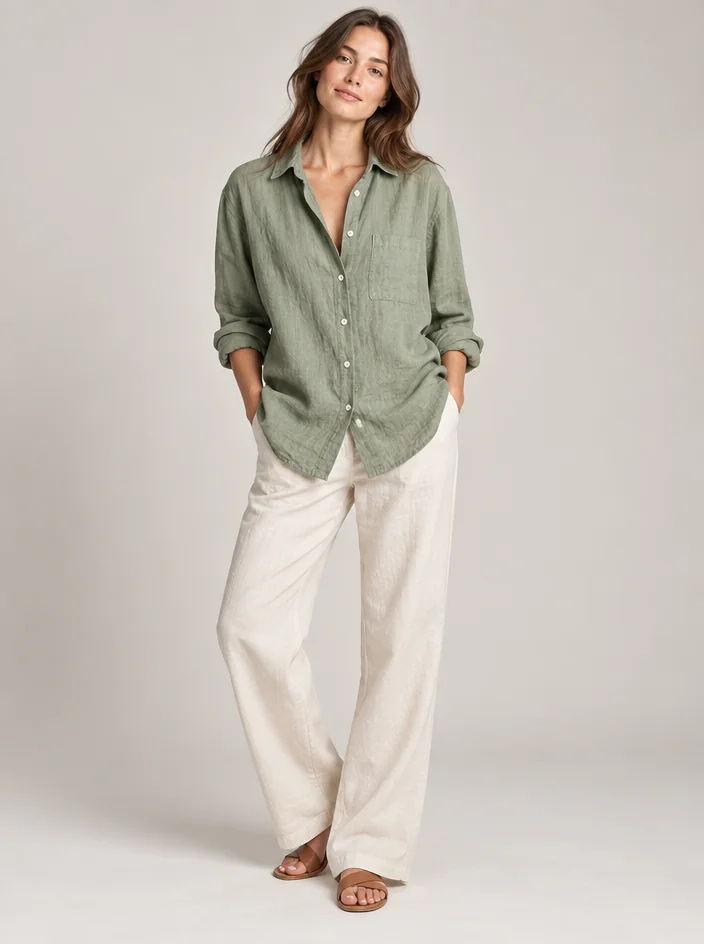
A dress on a hanger is information; a dress on a person is the photo someone wants to see. Clothing on model photos from the studio take one photo of a garment — on a hanger, on a mannequin, laid flat — and show it worn by a model in a studio, with the cut, the fabric, the print and the trims exactly as the piece you can hold.
You want a model shoot for a small label, a vintage rail or a single piece, without a model, a studio or a day. One garment photo is the only input: the studio fits the piece to a body with realistic seams, folds and drape and builds clothing on model photos around it. Run the same garment in a second scene or on a second model for a set, and keep every version of clothing on model photos together in Your photos.
4 free credits — one Standard run of any tool. No card needed.
Made for when
- Your rail photos are on hangers against a door
- A model shoot costs more than the run of the garment
- A new drop of eight pieces needs eight photos this week
- Fit and drape do not show on a hanger
Step by step
- 01
Run Clothing on Model on a hanger or flat photo
Describe the model in a sentence, or leave it to the studio.
Clothing on Model - 02
Try it on a real person with Virtual Try-On
A photo of the person and the garment; the person keeps their face and body.
Virtual Try-On - 03