Couples, family & pets
Family portraits, no photographer
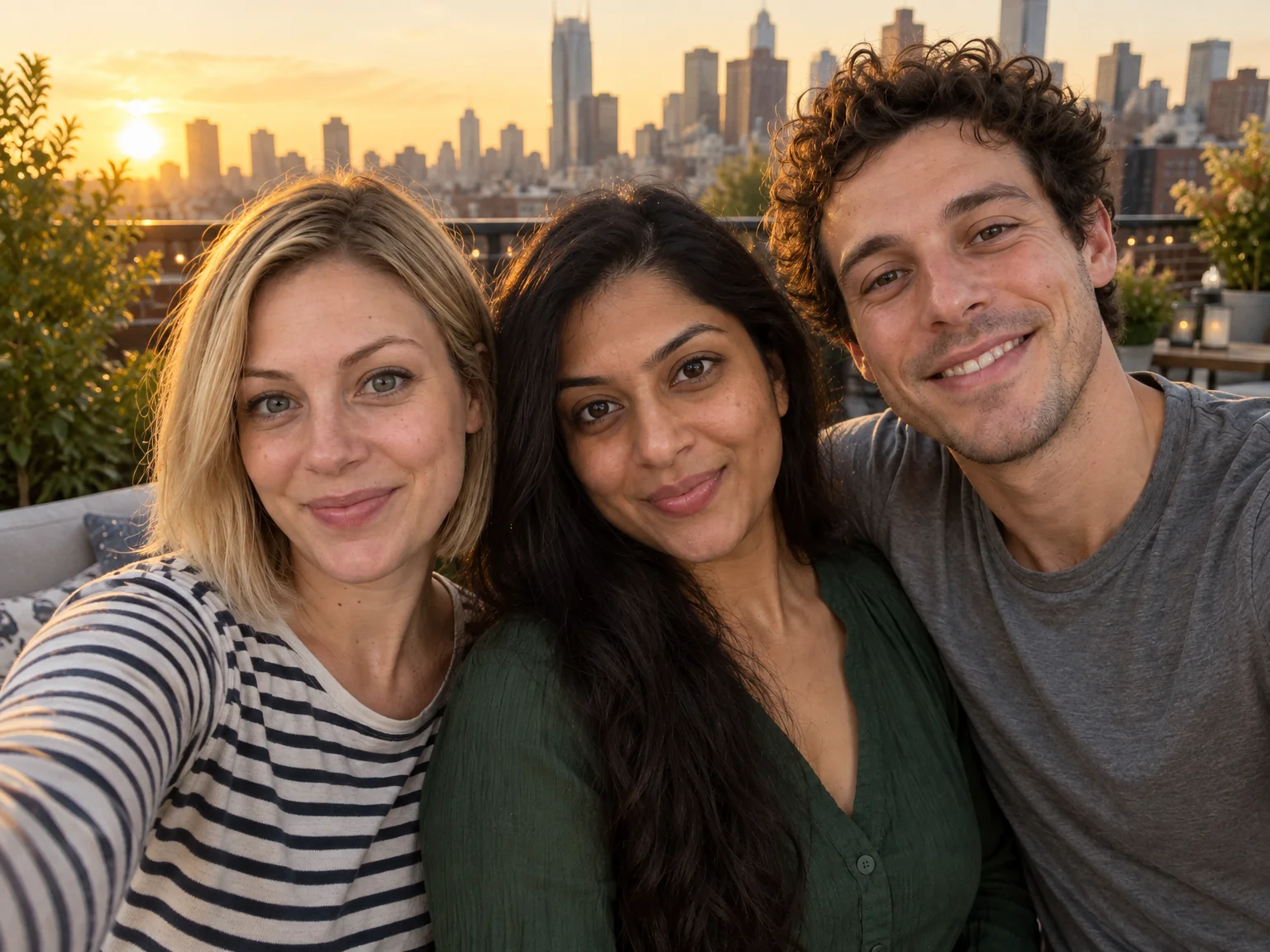
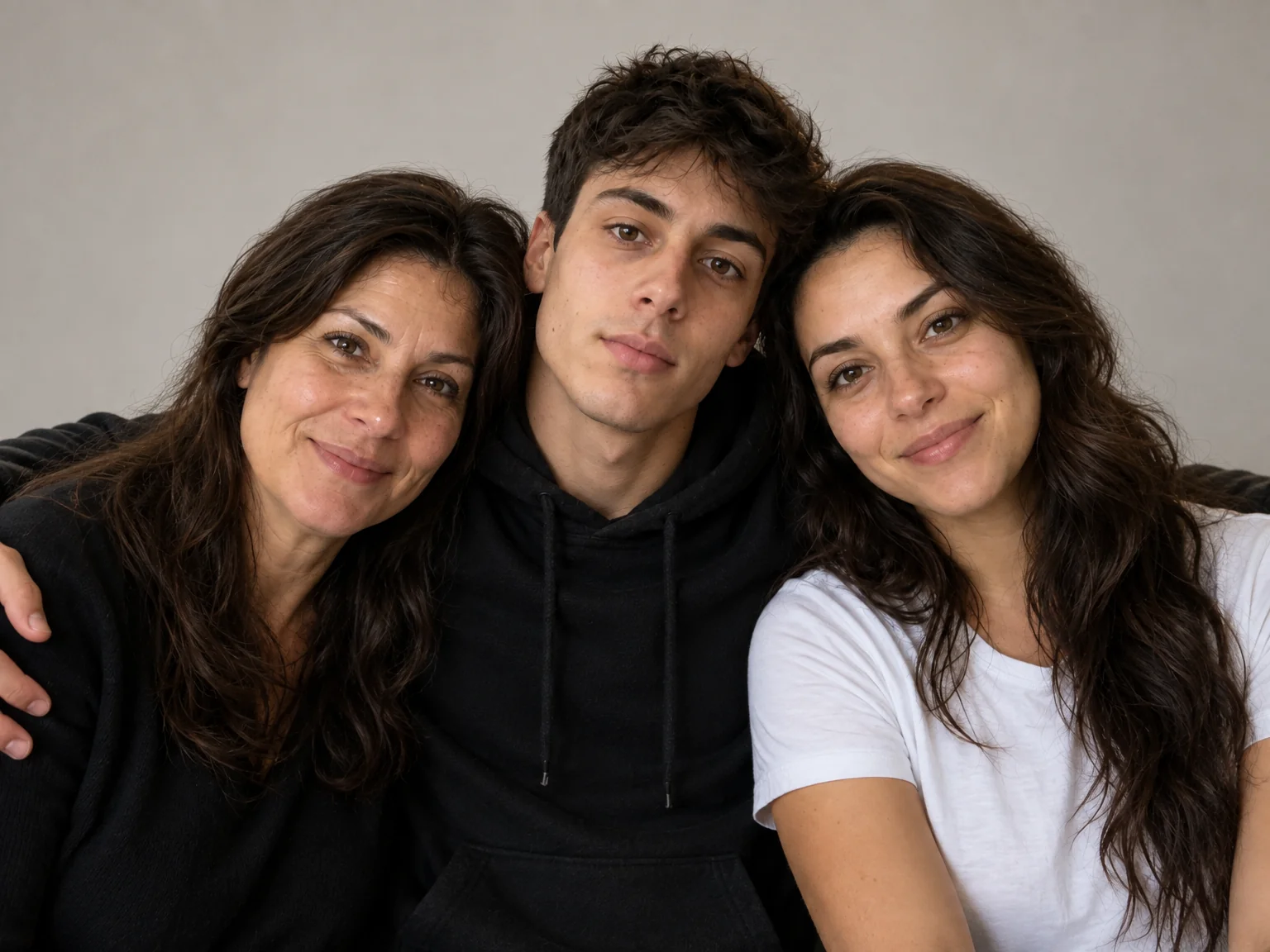
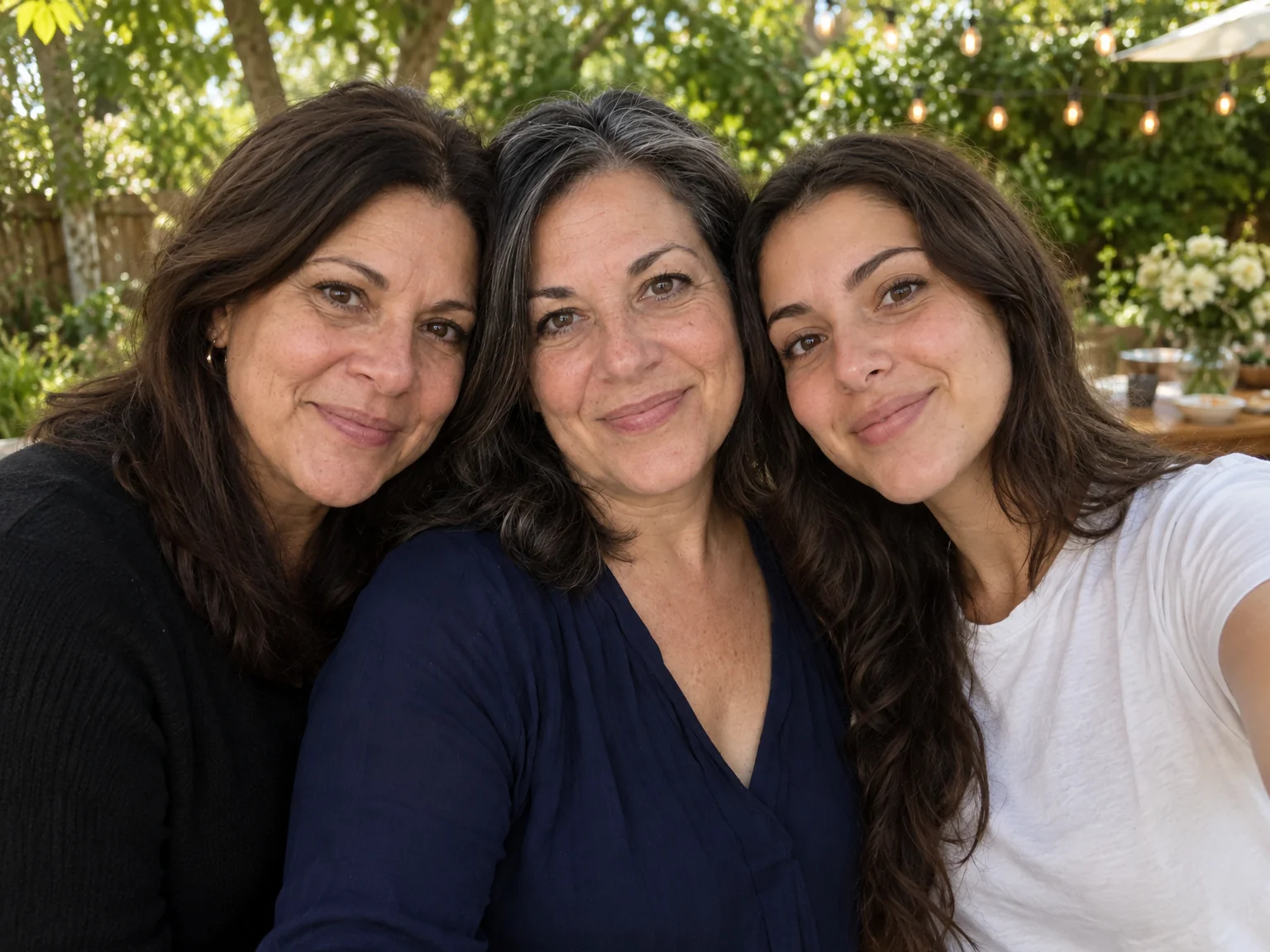
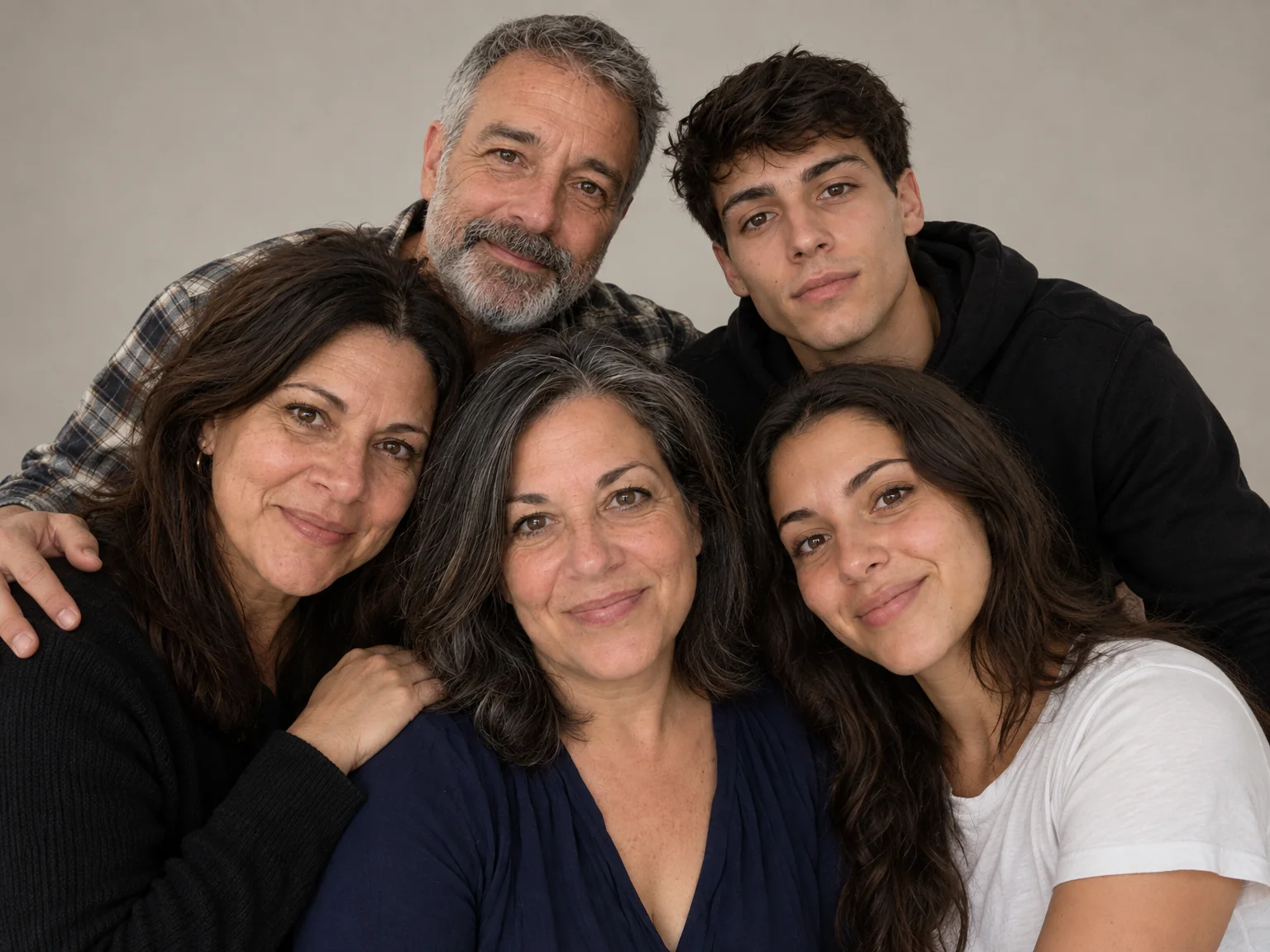
The whole family in one photo requires the whole family in one room, which last happened at a funeral. Family portraits from the Studio compose two to four people from separate photos onto a seamless studio backdrop, in even flattering light, each face exactly its own.
You want the portrait for the wall, the card and the grandparents, assembled from photos sent in from wherever everyone is. Nobody has to be in the same room: separate photos go in, and family portraits come out with every face and every coat kept exactly recognizable. Once the arrangement feels right, a light Photo Retouch and a print-size upscale finish family portraits for the wall.
4 free credits — one Standard run of any tool. No card needed.
Made for when
- Siblings in three cities and one parent who hates having photos taken
- The studio shoot ended with a toddler on the floor
- The card needs everyone and someone is always missing
- You want a classic, timeless portrait rather than a phone snap
Step by step
- 01
Make a Group Photo from one photo per person
Everyone arrives from their own photo and leaves in family portraits with consistent light and scale.
Group Photo - 02
Correct an expression with Expression Changer
Eyes, cheeks and brows change together so the fix reads as natural.
Expression Changer - 03
Expand the picture for a card layout
Family portraits usually need room for a greeting; the scene extends without cropping anyone.
Expand Photo