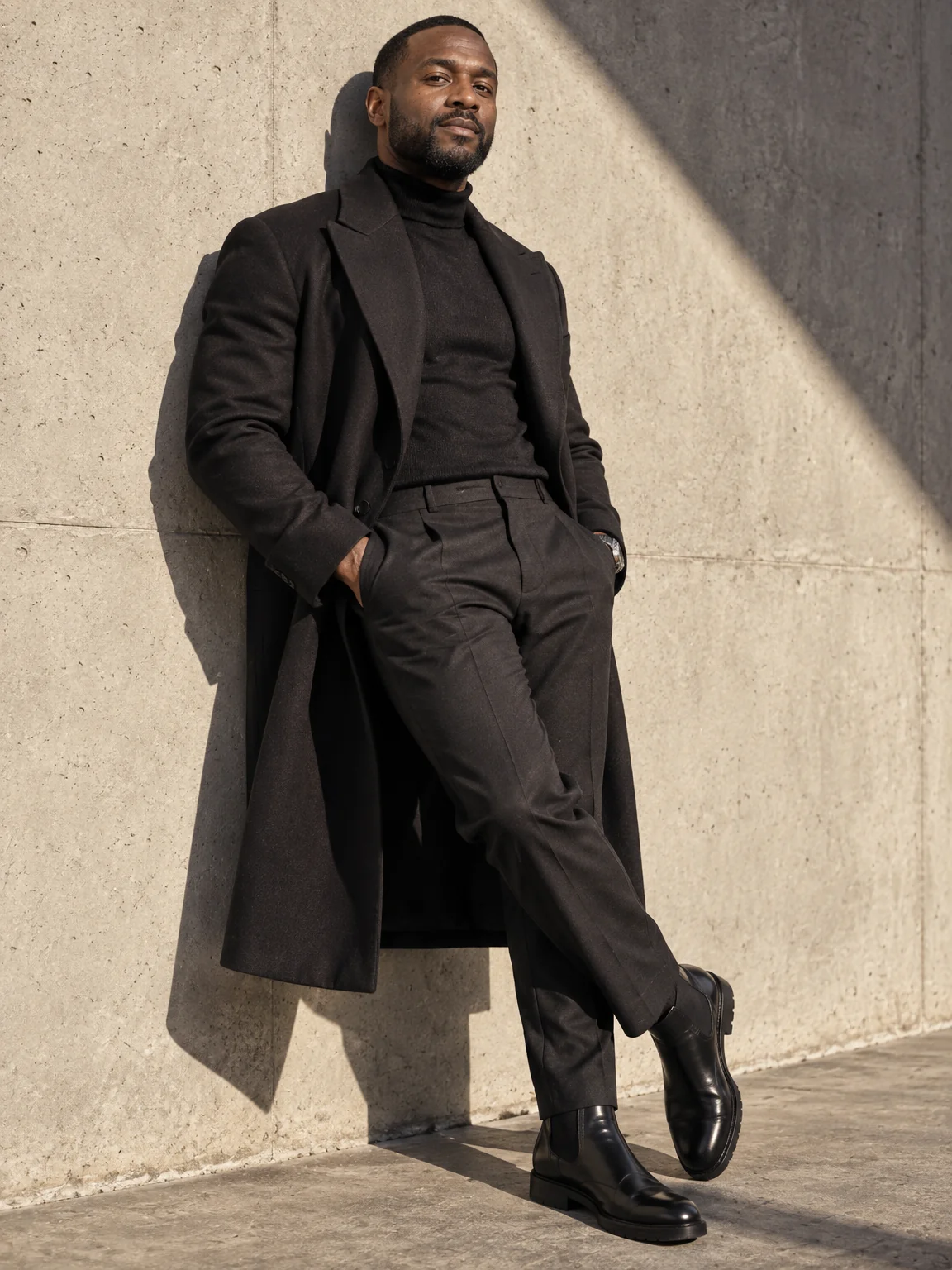
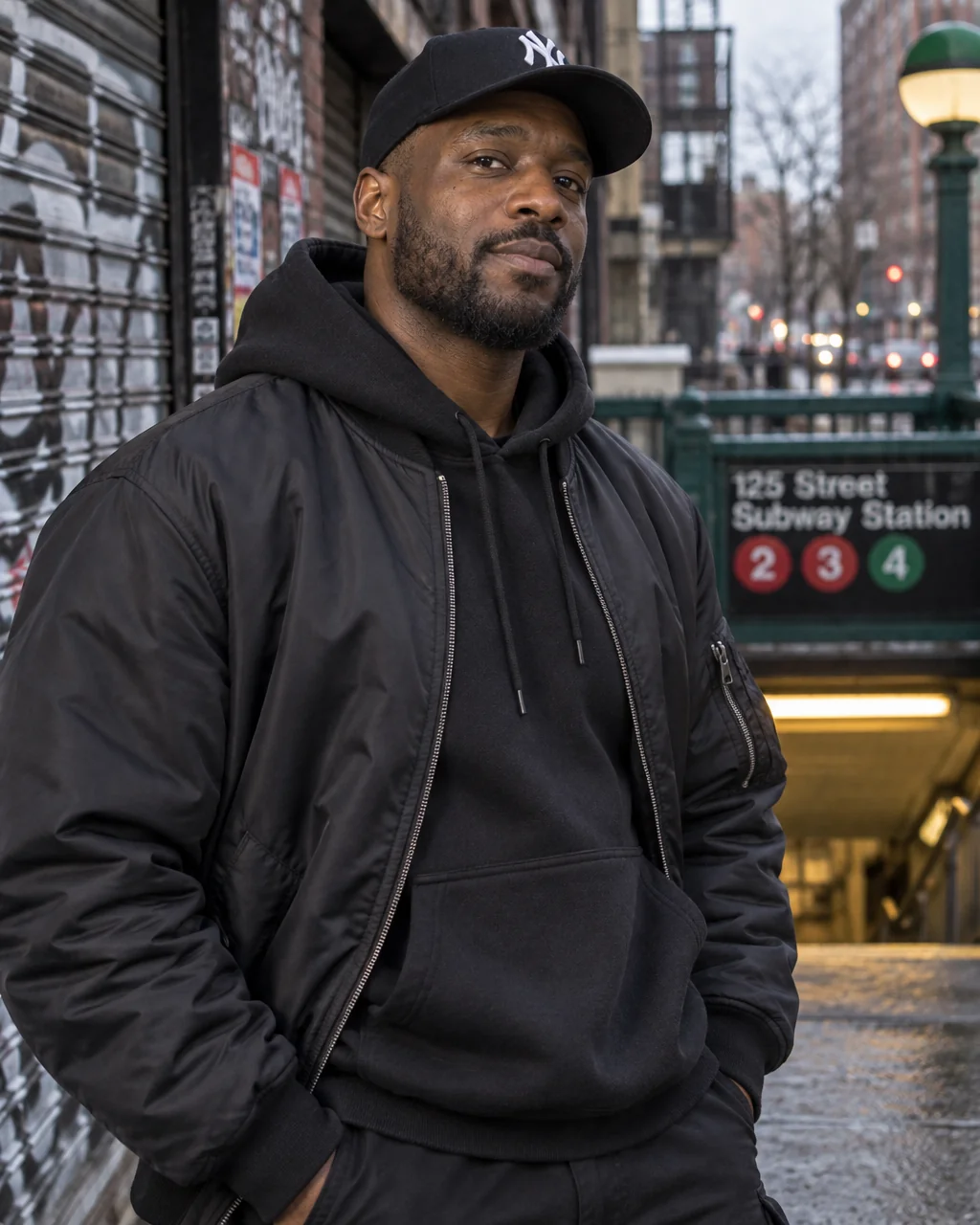
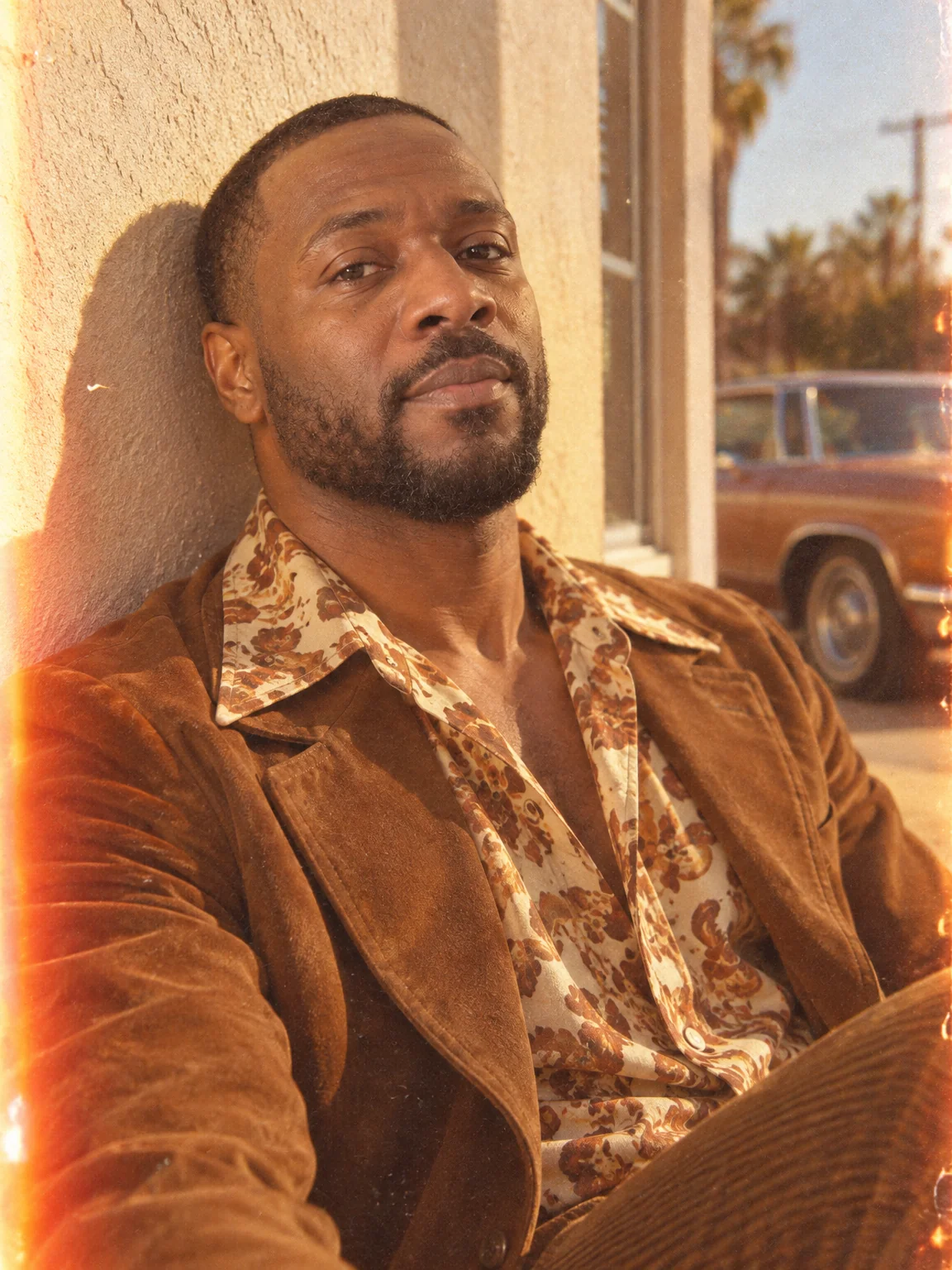
Style shoots
Renaissance portraits, no photographer
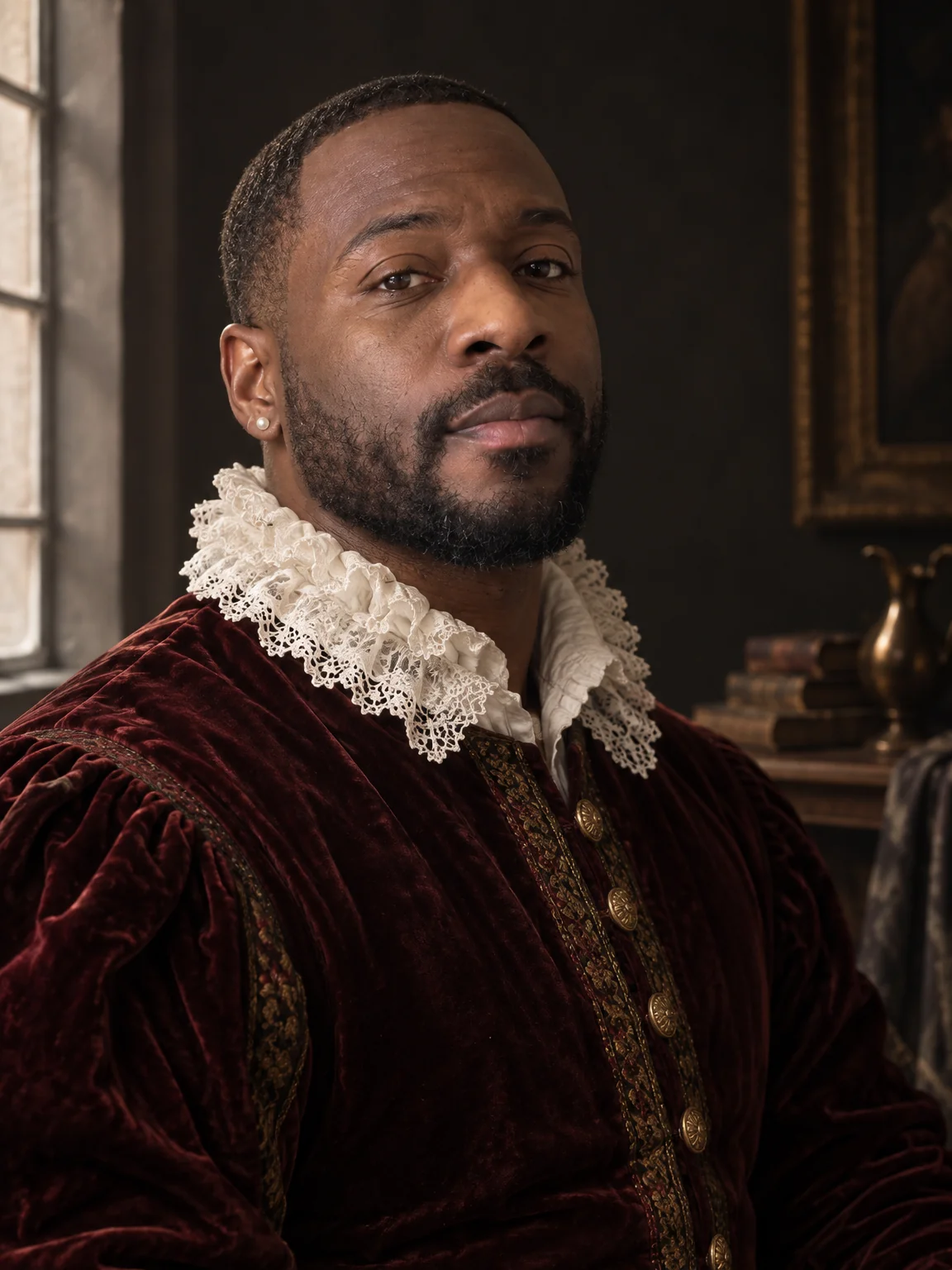
Chiaroscuro from one north window, a dark backdrop, velvet and a lace collar, pearls, the stillness of a sitter who has been holding the pose for an hour: the Renaissance portrait is the oldest kind of studio photograph. Renaissance portraits from the Studio put you in that light and wardrobe, photographed rather than painted.
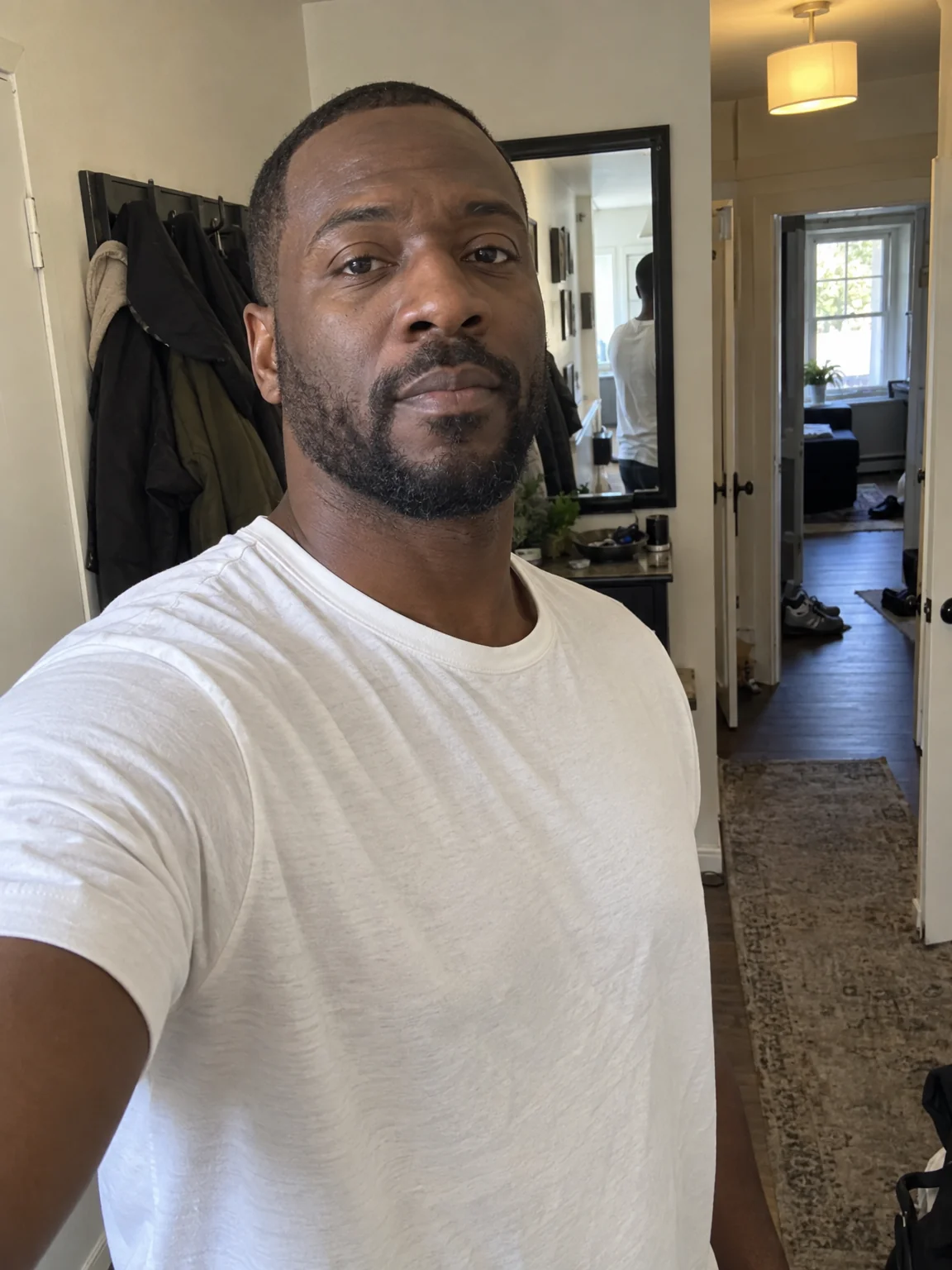
You want an old-master portrait of yourself for a gallery wall, a gift or a profile with a sense of humor, with your real face at its center. Attach a few selfies, choose the Studio Portrait preset, and the studio returns Renaissance portraits with the lens, light and grade of that style wrapped around your own likeness. Try the same selfies across Renaissance portraits and two neighboring styles, compare them in Your photos, and finish the favorite with Relight and Upscale.
4 free credits — one Standard run of any tool. No card needed.
Made for when
- A gallery-wall joke that also happens to be beautiful
- Themed events and museum nights want a portrait that commits
- Painted-style apps lose your face; you want it kept
- Velvet, lace and chiaroscuro are not things a phone does
Step by step
- 01
Open AI Photoshoot, attach your selfies, select Studio Portrait
This is the shoot itself — Renaissance portraits rendered around your own face in seconds.
AI Photoshoot - 02
Retouch the keeper with Face Retouch
Small marks and flyaways disappear; the geometry of your face does not change.
Face Retouch - 03
Adjust the mood with Relight or Time of Day
Twenty lighting setups let Renaissance portraits go softer, warmer or more dramatic after the fact.
Relight Photo