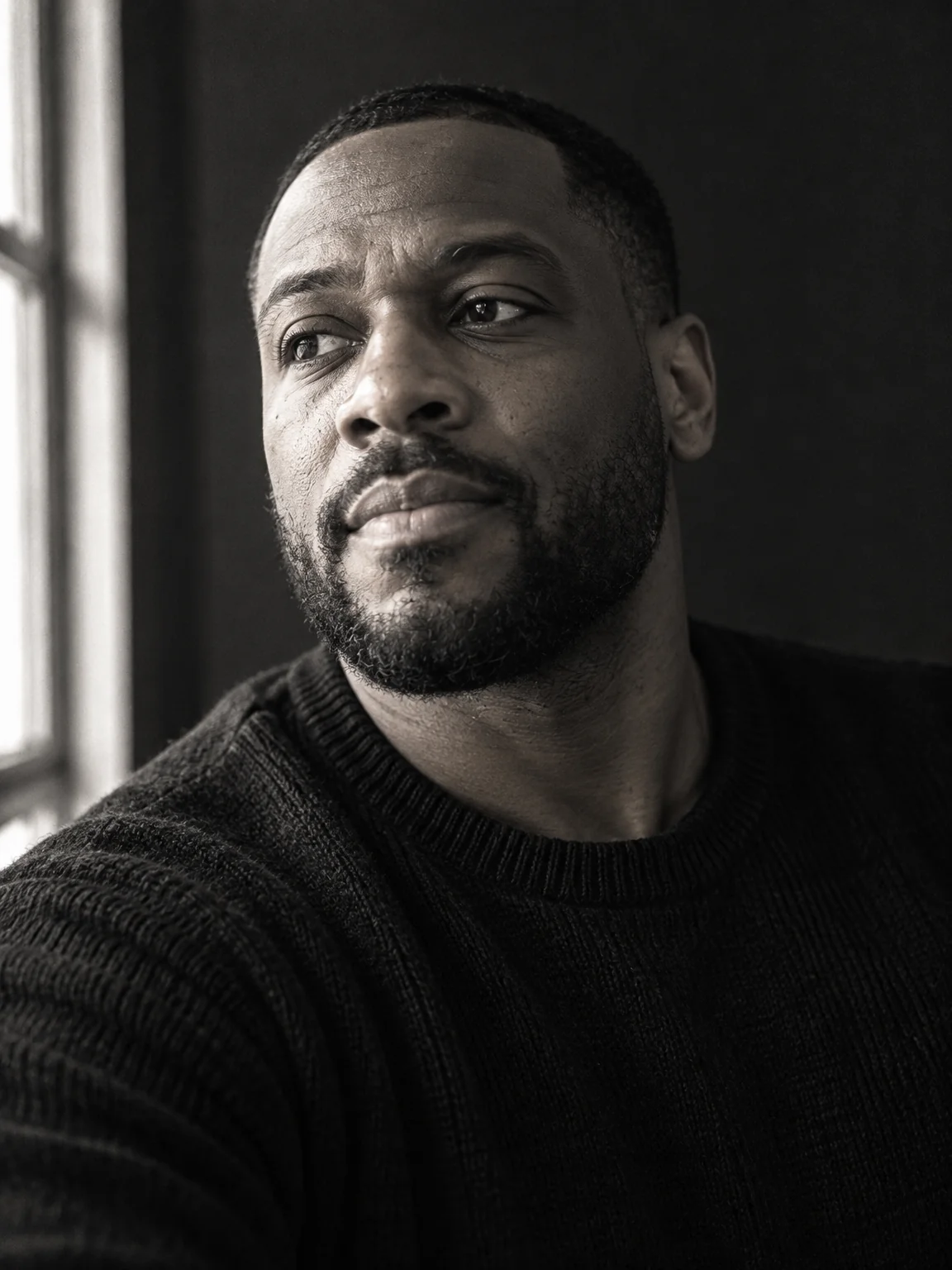
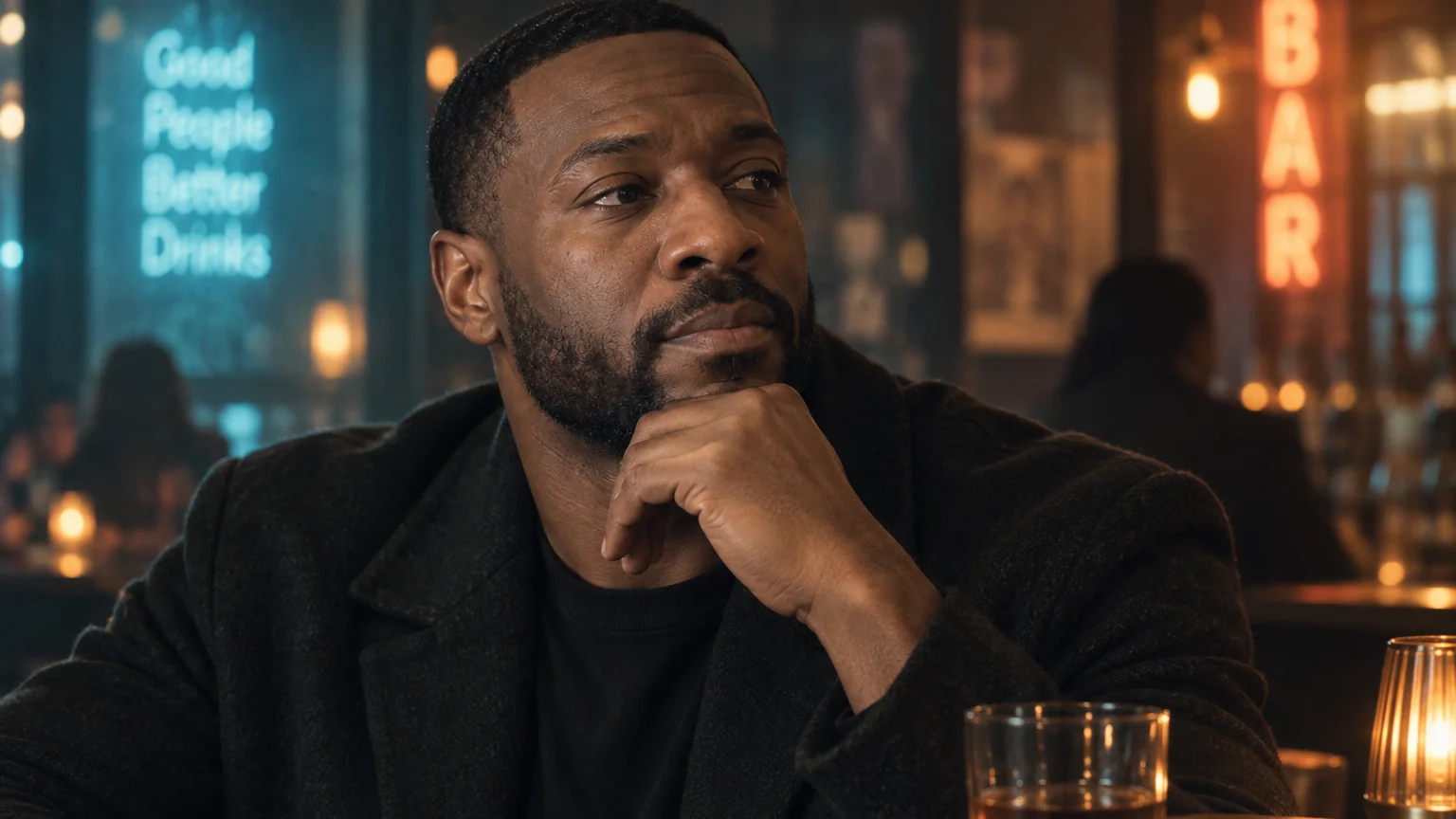
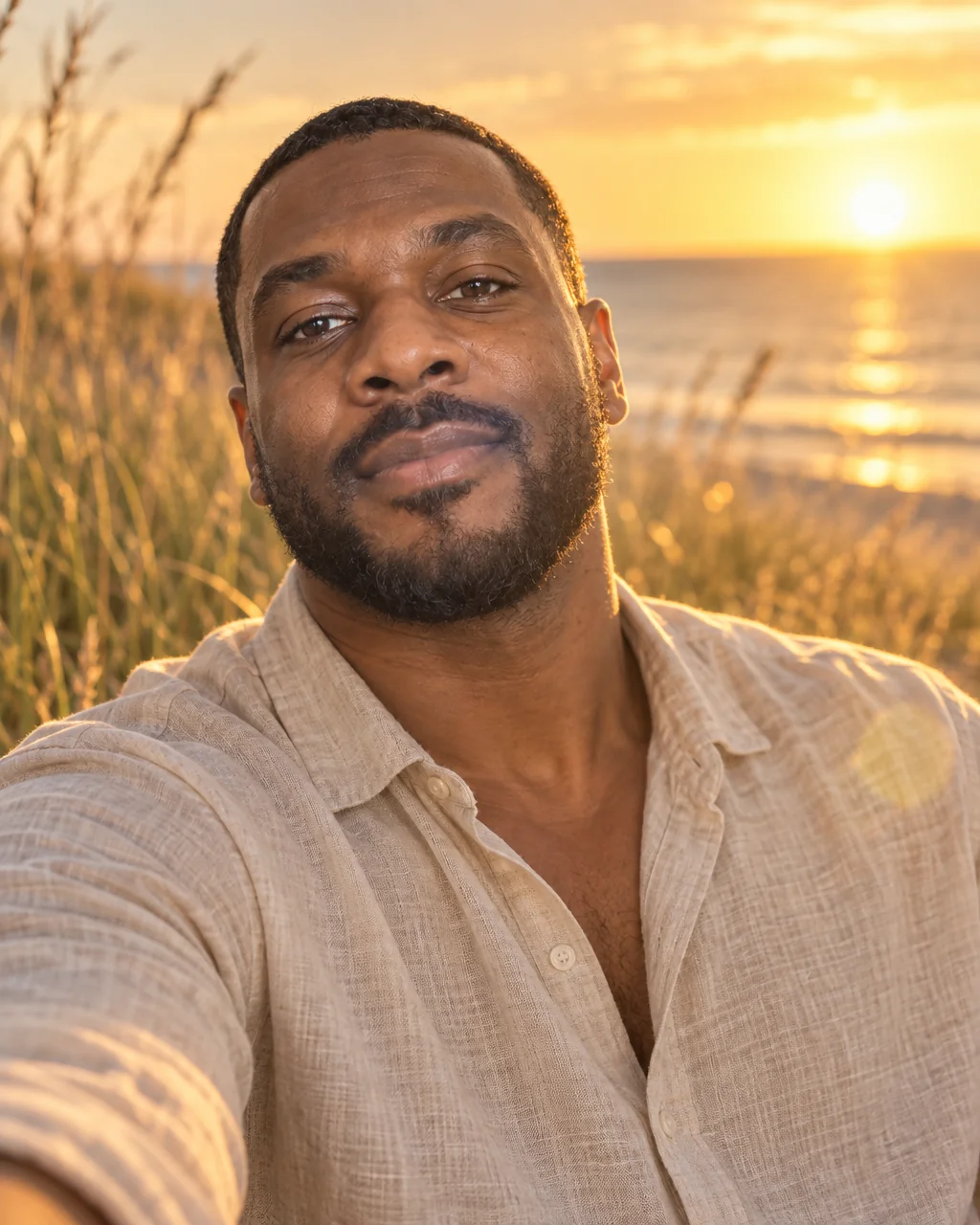
Style shoots
Vintage film portraits, no photographer
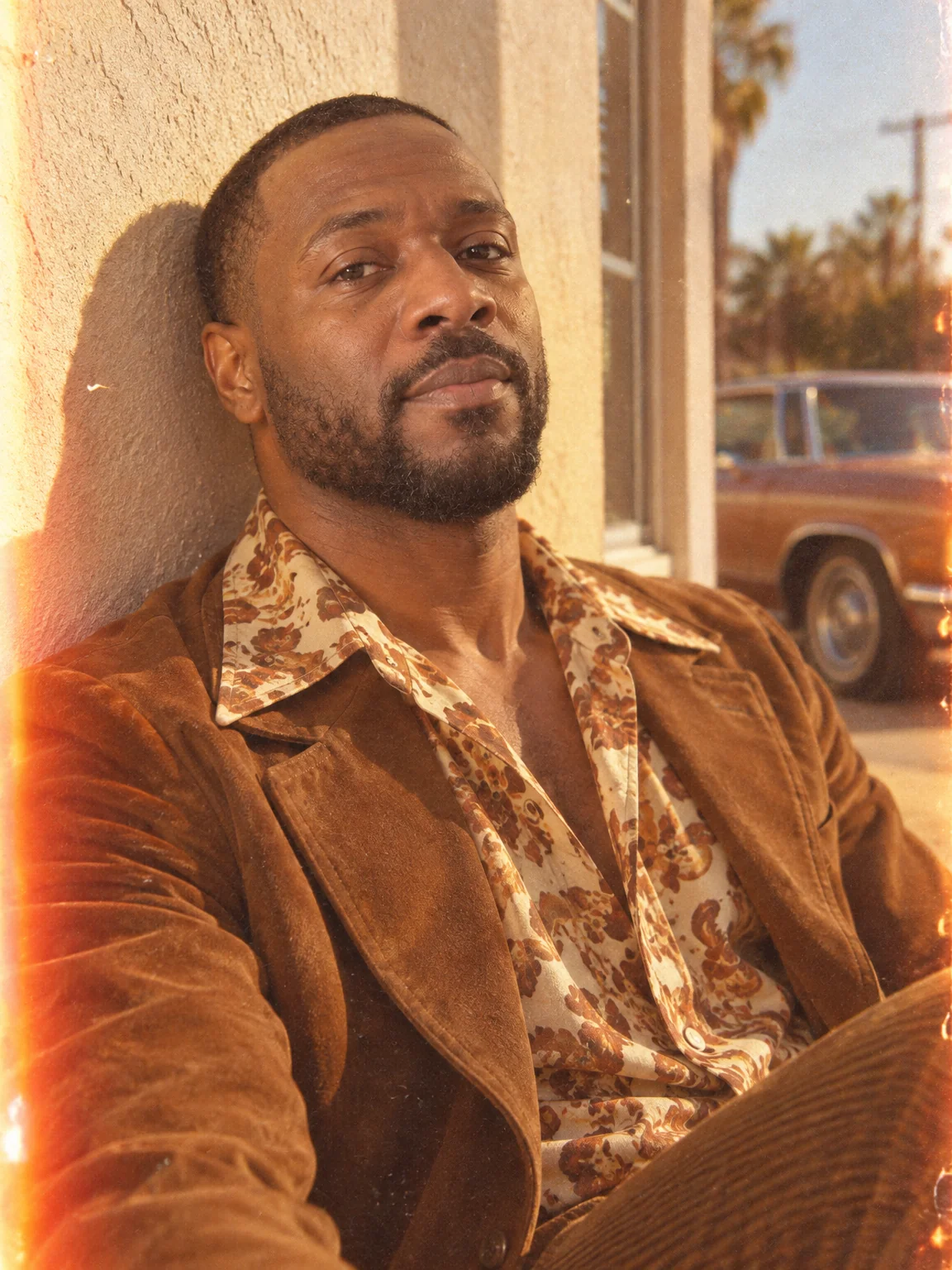
There is a warmth to a 1970s color negative that no filter quite reaches: faded tones, halation around the highlights, a light leak at the edge, earth-colored clothes against a sun-drenched wall. Vintage film portraits render your selfies as if they were shot on that stock and printed in that decade.
You want the analog look with the real grain and the real imperfections, from a phone photo taken this morning. The Vintage Film preset is a full brief — pose, wardrobe, backdrop, lighting, color grade — and your selfies are the only thing it needs to make vintage film portraits of you. When vintage film portraits land, describe a tweak with Edit with words — a different jacket, deeper shadows — and upscale the final version for print.
4 free credits — one Standard run of any tool. No card needed.
Made for when
- Film presets on your phone look like a filter, not a print
- You want the outfit and the wall to match the era, not just the tones
- Real film costs money and the good labs take weeks
- A themed series for the grid needs consistent grain and color
Step by step
- 01
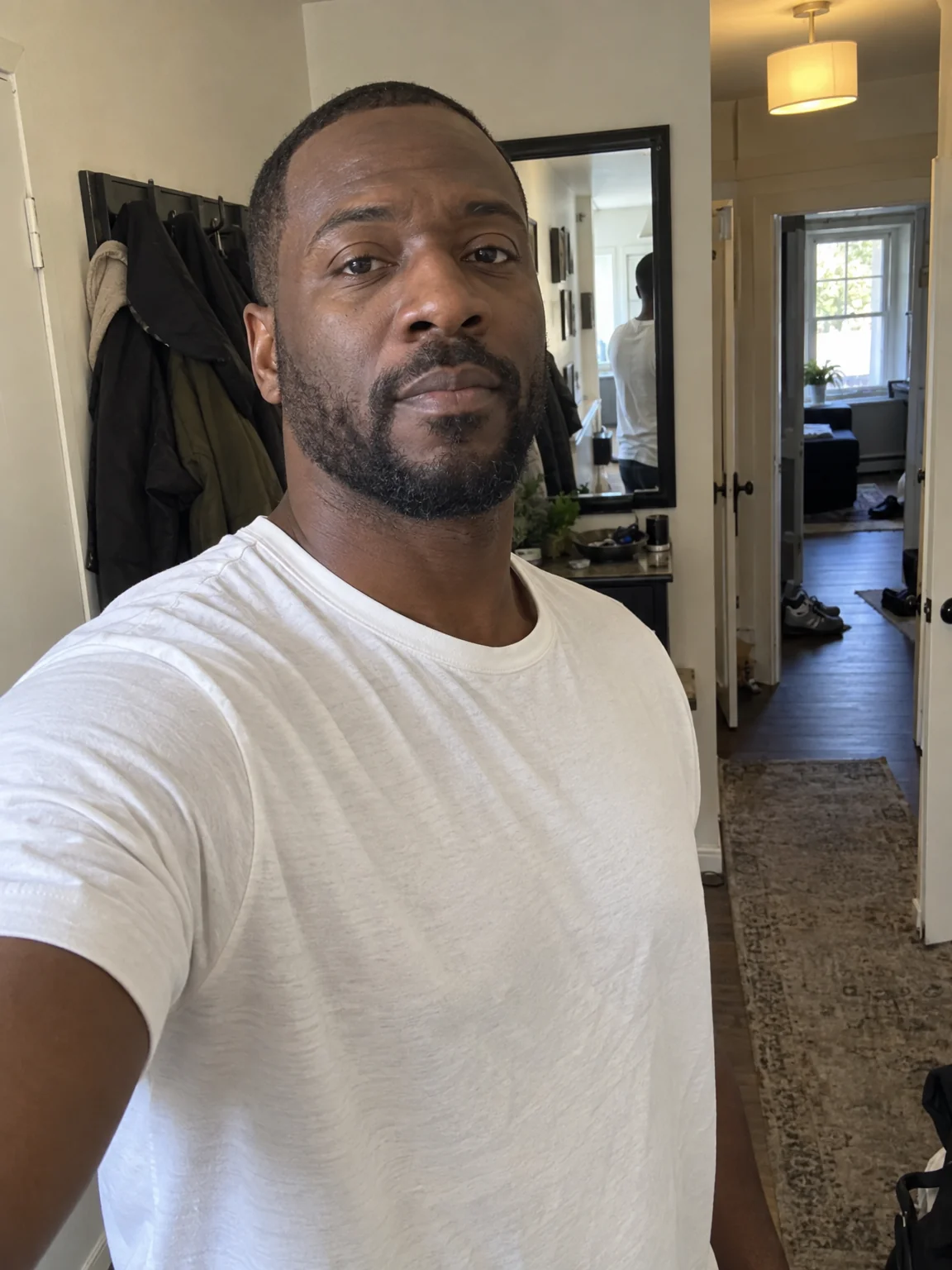
Upload 1–4 selfies and choose the Vintage Film preset
The preset carries the framing, light and wardrobe for vintage film portraits; your selfies carry the likeness.
AI Photoshoot - 02
Polish skin and eyes with Face Retouch
Small marks and flyaways disappear; the geometry of your face does not change.
Face Retouch - 03
Enlarge the winner with Upscale
Detail is reconstructed rather than stretched, so the print holds up on the wall.
Image Upscaler