Products
Skincare photos with a bathroom-shelf glow
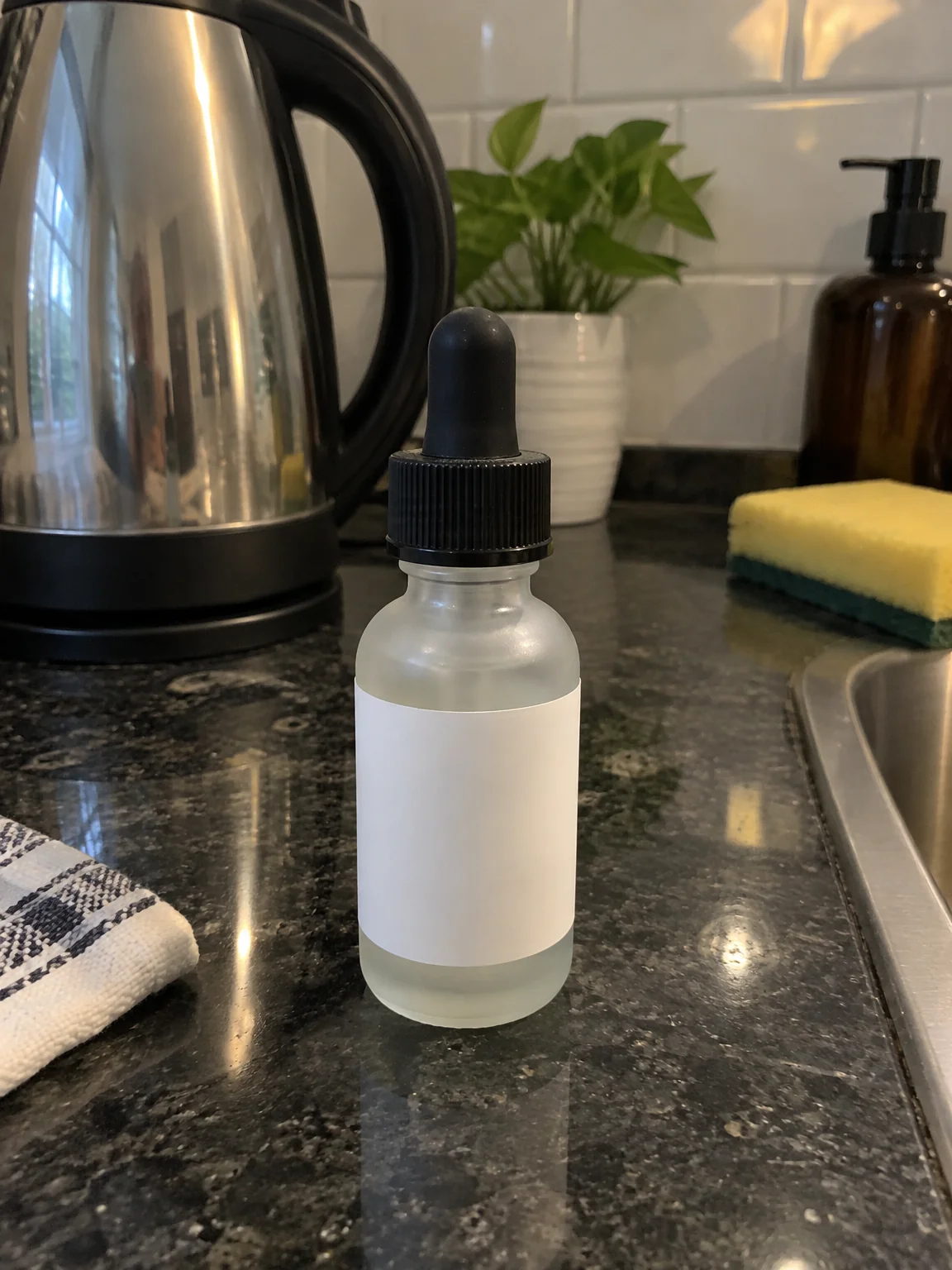
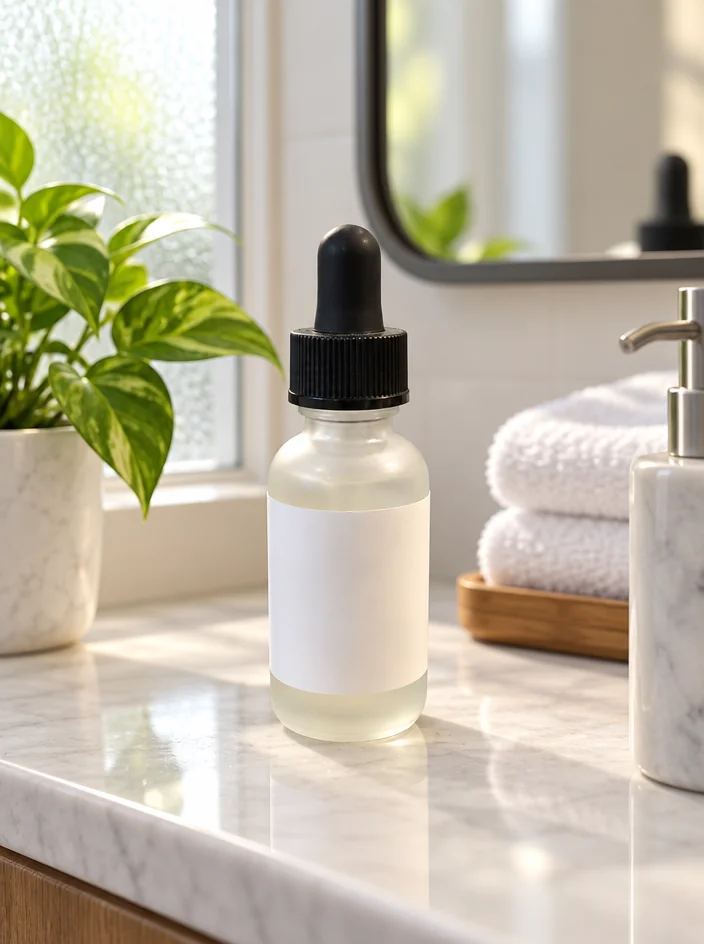
A serum bottle is a small glass object with a label, and it looks like exactly that on a kitchen counter. Skincare product photos from the studio place the bottle you photographed on a bathroom shelf with a towel, a plant and soft morning light, the setting where the product is actually used, with the label and the liquid kept exactly.
You want the calm, clean beauty-page look for a small brand, from a phone photo of the bottle on your desk. Choose Bathroom Shelf, upload the photo, and skincare product photos come back with the item unchanged and the background, light and shadow made new. A quick Photo Retouch or an Edit with words tweak — "warmer light", "a smaller shadow" — finishes skincare product photos without another photo.
4 free credits — one Standard run of any tool. No card needed.
Made for when
- The label is right but the photo makes the bottle look like a sample
- Beauty pages have a look and yours is a countertop
- A launch needs six scenes and you have one bottle
- Glass and gloss reflect the whole room in a phone photo
Step by step
- 01
Run Product Lifestyle Photo in the scene below
Describe props and light in a sentence to steer the scene.
Product Lifestyle Photo - 02
Make the clean white version with Product Photo on White Background
Every item needs both: the scene and the clean square.
Product Photo on White Background - 03
Change the shape with Expand Photo
Skincare product photos often need a wide version for a site header.
Expand Photo