Products
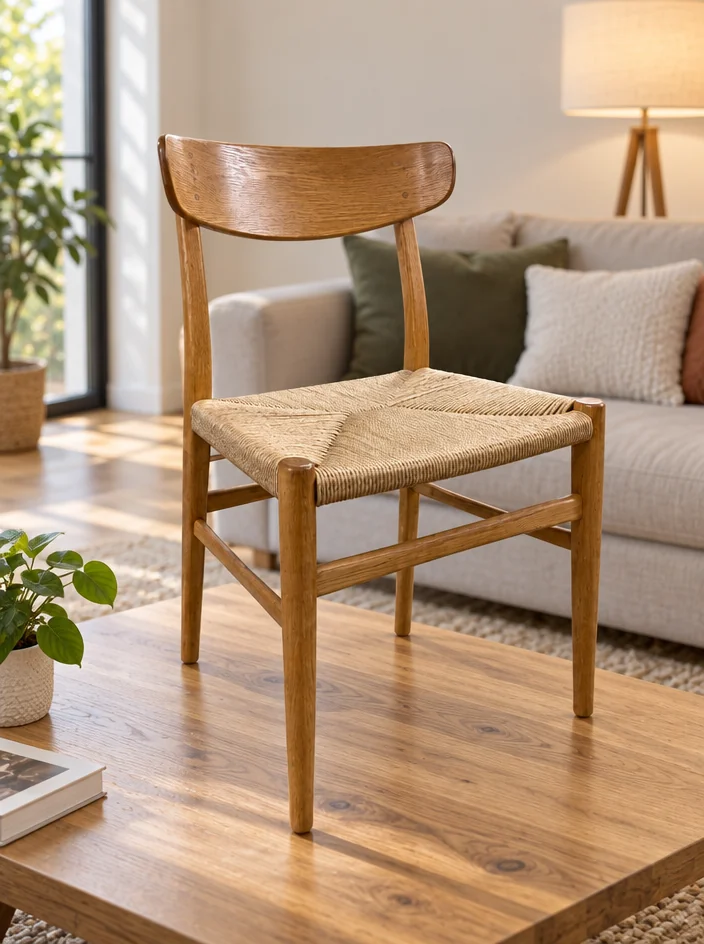
Furniture, photographed in a room
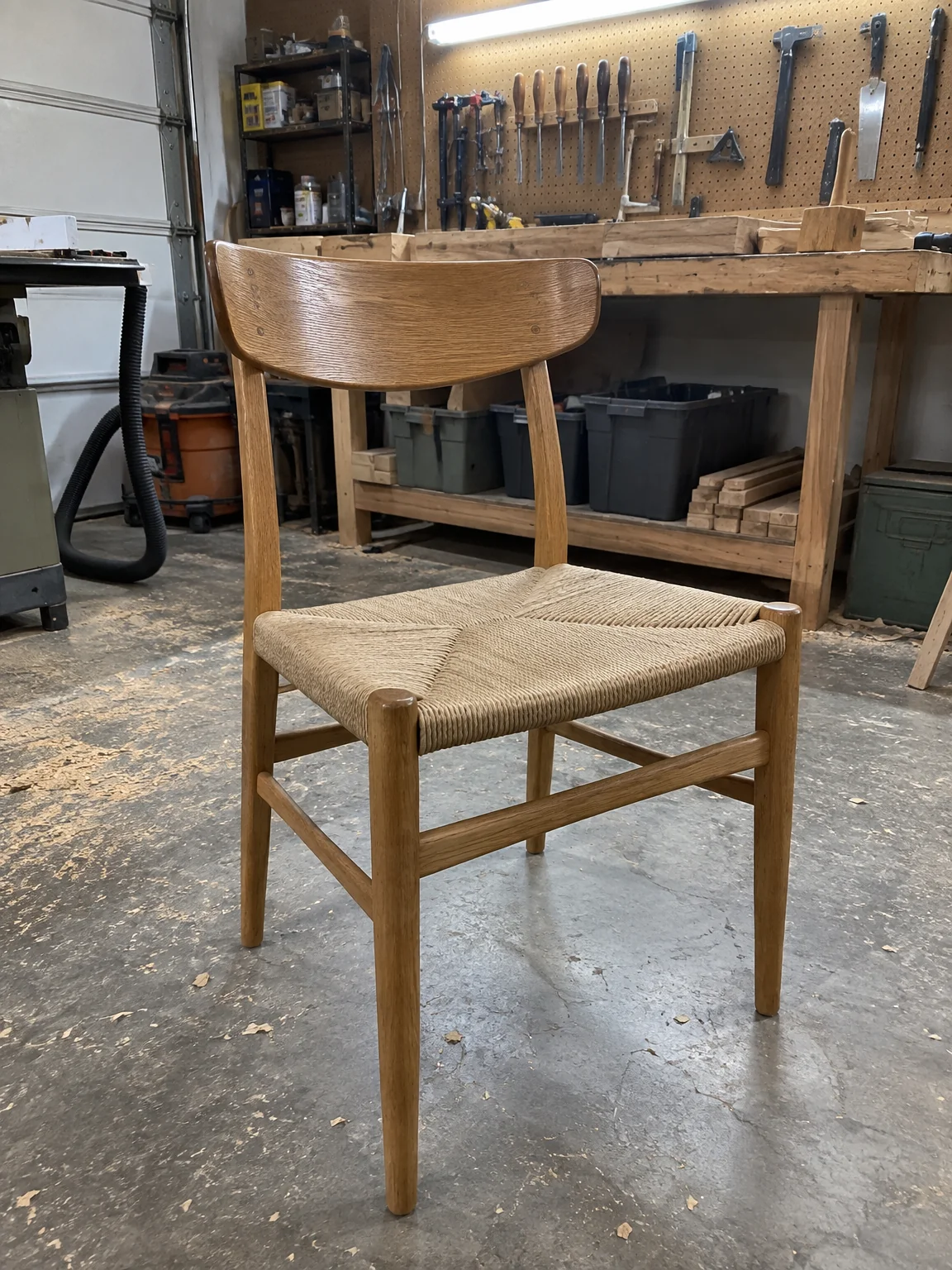
A chair in a garage does not look like a chair in a home. Furniture photos from the studio take one phone photo of the piece — the chair, the side table, the lamp you restored or built — and place it in a calm living room with a wooden floor, a plain wall and daylight from a tall window, at true scale and with the finish exactly as it is.
You want the piece shown in the kind of room it is going to live in, without moving it there. One phone photo of the item on any surface is the only input; the Living Room option sets the look, and the studio keeps the object's shape, color, label and texture exactly while rebuilding everything around it. Send the result to Background Remover for a transparent PNG, to Expand Photo for a banner shape, or to Upscale before furniture photos go to print.
4 free credits — one Standard run of any tool. No card needed.
Made for when
- The piece is photographed in a workshop with sawdust in the picture
- Buyers cannot judge the size from a photo against a wall
- A whole set of dining chairs was shot in four different rooms
- The wood grain and the finish are the selling point and the flash kills them
Step by step
- 01
Run Product Lifestyle Photo in the scene below
Describe props and light in a sentence to steer the scene.
Product Lifestyle Photo - 02
Make the clean white version with Product Photo on White Background
Every item needs both: the scene and the clean square.
Product Photo on White Background - 03
Change the shape with Expand Photo
Furniture photos often need a wide version for a site header.
Expand Photo