Products
Your product in a real setting
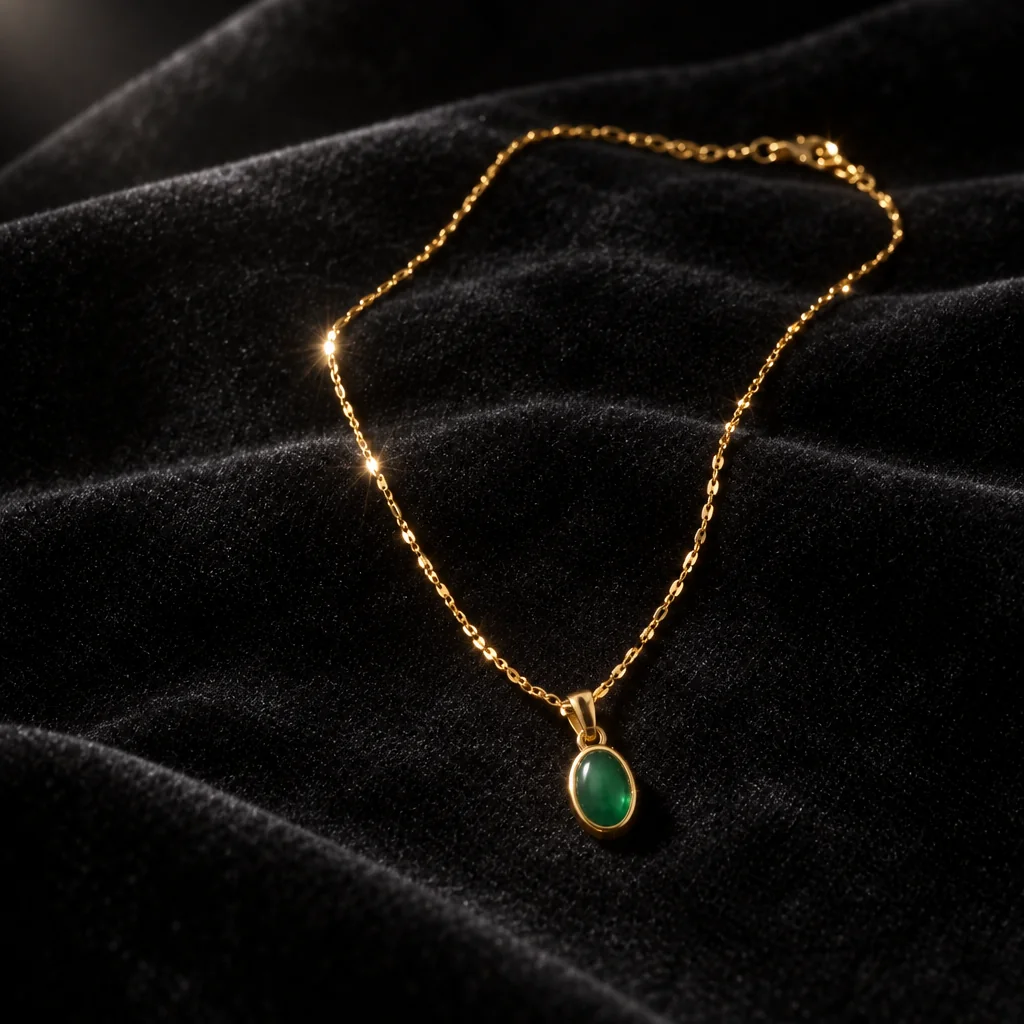
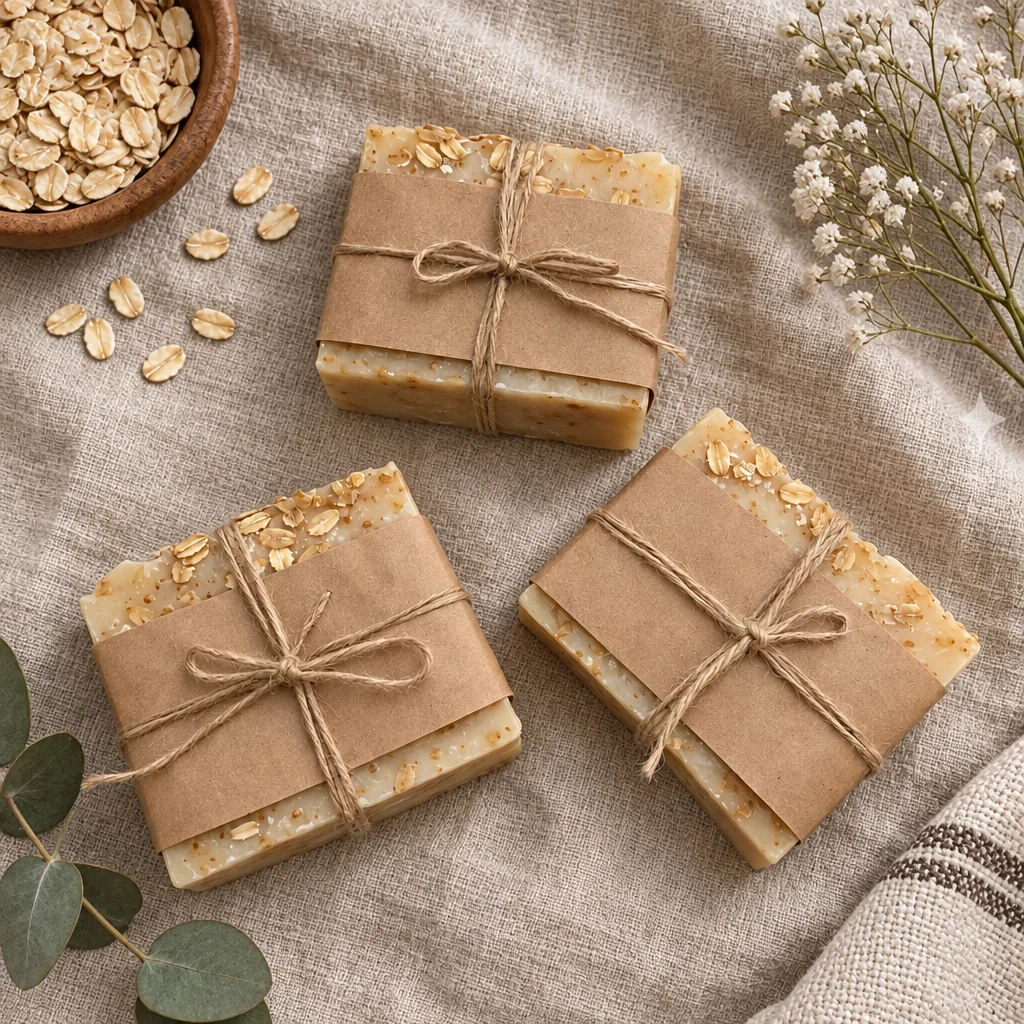
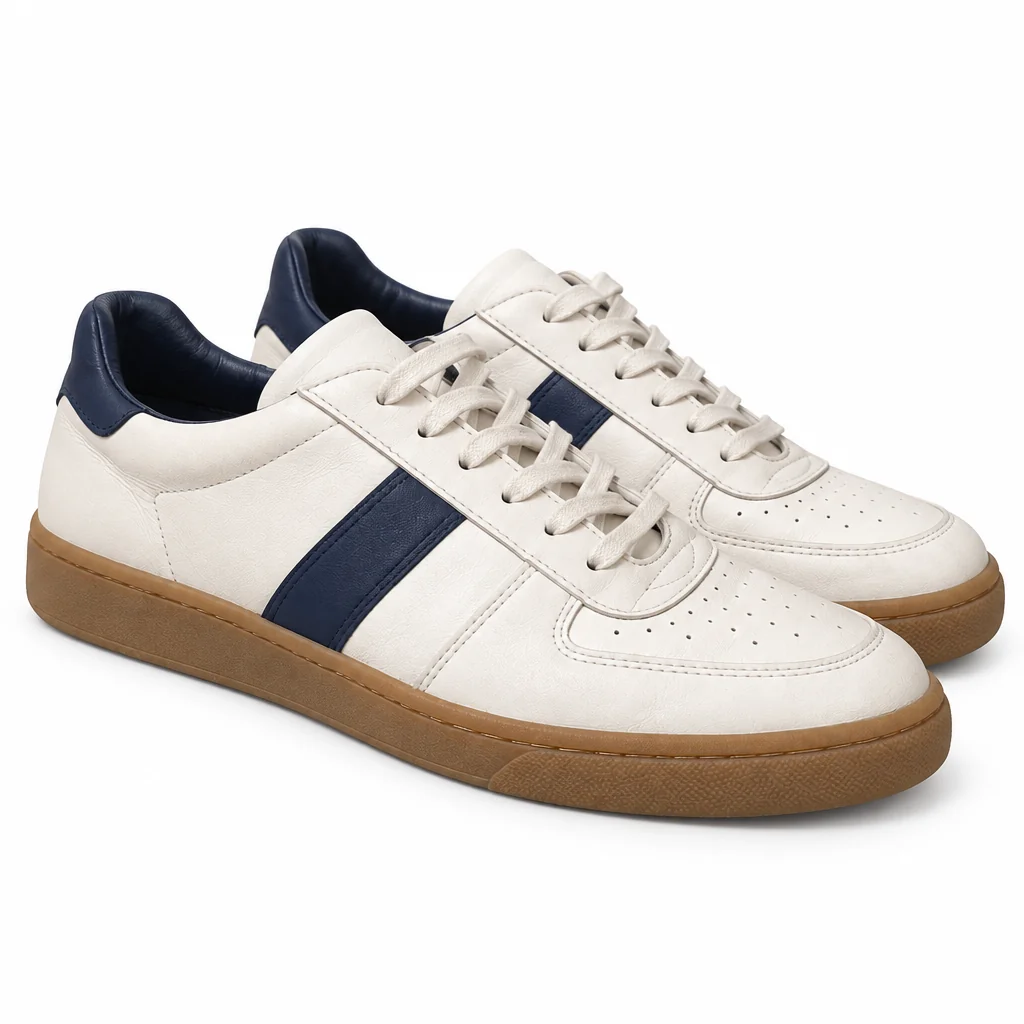
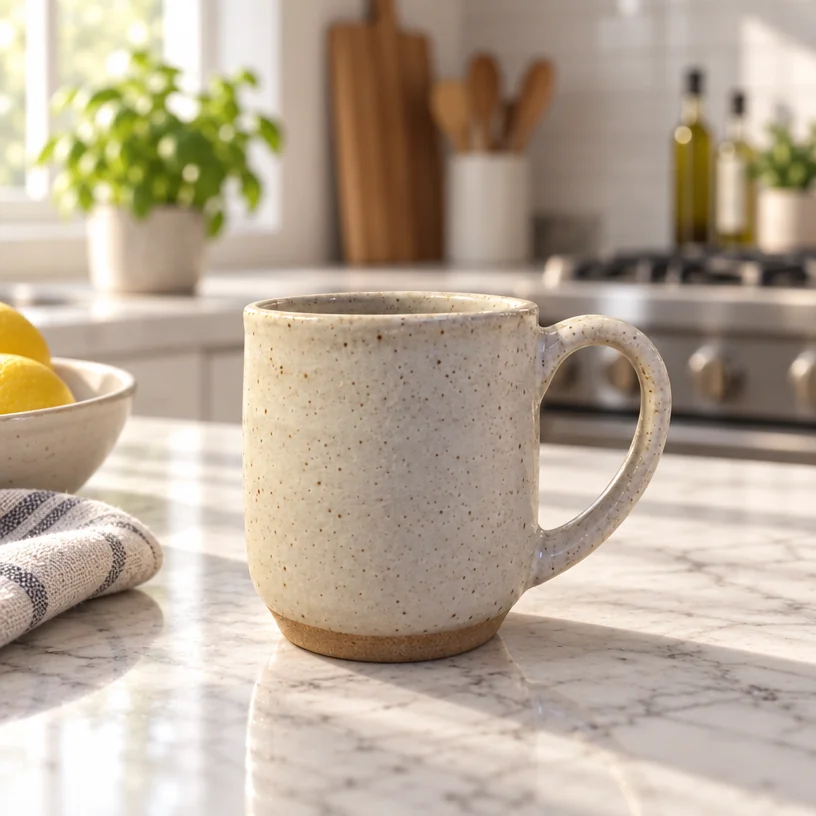
A candle on white says what it is; a candle on a marble counter next to a mug in morning light says what a Sunday with it feels like. Lifestyle product photos put the item you photographed into a setting that sells the idea of it, with the light, the props and the depth of field of a magazine spread.
You want the scene without the stylist, the location or the afternoon, from the photo of the item that is already on your phone. One phone photo of the item on any surface is the only input; the Marble Kitchen option sets the look, and the studio keeps the object's shape, color, label and texture exactly while rebuilding everything around it. A quick Photo Retouch or an Edit with words tweak — "warmer light", "a smaller shadow" — finishes lifestyle product photos without another photo.
4 free credits — one Standard run of any tool. No card needed.
Made for when
- Every product photo you have is the same white square
- A social feed needs a new scene every week and you have one desk
- Seasonal photos — festive, summer, garden — would each need a shoot
- Renting a kitchen for a morning costs more than the product
Step by step
- 01
Upload the item photo, choose the Marble Kitchen scene and add details if you like
The scene, props and light are built around the exact item, which is what lifestyle product photos need.
Product Lifestyle Photo - 02
Get a white-background version of the same item
Same photo in, a catalogue-style result out.
Product Photo on White Background - 03
Widen for a banner with Expand Photo
The scene continues into the new space, so a square becomes a header without cropping.
Expand Photo