Products
Flat lays, styled for you
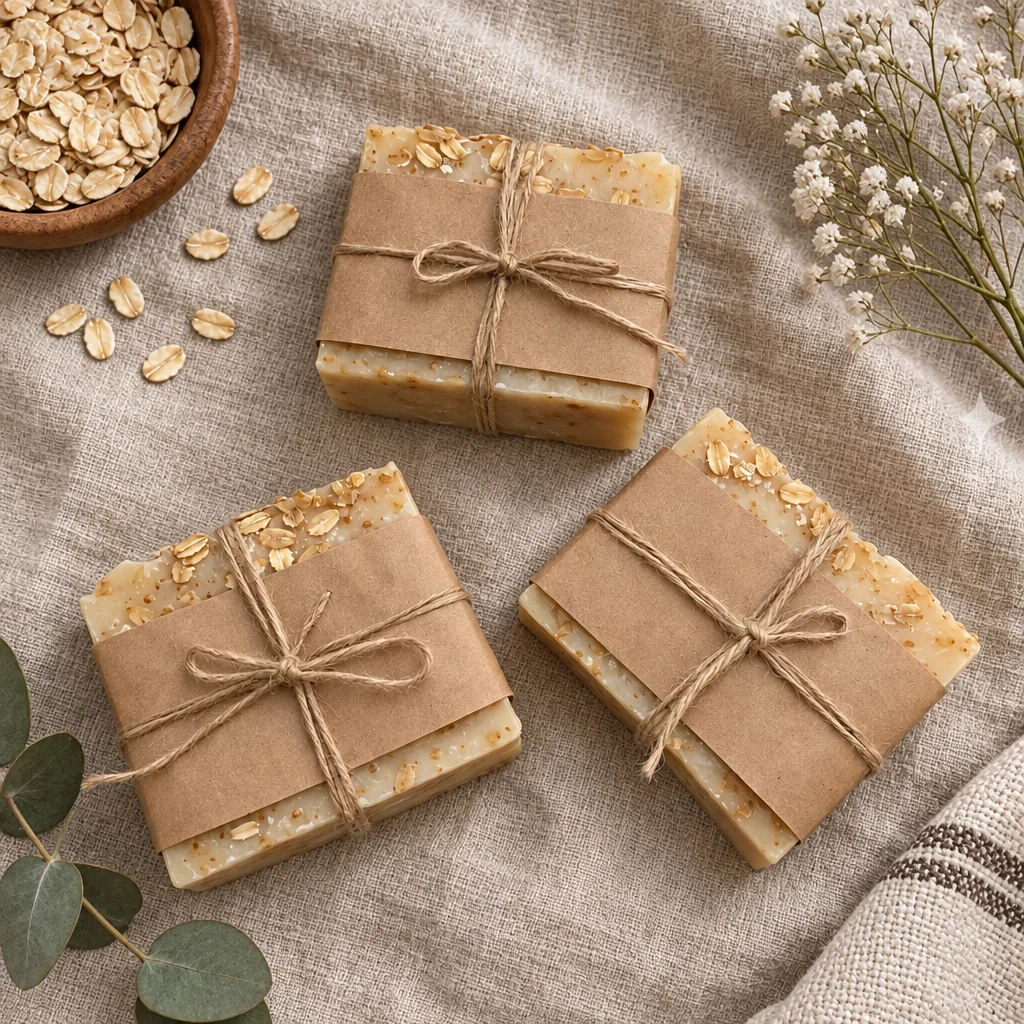
The flat lay is the photograph of stationery shops and skincare, of snack bars and gift guides: everything seen from above, arranged on a surface with a few props, in soft daylight. Styling one takes a table, a window, props you do not own and an hour of nudging things by a centimeter. Flat lay photos from the studio take one phone photo.
You want the item as the hero, top-down, on a surface you choose, with props a stylist would have picked. The studio separates the item from whatever it was photographed on and builds flat lay photos around it, so a desk photo taken in a minute becomes the picture on the page. Run the same photo through a second scene or surface for a set, and keep every version of flat lay photos together in Your photos.
4 free credits — one Standard run of any tool. No card needed.
Made for when
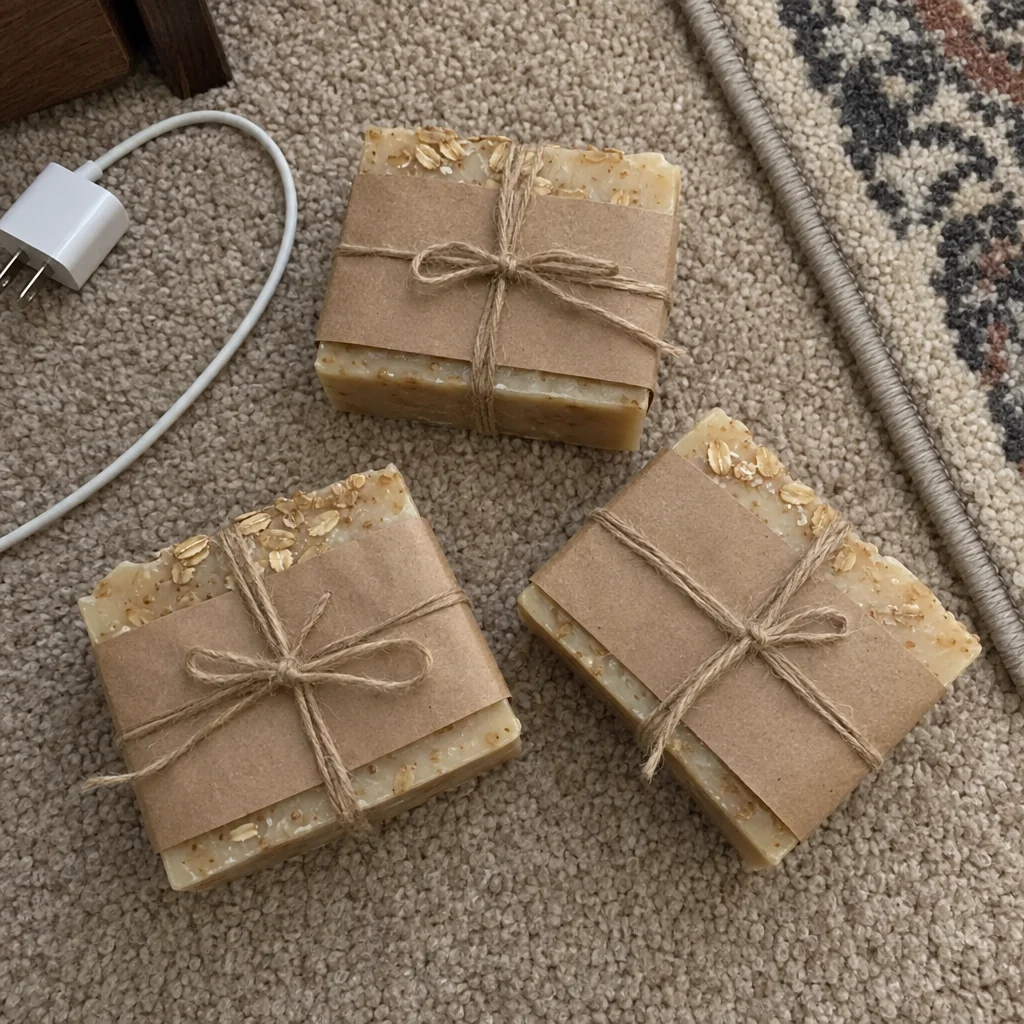
- Your top-down photos are on a carpet with a cable in the corner
- Props cost money and take up a cupboard
- The feed needs a set on the same surface and you have three different tables
- Overhead shots on a phone always tilt
Step by step
- 01
Run Flat Lay Photo on a photo taken from above
Square, soft daylight, true contact shadows.
Flat Lay Photo - 02
Adjust a prop or the light with Edit with words
"Move the napkin left", "warmer light" — small changes without another photo.
AI Photo Editor - 03
Enlarge the winner with Upscale
Detail is reconstructed rather than stretched, so the print holds up on the wall.
Image Upscaler