Products
Jewelry photos, sharp to the stone
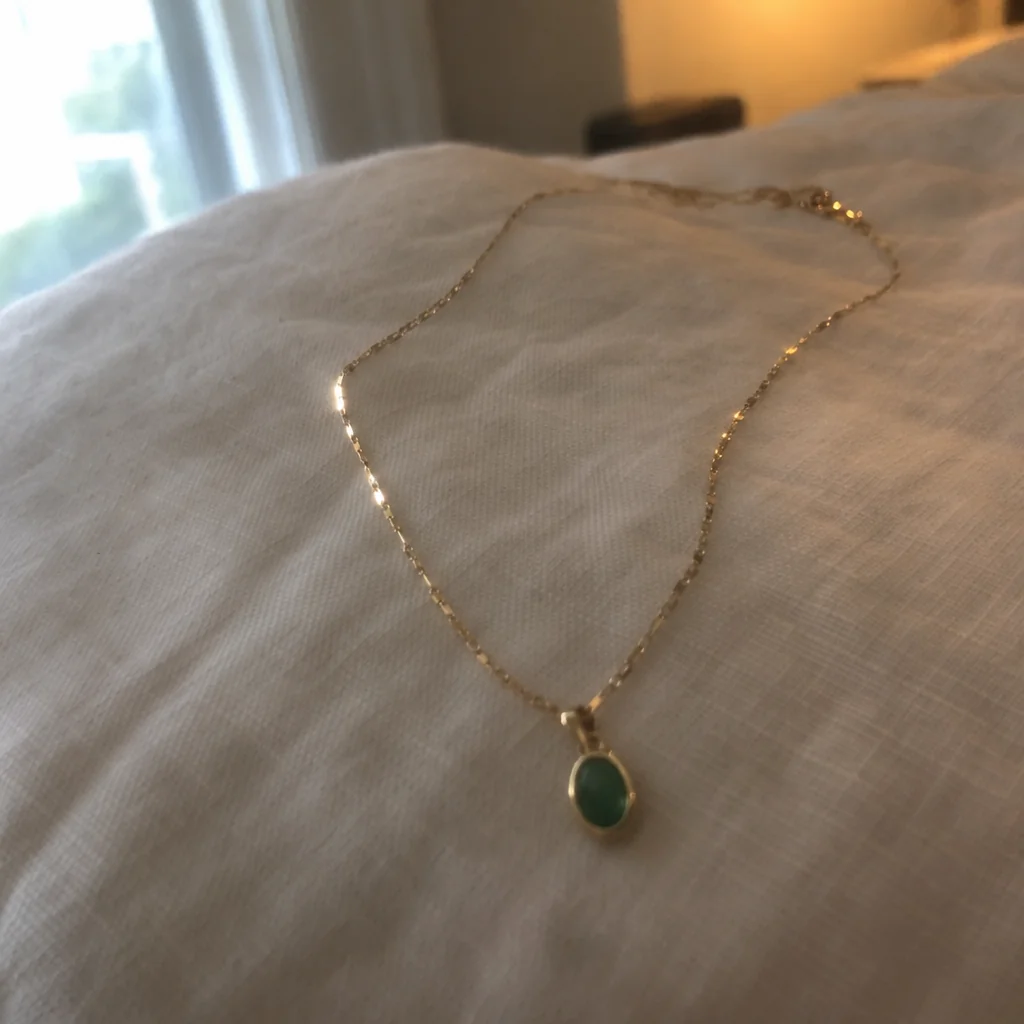
Jewelry is small, shiny and picks up the color of everything around it, which is why the one detail that matters — the stone, the engraving, the clasp — is exactly what a phone camera turns to mush. Jewelry photos from the studio come back macro-sharp on velvet, marble, linen or stone, with the metal reading as the right metal.
You want a close-up that shows the piece the way a customer sees it in the hand, without a macro lens or a light box. Choose Black Velvet, upload the photo, and jewelry photos come back with the item unchanged and the background, light and shadow made new. Run the same photo through a second scene or surface for a set, and keep every version of jewelry photos together in Your photos.
4 free credits — one Standard run of any tool. No card needed.
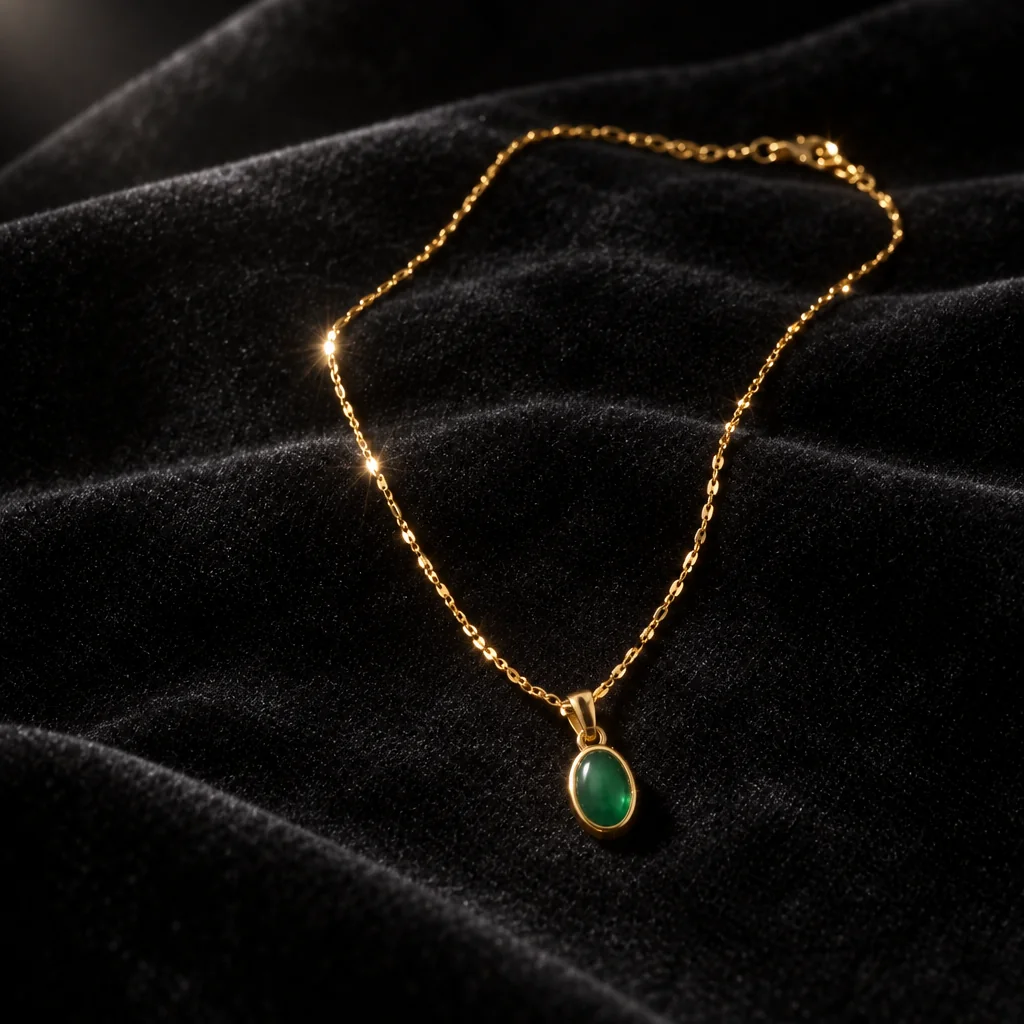
Made for when
- Every ring photo is a blur with a bright smear where the stone should be
- Silver looks grey and gold looks orange under kitchen light
- A jeweler's photographer charges per piece and you have forty
- You need the same piece on a dark and a light backdrop
Step by step
- 01
Run Jewelry Photography on a close phone photo
Facets, engraving and settings are resolved rather than smeared.
Jewelry Photography - 02
Show it worn with Product on Model
A hand, a neck or a wrist at true scale, with or without a photo of a real person.
Product on Model - 03
Enlarge the close-up for a card or a display
16 MP for a display board, 8 MP for a card.
Image Upscaler