Products
Product photos on white, from a desk photo
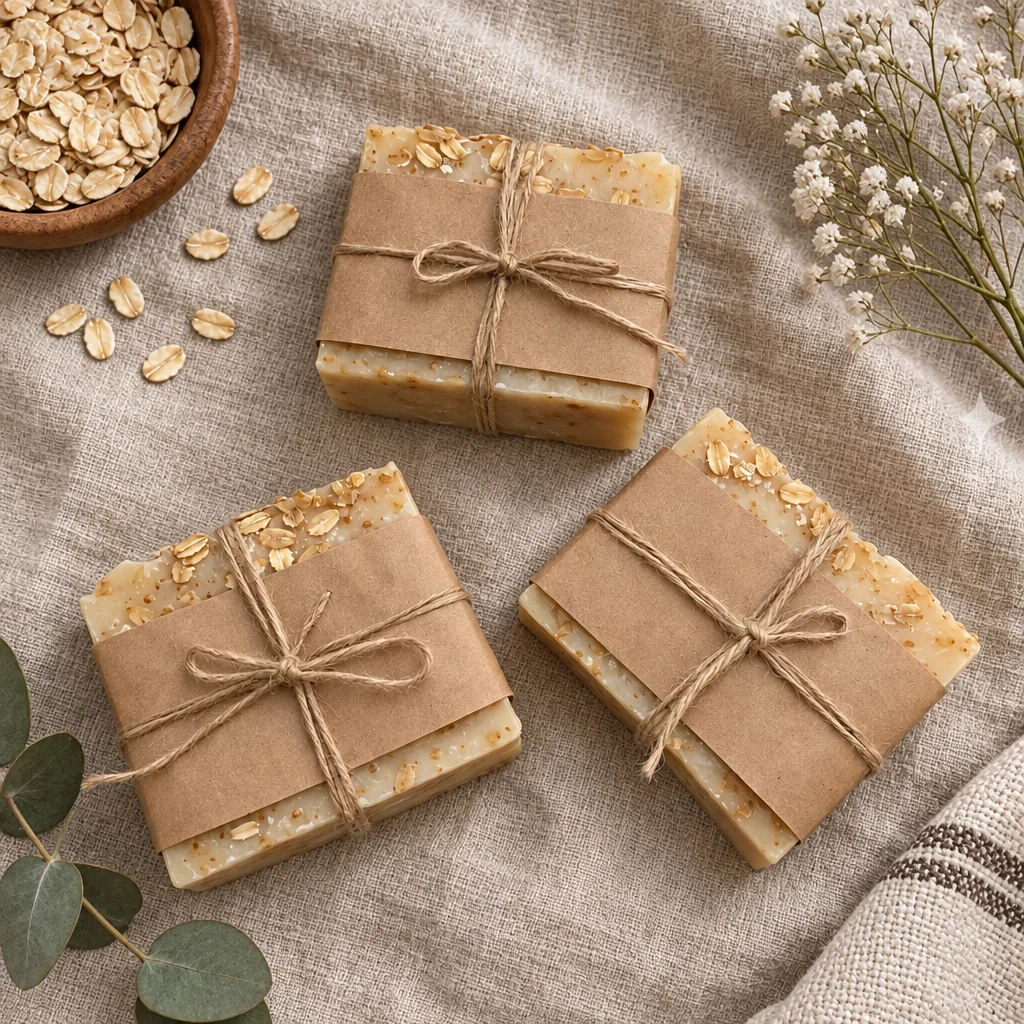
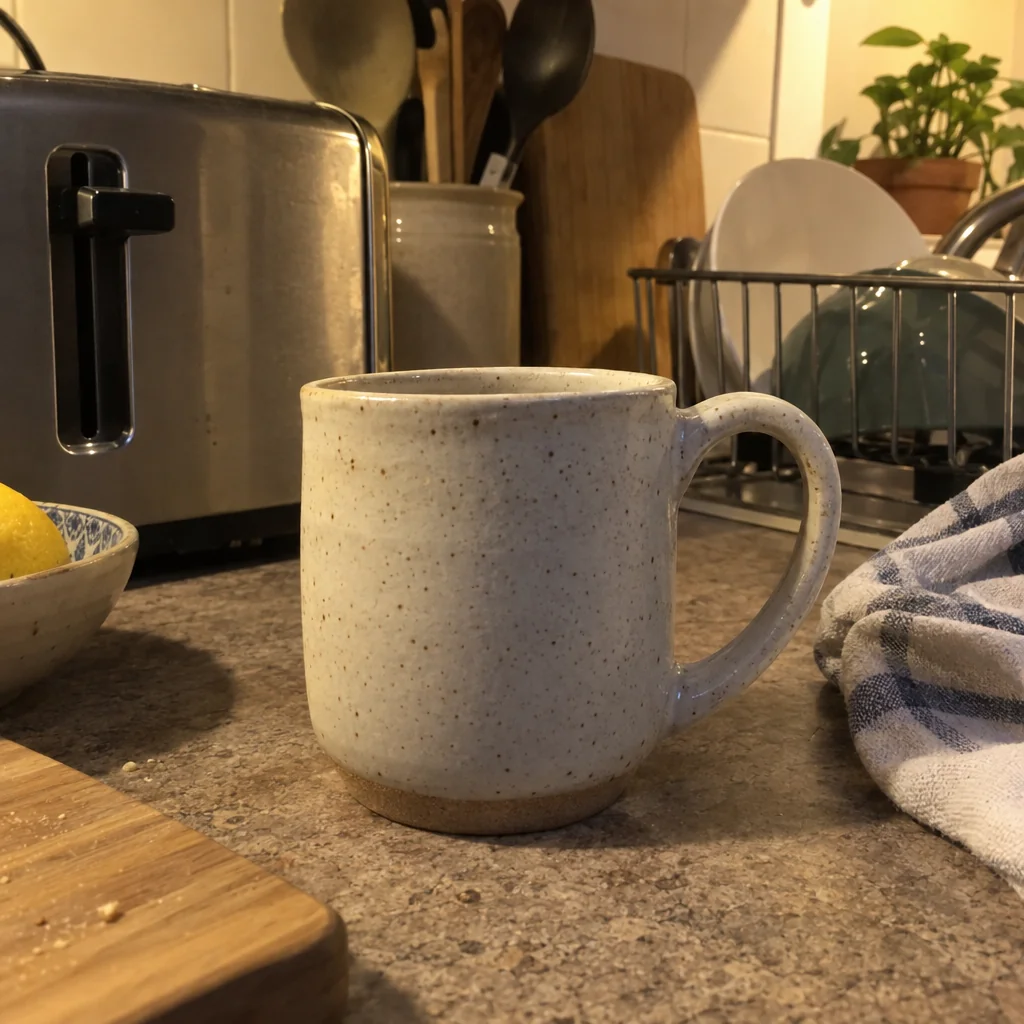
The thing you make is finished; the photo of it was taken on a kitchen table under a ceiling light. A white-background product photo is the one picture every website, card, menu and slide needs, and it usually costs a light tent and an afternoon. Here it costs one phone photo and a few seconds.
You want the object on pure white, evenly lit, with a soft shadow that makes it sit on the page rather than float. The studio separates the item from whatever it was photographed on and builds white-background product photos around it, so a desk photo taken in a minute becomes the picture on the page. Run the same photo through a second scene or surface for a set, and keep every version of white-background product photos together in Your photos.
4 free credits — one Standard run of any tool. No card needed.

Made for when
- Your website photos are all different colors of countertop
- The card printer wants a clean image on white by tomorrow
- A light tent, two lamps and an afternoon are not in the budget
- Cutting out edges by hand keeps eating your evenings
Step by step
- 01
Upload the item photo and choose Soft Shadow
White-background product photos start here: the item is kept exactly and the background becomes pure white.
Product Photo on White Background - 02
- 03
Cut it out with Background Remover when you need a PNG
From 1 credit; drops onto any color or layout.
Background Remover