Products
Watch photos, on the wrist and up close
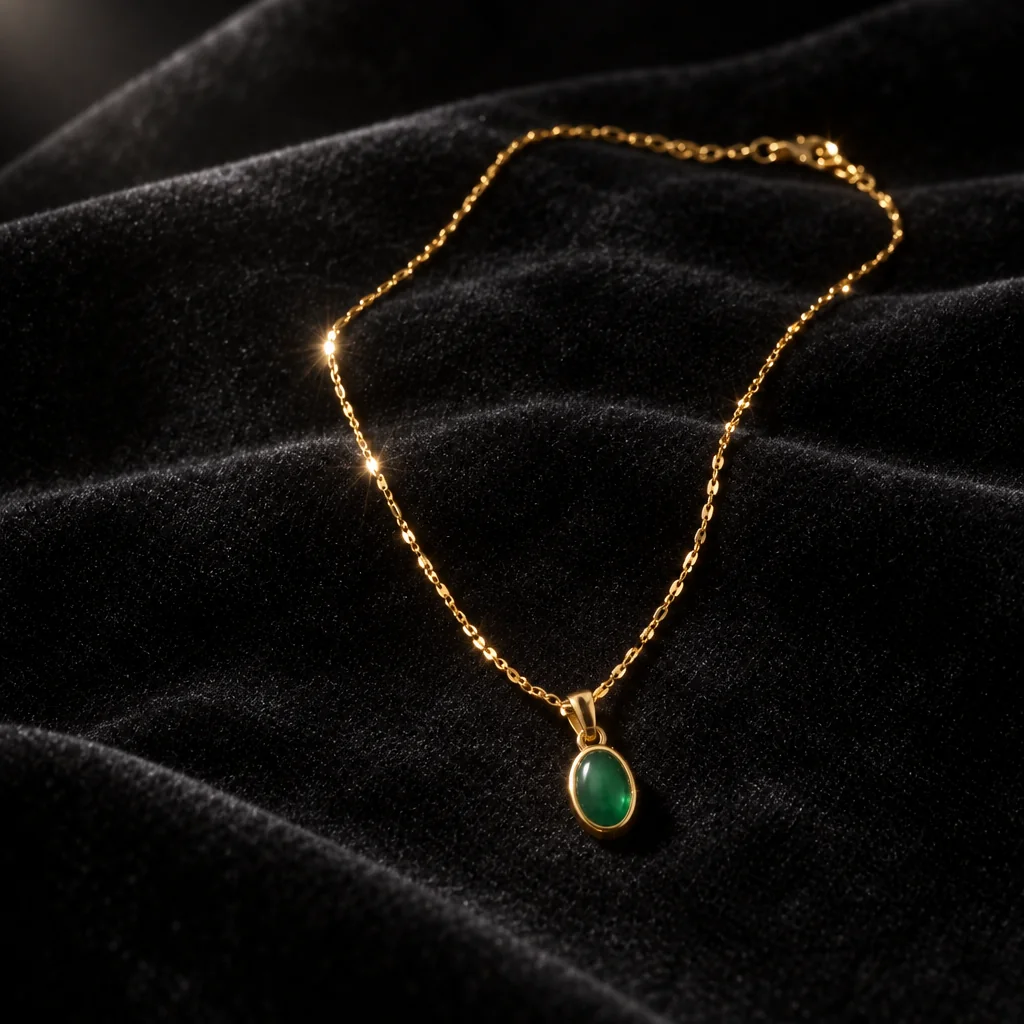
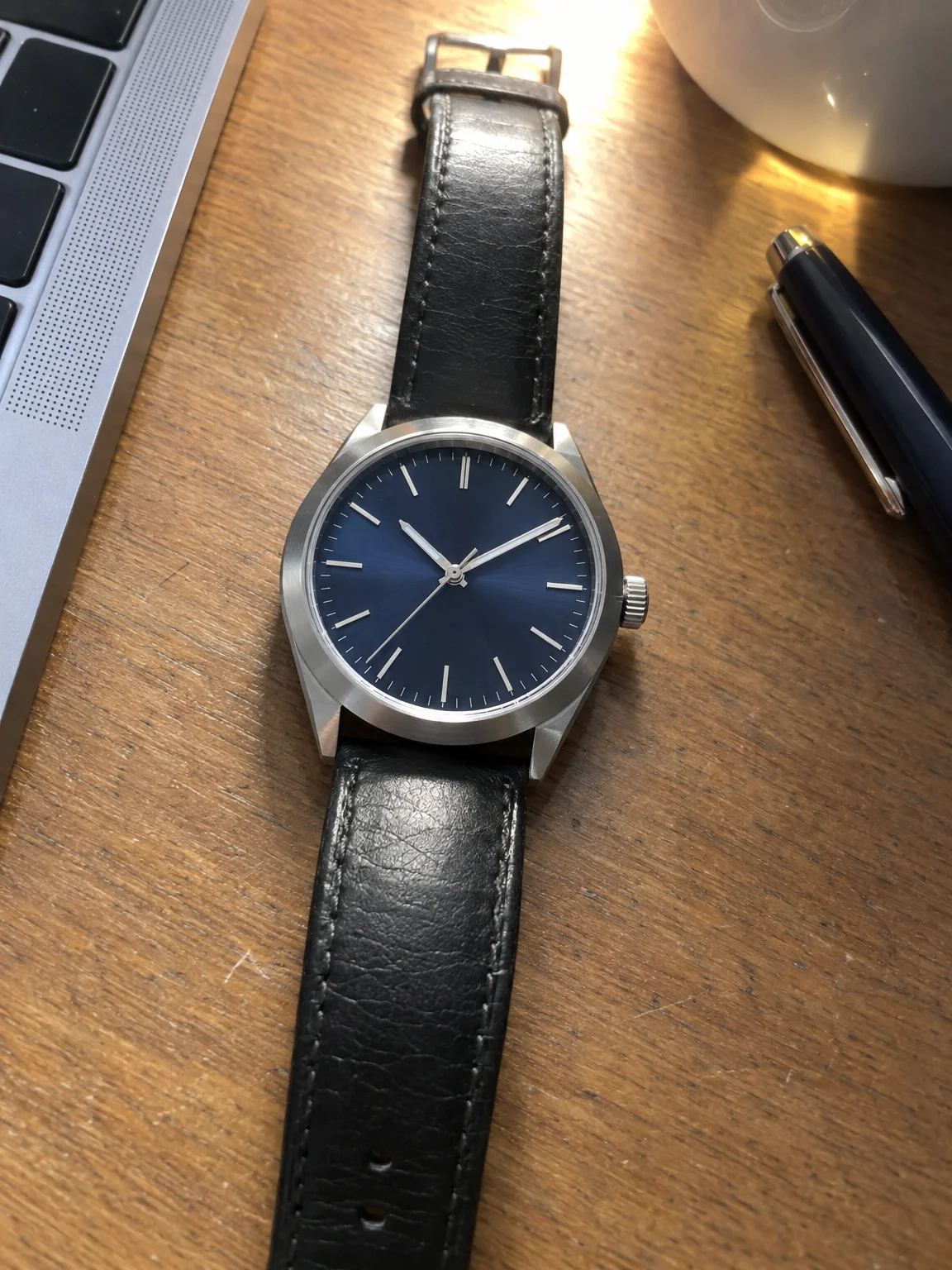
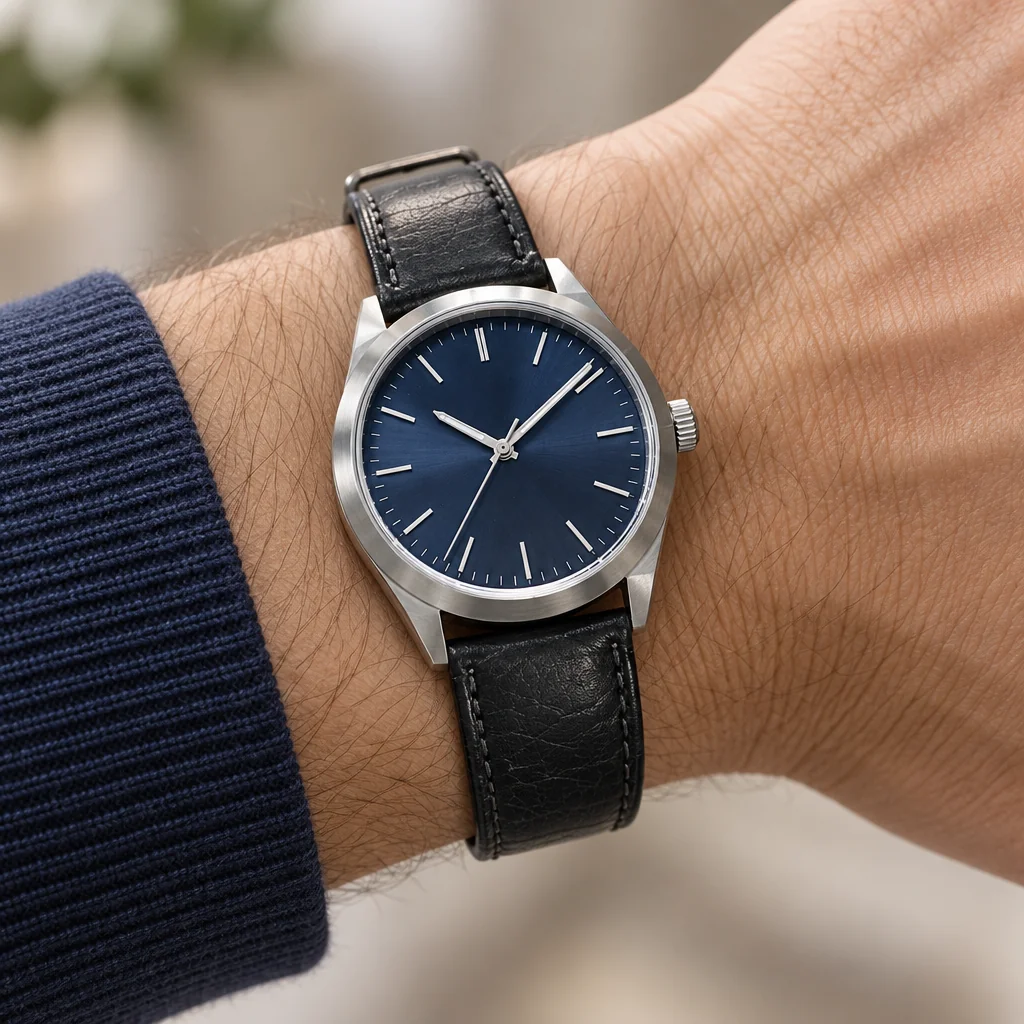
A watch is sold twice: once as an object, once on a wrist. Watch photos from the studio start with one phone photo and give you both — a macro-sharp close-up of the dial and case on velvet or stone, and a wrist shot at true scale with the light on the crystal where it should be.
You want the dial readable, the case finish accurate and the wrist shot natural, without a macro lens or a hand model. The studio separates the item from whatever it was photographed on and builds watch photos around it, so a desk photo taken in a minute becomes the picture on the page. Send the result to Background Remover for a transparent PNG, to Expand Photo for a banner shape, or to Upscale before watch photos go to print.
4 free credits — one Standard run of any tool. No card needed.
Made for when
- The crystal reflects the ceiling and hides the dial
- Brushed and polished steel look the same in a phone photo
- You want a wrist shot without asking a friend to hold still
- The strap color looks different in every photo
Step by step
- 01
Upload the piece and choose Worn on Hand
Watch photos need sharpness and true metal; both are built in, and the piece is kept exactly.
Jewelry Photography - 02
Put the piece on a person with Product on Model
The piece stays identical; the person is described or photographed.
Product on Model - 03