
Fashion & Clothing· Fashion & Clothing
Body Reshape
Adjust body shape by describing what should change, with realistic proportions and the clothing and background rebuilt to match. Face and identity stay unchanged.
4 free credits — one Standard run of any tool. No card needed.
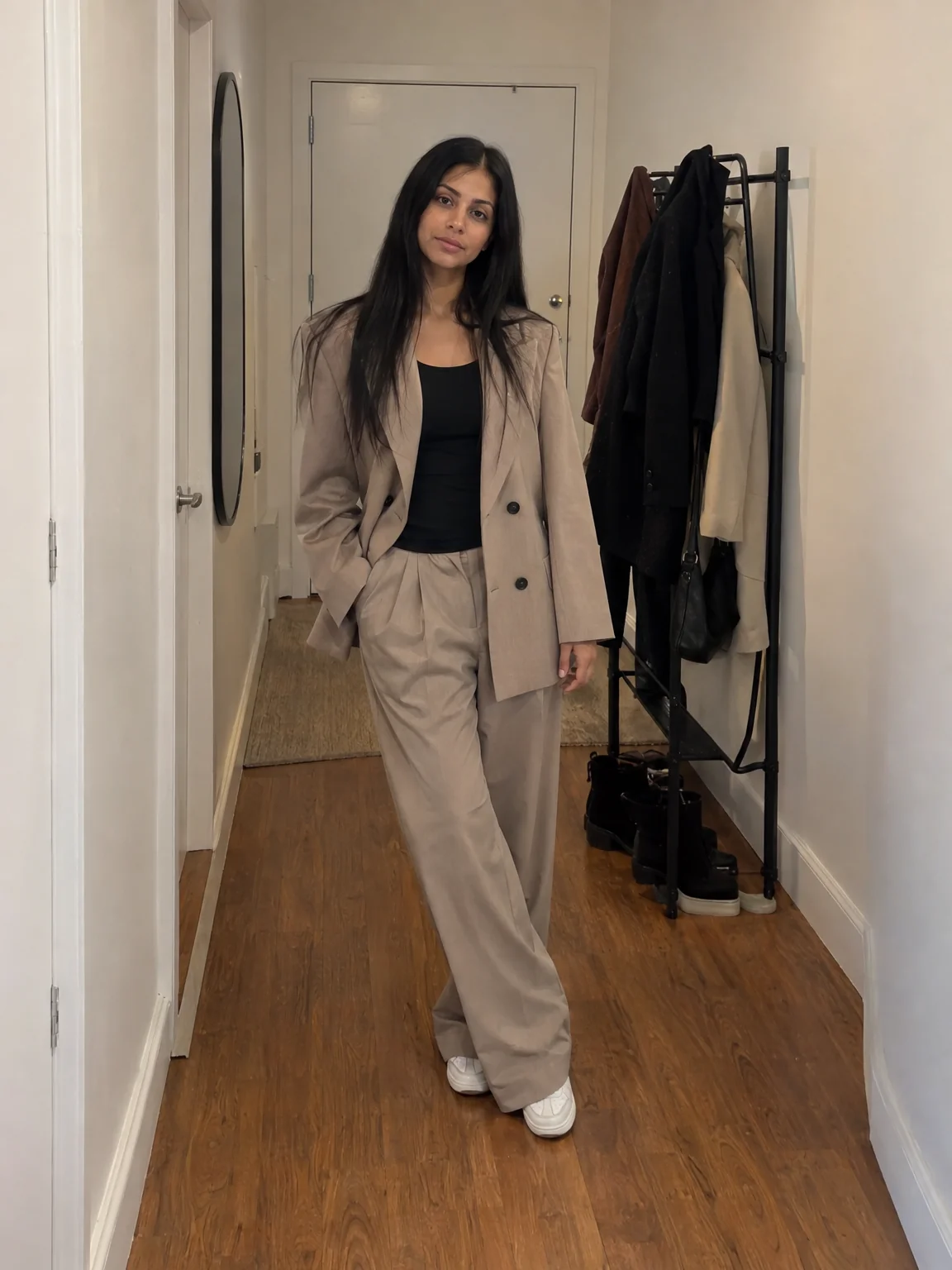
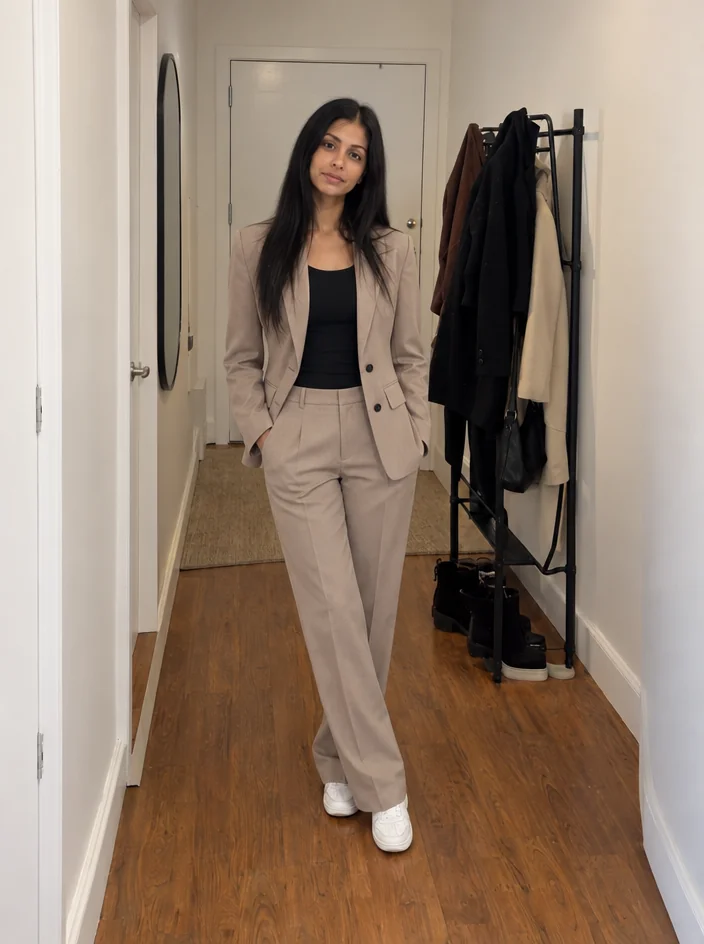
What you'll choose
- Photos you upload: Your photo
- What to Change
Cost per result
- StandardQuick results for everyday use4cr
- ProFiner skin, fabric and surface detail12cr
- MaxThe most detail, for large prints44cr
- Edit it with words, or send it into any other tool
- Standard, Pro and Max quality
- Saved to Your photos, downloadable full size
- Print-size upscales and short videos
How it works
- 01
Upload a photo where the body is visible — full length or three-quarter.
- 02
Describe the change and how strong it should be, in one short sentence.
- 03
Shoot, compare with the original, and download or retouch the face next.
Describe the change — posture, waist, shoulders — and keep it believable
Cameras add weight in the wrong places and flatten posture, and a wide lens close up does neither favor. Body Reshape lets you correct that with a sentence. Describe the change — straighten the posture, slim the waist a little, broaden the shoulders, tone the arms — and the Studio applies it with realistic proportions, adjusting the clothing folds and the background behind the body so nothing warps or stretches. The face, hair and identity are untouched, and the change is kept believable rather than exaggerated.
Good descriptions name the area and the degree: "slightly", "a touch", "noticeably". The tool understands posture words such as "stand taller" and "square the shoulders" as well as shape words, and it respects the pose, so a seated figure stays seated and a hand on a hip stays put. It works on full-length photos, three-quarter shots and swimwear or fitness photos, and keeps the aspect ratio of the original. Because the result is a photo rather than a warped copy, it holds up on a profile, a team page or a printed program without the tell-tale bent doorframe.
A Standard run costs 4 credits and is ready in seconds; Pro and Max quality render fabric and skin texture more carefully around the reshaped areas. Body Reshape is designed for light corrections — the version of you that stood well and was photographed with a better lens. Follow it with Photo Retouch or Face Retouch for a finished photo, and compare against the original before you download. If a request would push the result past believable, the Studio holds it back rather than produce a photo nobody would recognize.
Good to know
Works well with
 from 4 credits
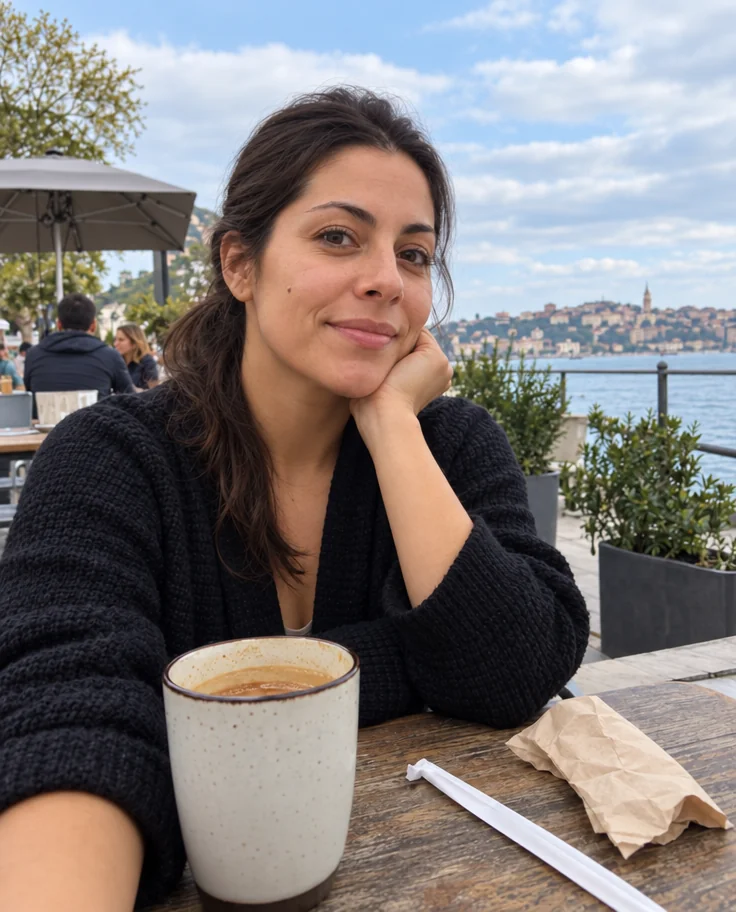
Photo Retouch
A clean professional finish for the whole photo — people, products, rooms, food
 from 4 credits
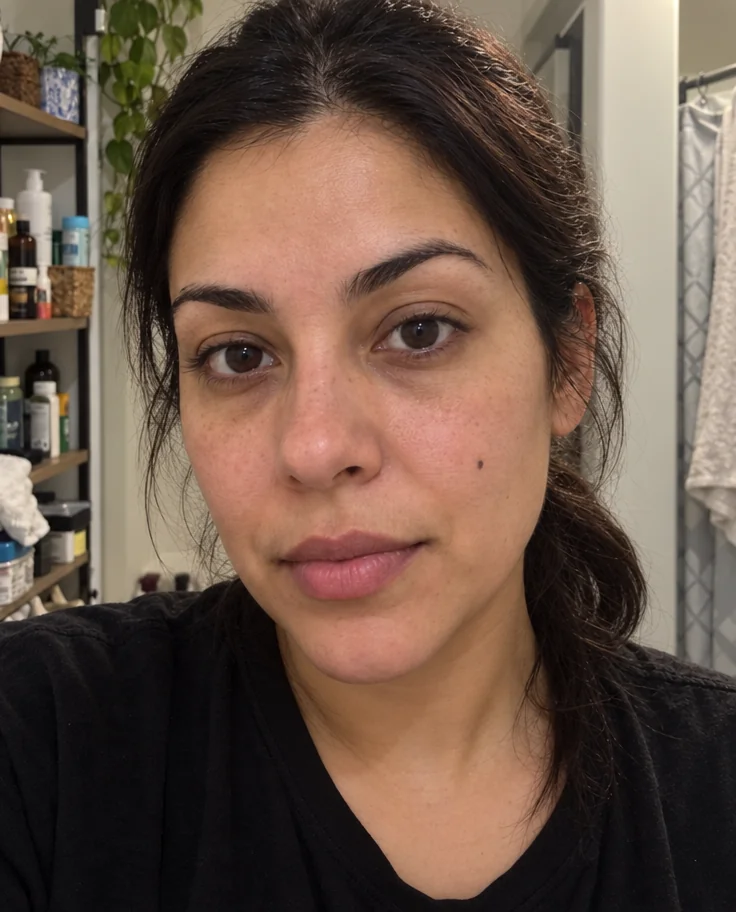
Face Retouch
Blemishes, redness and shadows eased — pores, freckles and you, kept
 from 4 credits
Outfit Change
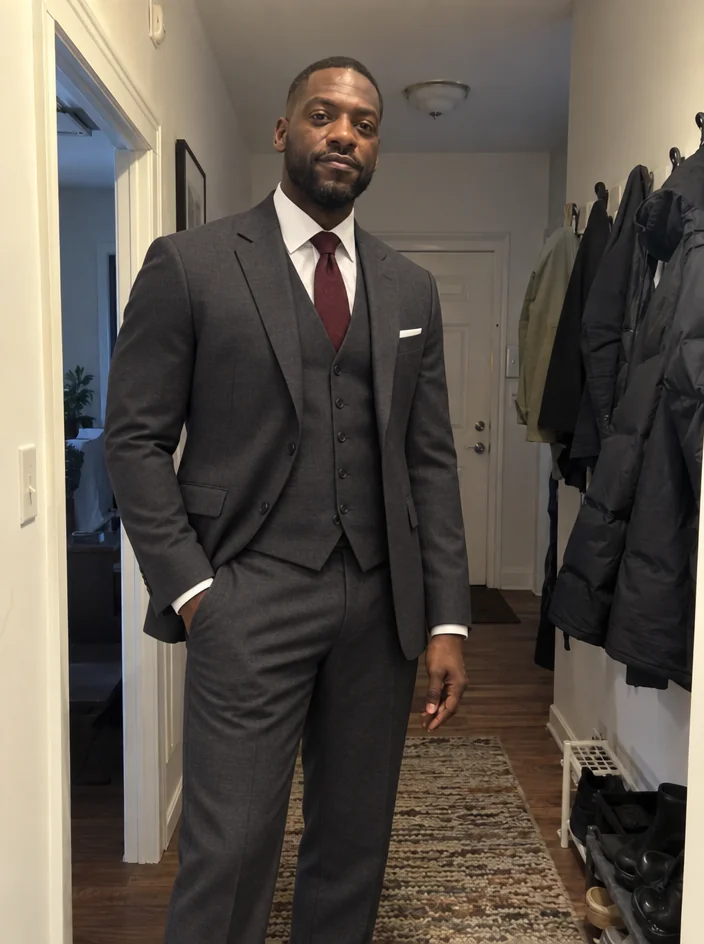
Describe a new outfit in words and wear it in your existing photo
 from 4 credits
AI Photo Editor
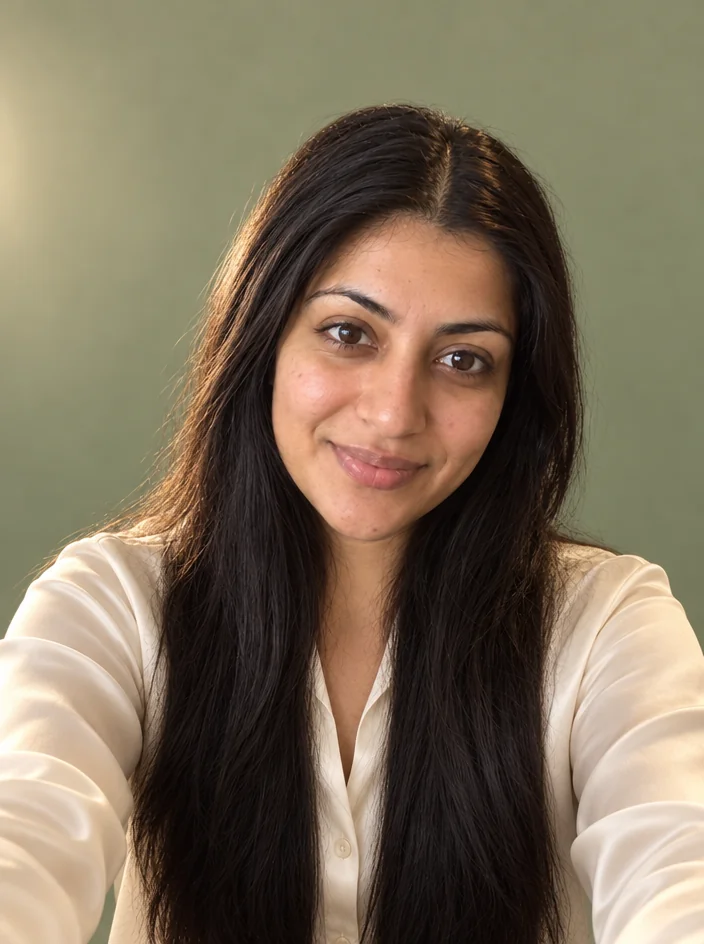
Edit any photo with a sentence — the tool for everything without its own button