Style shoots
1920s portraits, no photographer
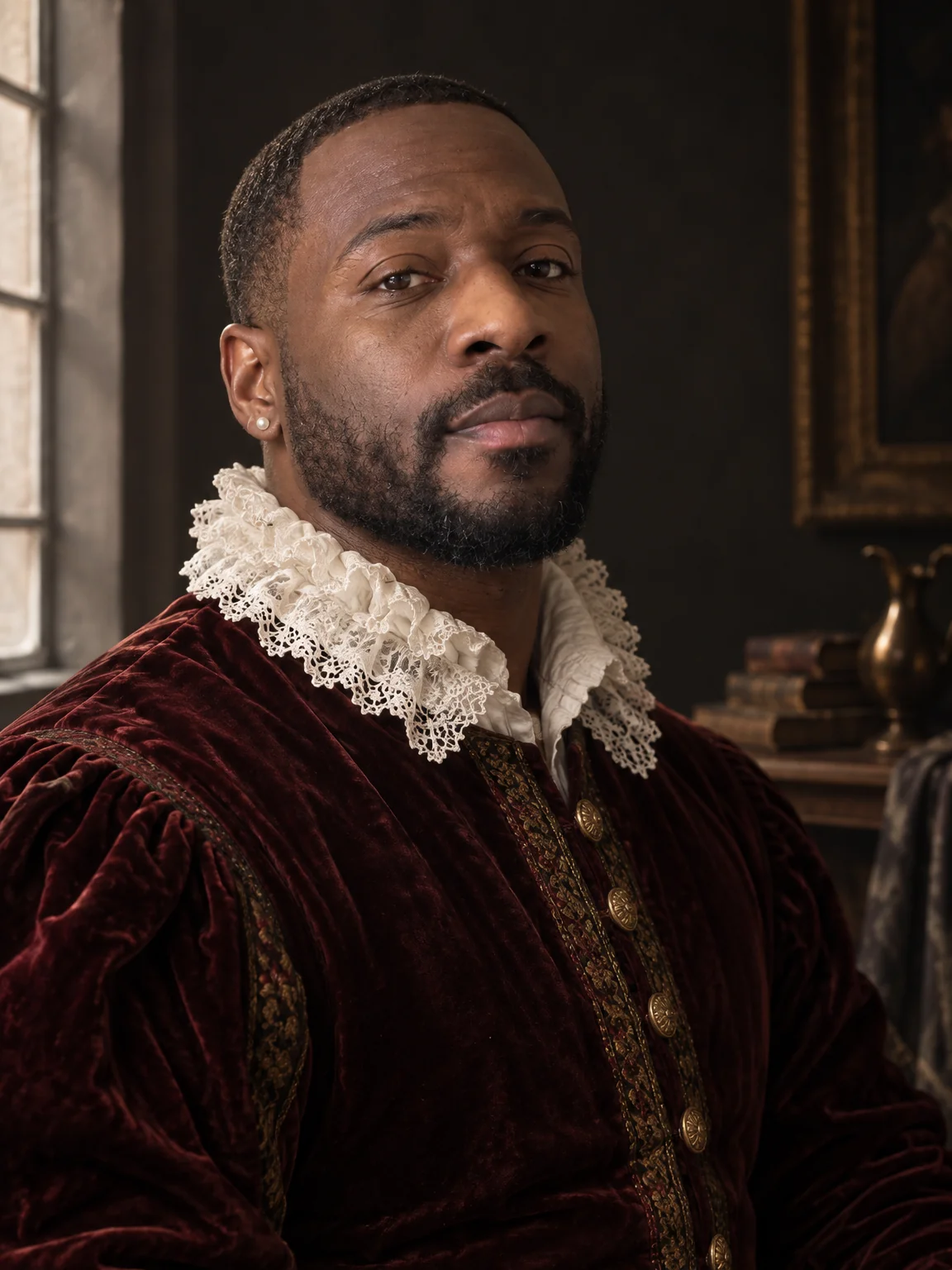
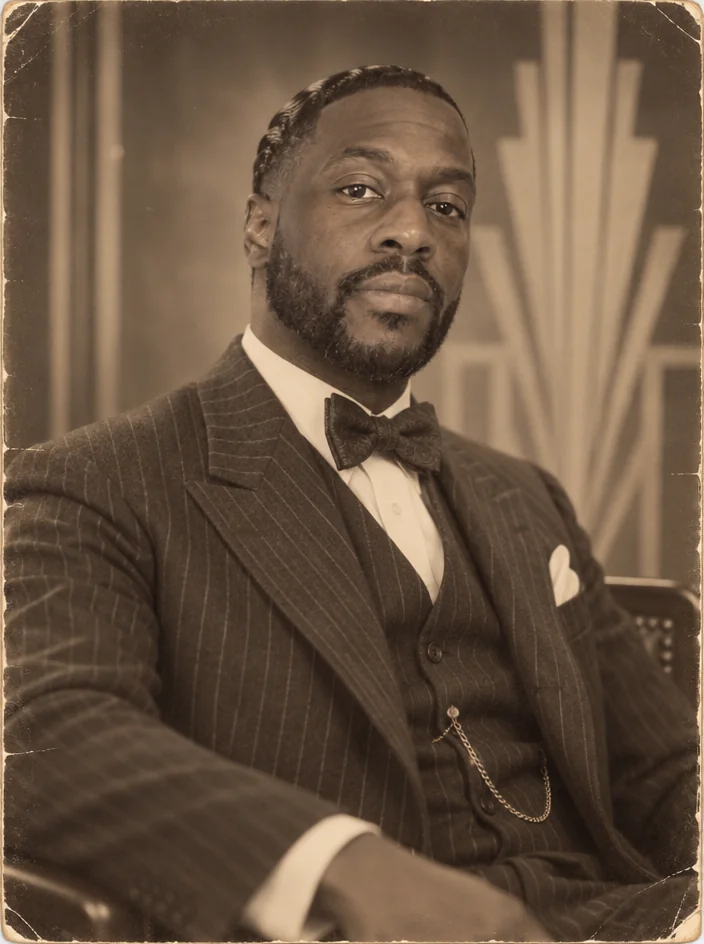
The 1920s studio portrait is sepia and soft focus: finger waves or slicked hair, a drop-waist dress or a three-piece suit with a bow tie, glamour lighting and an art-deco backdrop. 1920s portraits render your photo that way — hair, wardrobe, camera and print of the decade — with your face exactly recognizable.
You want the Gatsby portrait for a themed wedding, a gallery wall or a birthday invitation, without a costume rental. One run of the 1920s preset produces 1920s portraits that look styled, lit and printed on purpose, without a stylist or a lighting kit. When 1920s portraits land, describe a tweak with Edit with words — a different jacket, deeper shadows — and upscale the final version for print.
4 free credits — one Standard run of any tool. No card needed.
Made for when
- A Gatsby-themed event needs invitations that look the part
- Vintage-styled weddings want guest portraits to match
- You want a period portrait for a hallway of family photos
- Costume rentals and a photographer cost more than the print
Step by step
- 01
Start with Decade Portrait in the decade below
1920s portraits with period-accurate everything except the person.
Decade Portrait - 02
Face Retouch if the print look is too kind to a blemish
Keeps grain and character while easing temporary marks.
Face Retouch - 03
Enlarge the portrait for the wall
Grain and detail are reconstructed as the image grows.
Image Upscaler