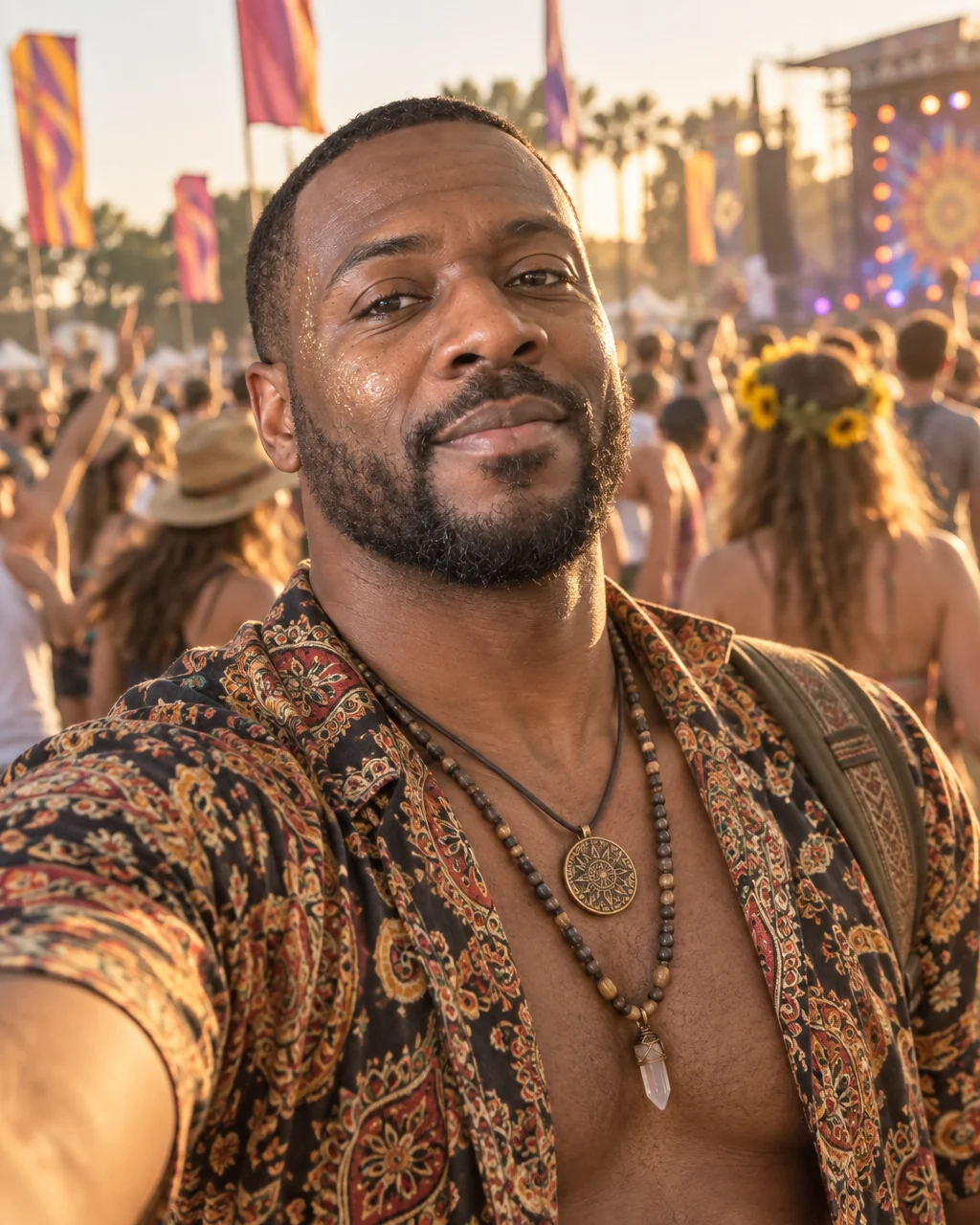
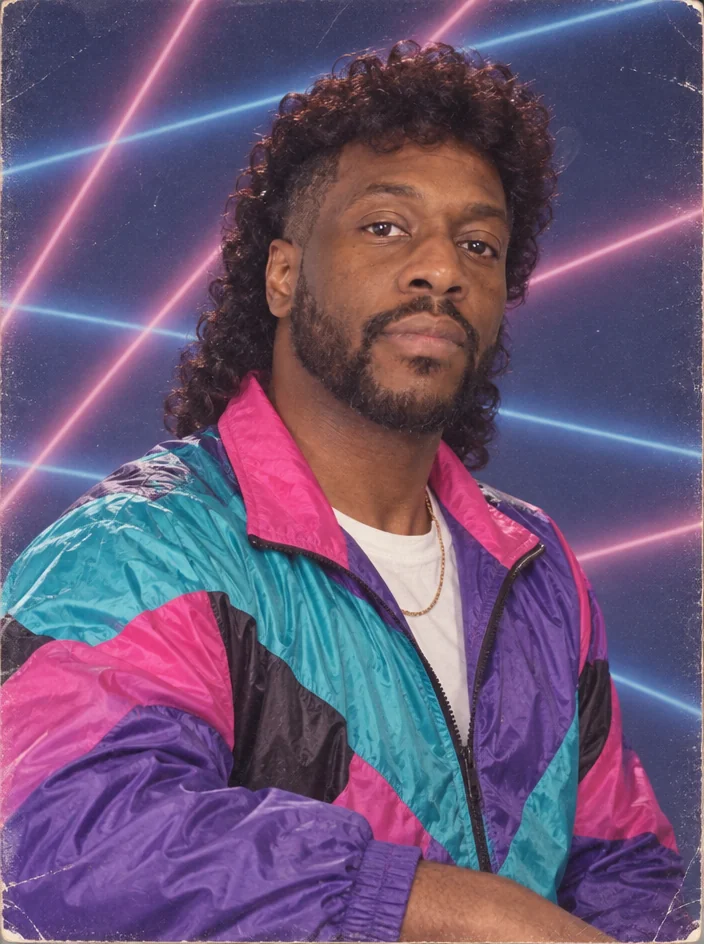
Style shoots
Cozy at-home portraits, no photographer
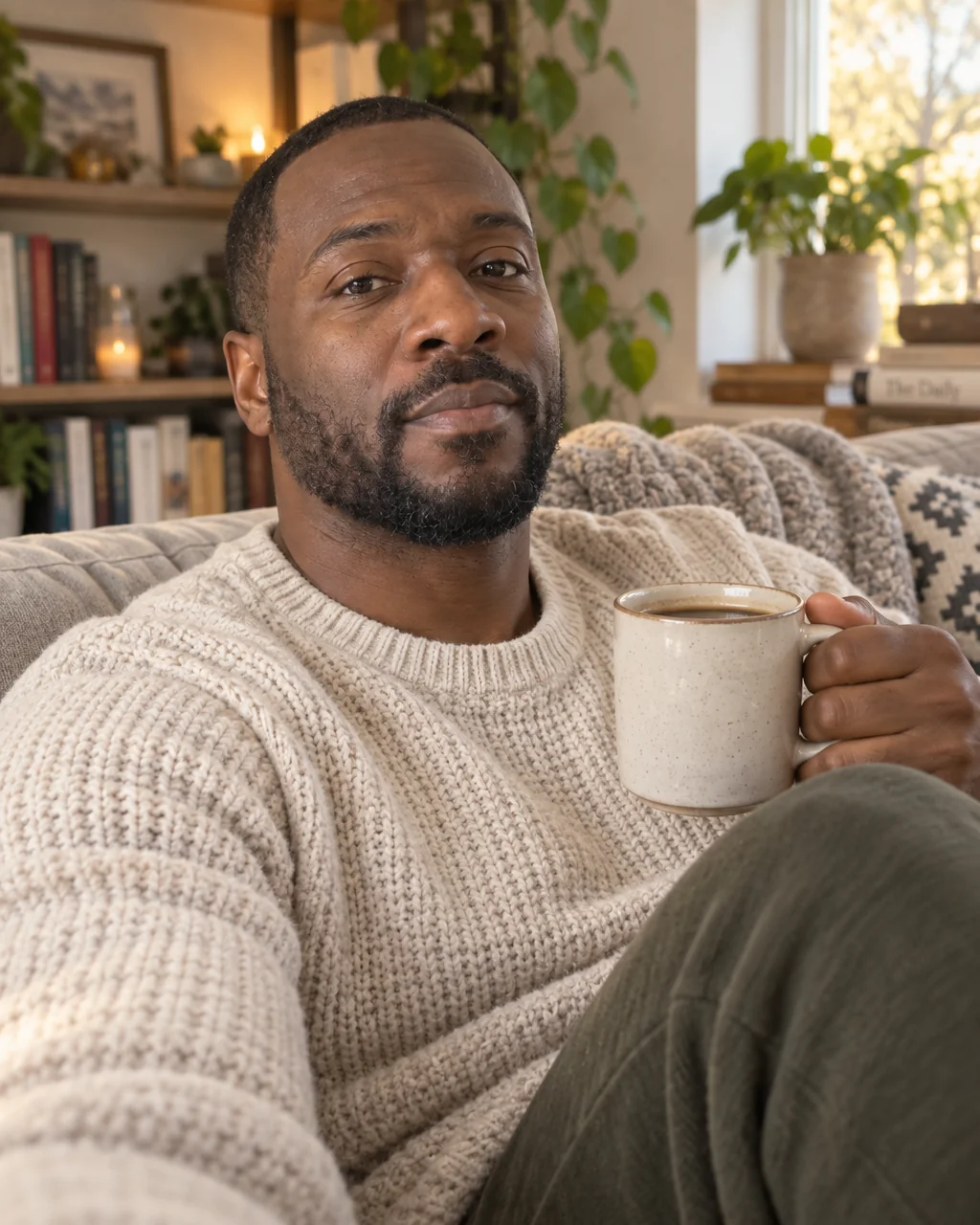
A knit sweater, a sofa, a mug held in both hands, plants and books softly out of focus and window light doing all the work: the lifestyle portrait that every brand and every dating profile wants. Cozy at-home portraits from the Studio build that hygge photo around your face.
You want the warm, unposed, Sunday-morning photo without tidying the whole apartment and waiting for the light. The Cozy at Home preset is a full brief — pose, wardrobe, backdrop, lighting, color grade — and your selfies are the only thing it needs to make cozy at-home portraits of you. When cozy at-home portraits land, describe a tweak with Edit with words — a different jacket, deeper shadows — and upscale the final version for print.
4 free credits — one Standard run of any tool. No card needed.
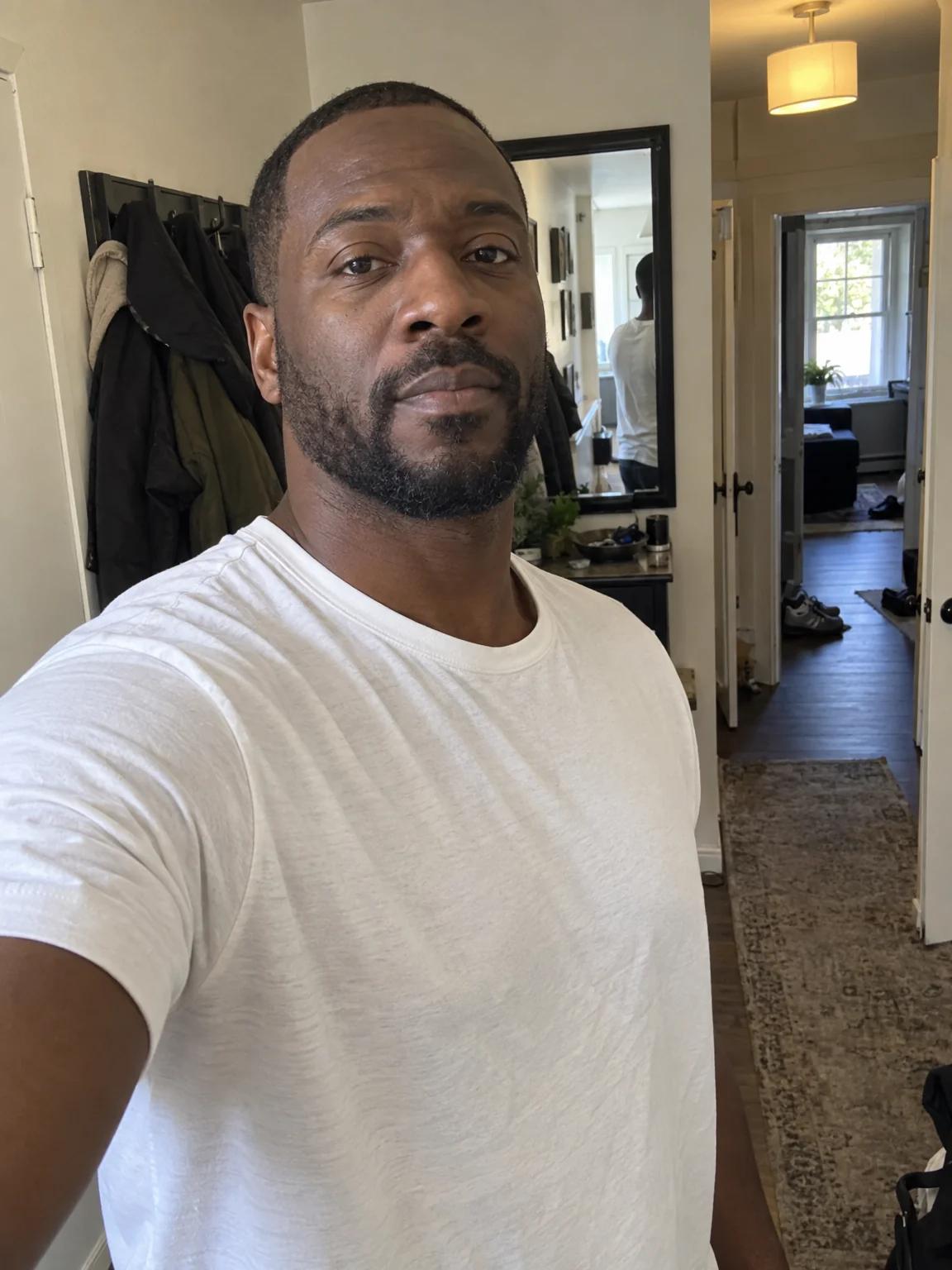
Made for when
- Your apartment never looks like the photo in your head
- Window light arrives when you are at work
- You want a relaxed photo that is not a selfie from the couch
- Content for a lifestyle account needs a consistent, warm look
Step by step
- 01
Open AI Photoshoot, attach your selfies, select Cozy at Home
The preset carries the framing, light and wardrobe for cozy at-home portraits; your selfies carry the likeness.
AI Photoshoot - 02
Polish skin and eyes with Face Retouch
Blemishes and redness go while pores, freckles and moles stay, so the photo still looks like you.
Face Retouch - 03
Re-light the photo for the mood you want
Change the key light, the shadows and the color of the scene without changing the person.
Relight Photo