Style shoots
90s portraits, no photographer
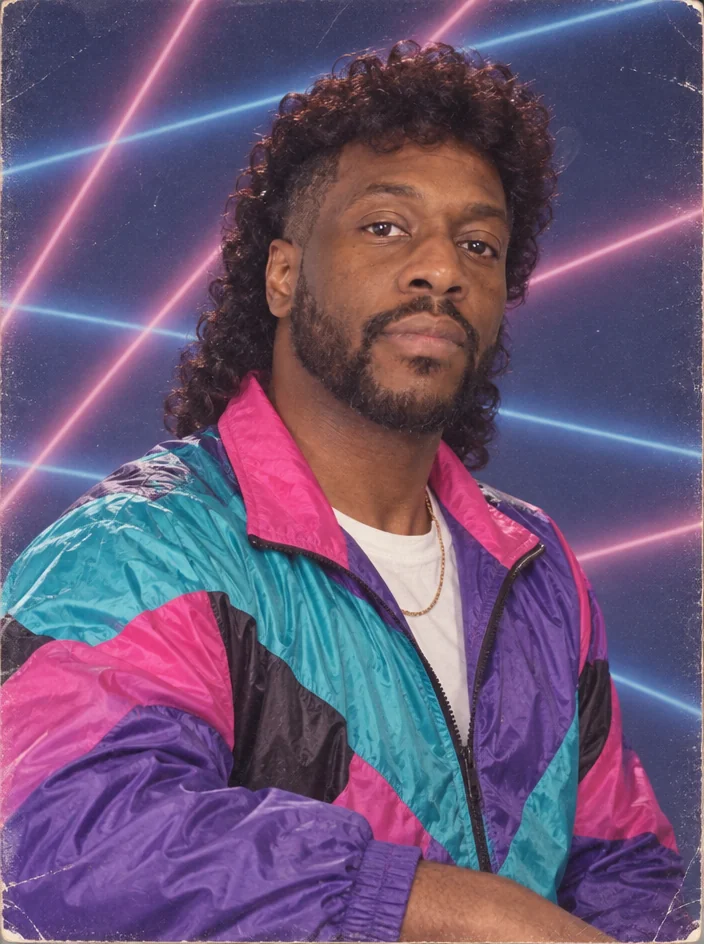
The nineties were a point-and-shoot flash and a disposable camera: curtain bangs or frosted tips, flannel and denim, a slightly overexposed snapshot with the date stamped in the corner. 90s portraits restyle your photo into that exact era — hair, clothes, camera — while your face stays yours.
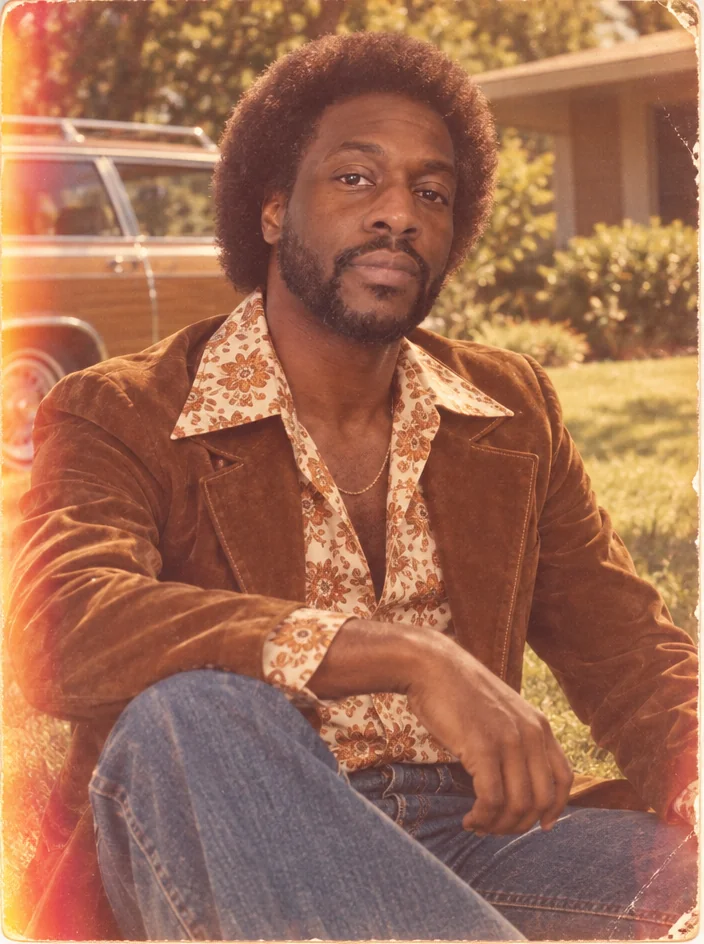
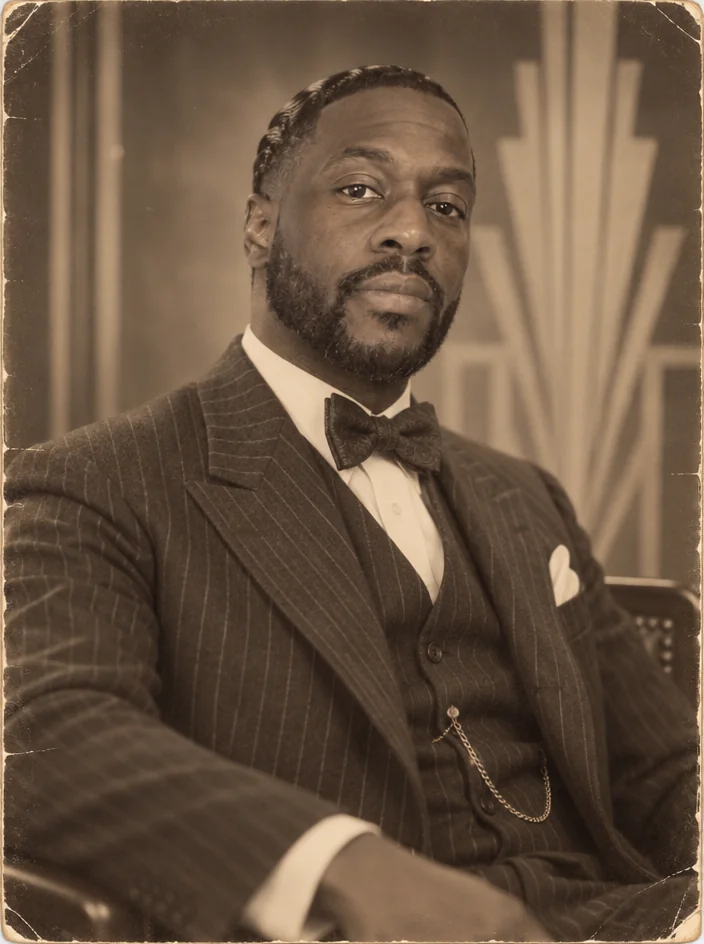
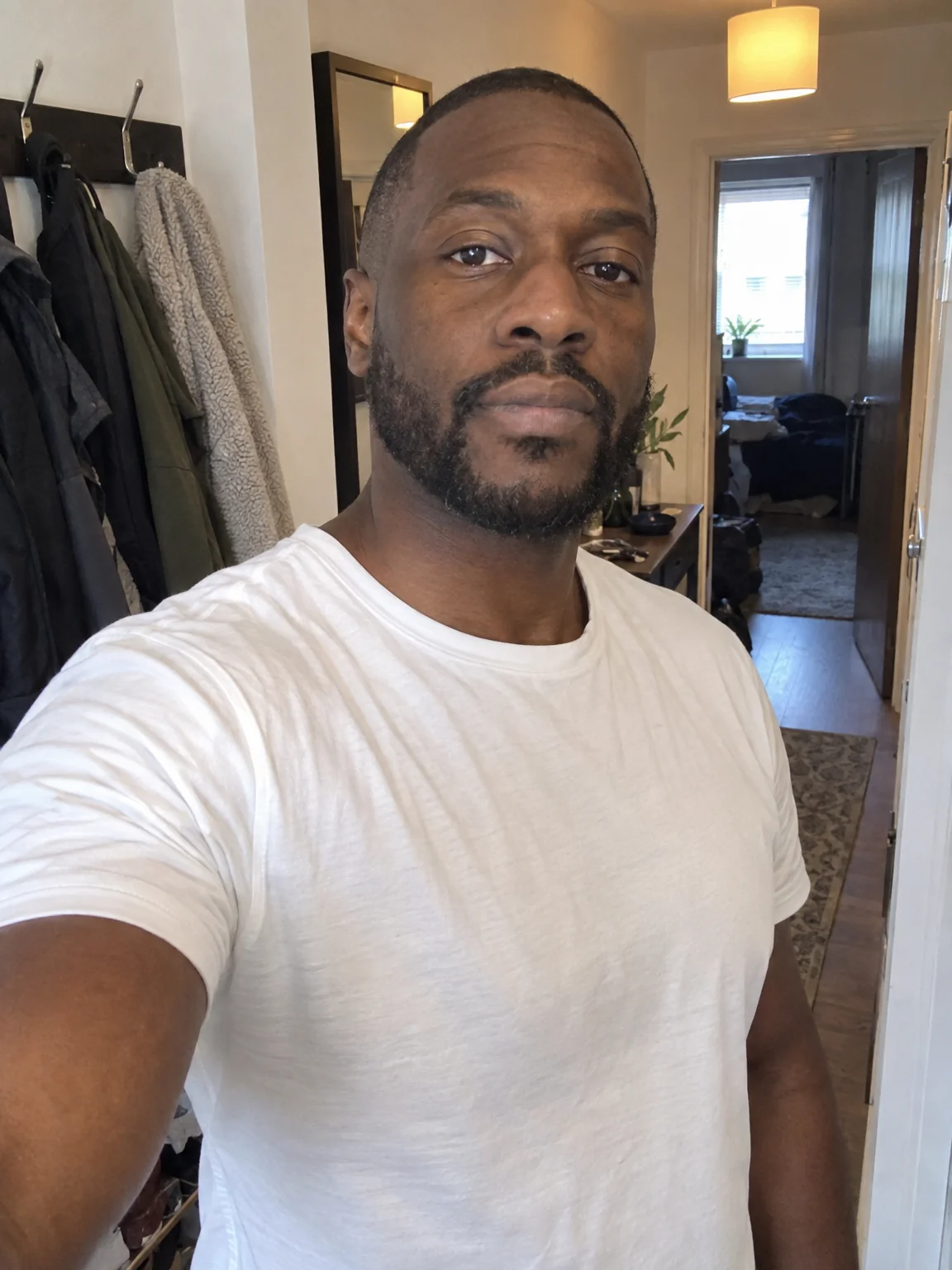
You want the throwback for a themed party invitation, a birthday post or the pure joy of seeing yourself in 1996. Attach a few selfies, choose the 1990s preset, and the studio returns 90s portraits with the lens, light and grade of that style wrapped around your own likeness. Try the same selfies across 90s portraits and two neighboring styles, compare them in Your photos, and finish the favorite with Relight and Upscale.
4 free credits — one Standard run of any tool. No card needed.
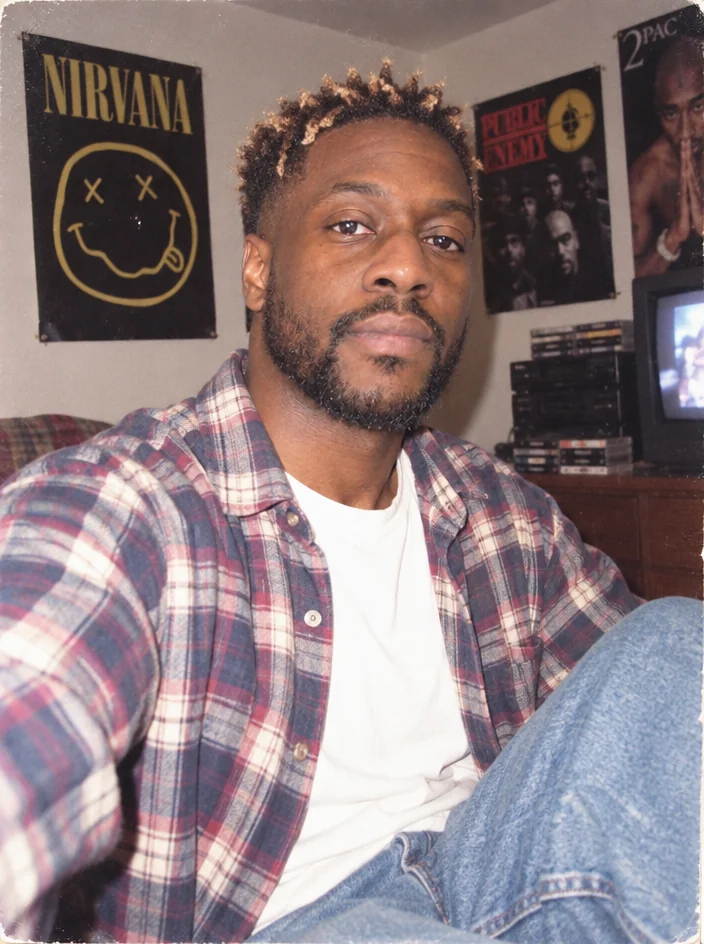
Made for when
- A 90s-themed party needs an invitation photo that commits
- You were born after the decade and want to see the version of you in it
- Filters give you the colors but not the hair or the clothes
- A decade series for the grid needs consistent treatment
Step by step
- 01
Run Decade Portrait on a clear photo
Hair, wardrobe, camera and print are rebuilt for the era; the tool is built to keep your face yours in 90s portraits.
Decade Portrait - 02
- 03
Upscale for a framed print
Period prints look right in a photo; 8 or 16 MP makes that possible.
Image Upscaler