Style shoots
80s portraits, no photographer
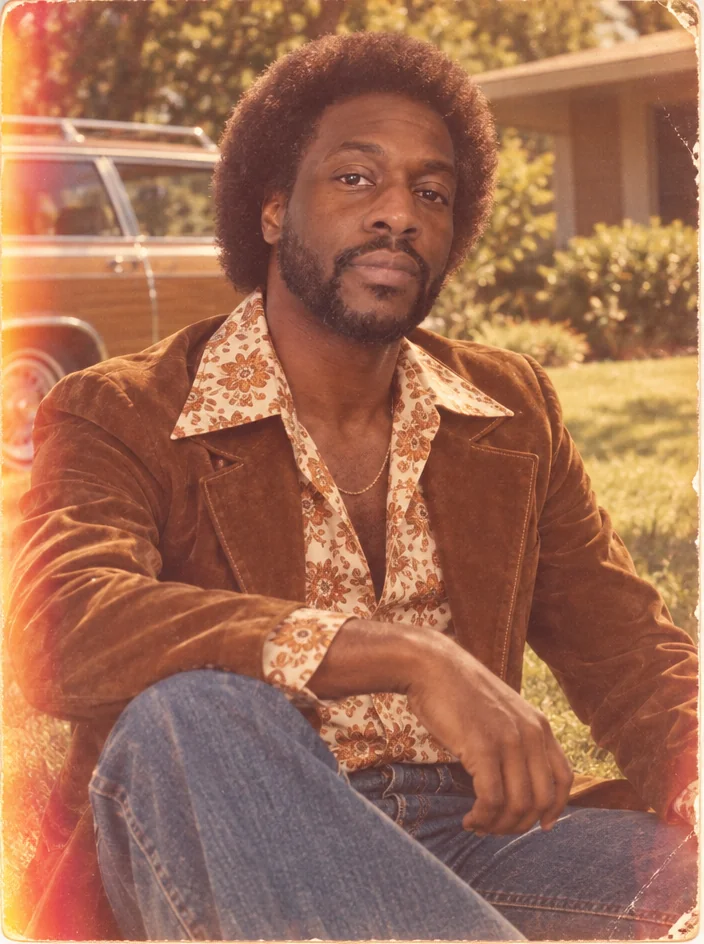
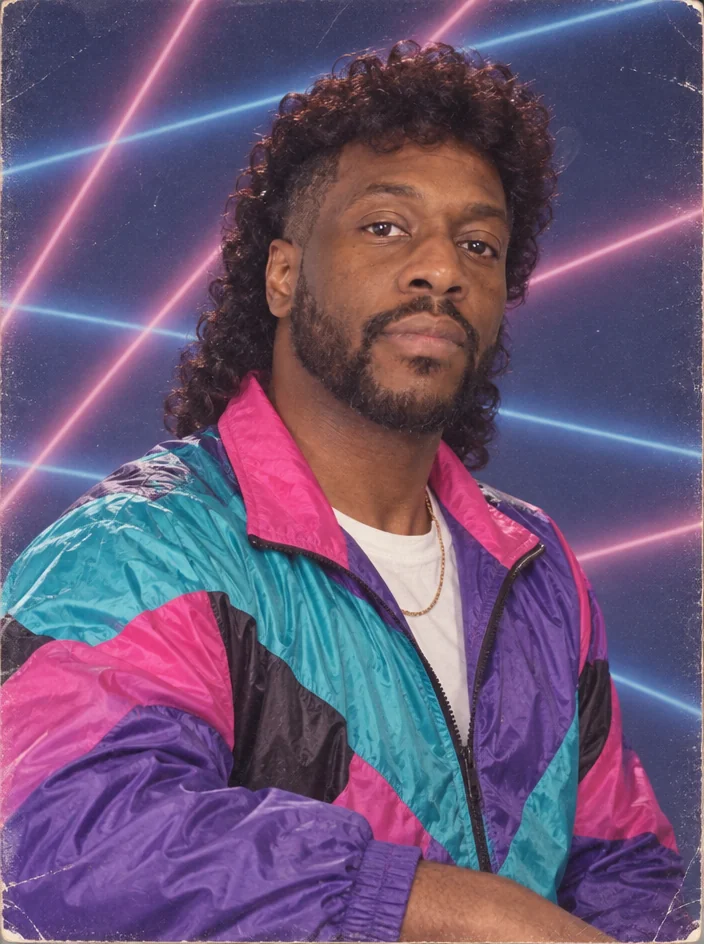
Big permed or teased hair, a neon windbreaker or shoulder pads, a laser-grid backdrop at the mall studio and the glossy sheen of a direct flash: nobody has ever looked more of their moment than in a 1980s portrait. 80s portraits give your photo that treatment with your face intact.
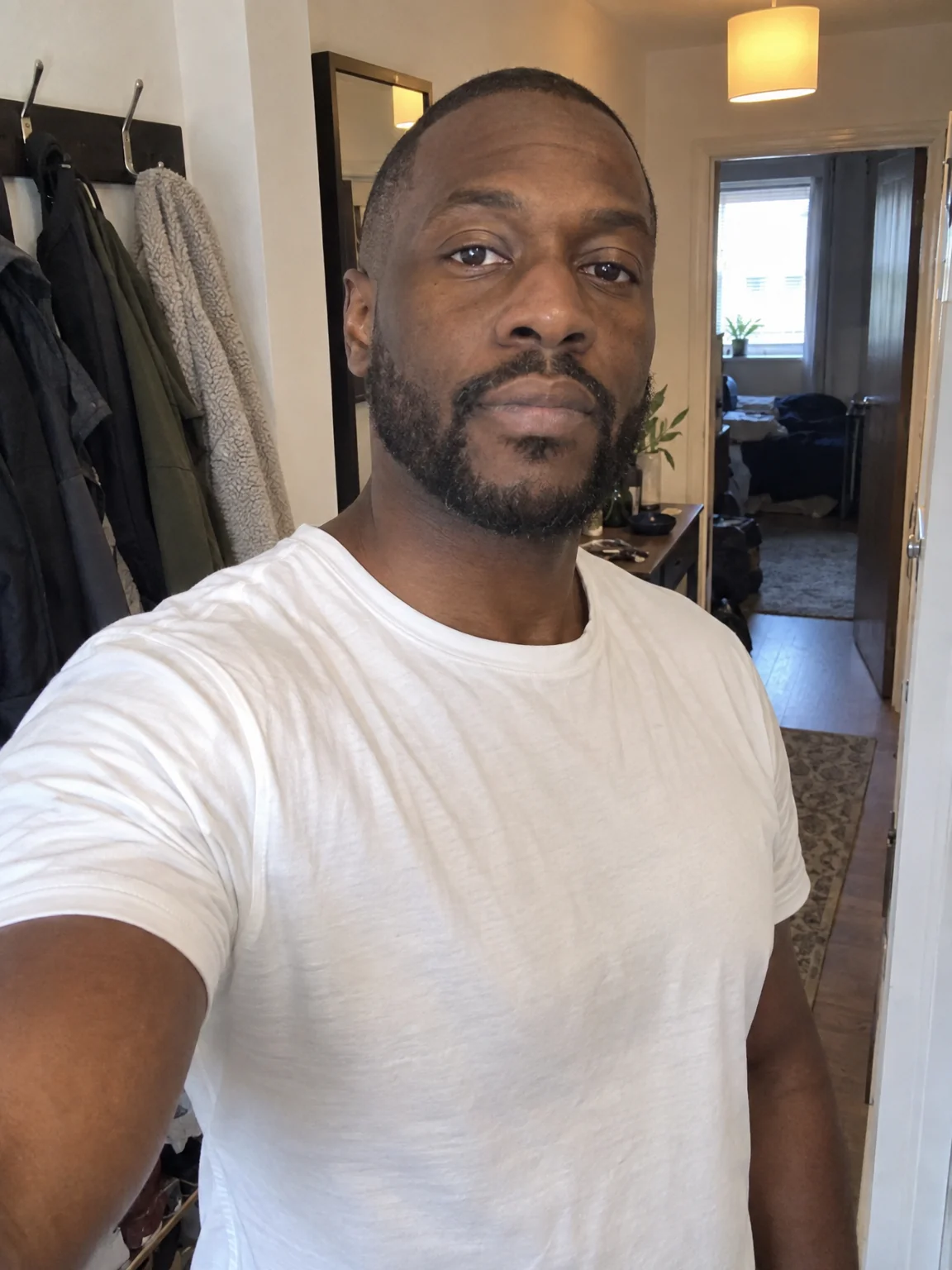
You want the mall-studio portrait for a themed night, a family joke or a retro series, without a time machine or a perm. The 1980s preset is a full brief — pose, wardrobe, backdrop, lighting, color grade — and your selfies are the only thing it needs to make 80s portraits of you. When 80s portraits land, describe a tweak with Edit with words — a different jacket, deeper shadows — and upscale the final version for print.
4 free credits — one Standard run of any tool. No card needed.
Made for when
- The 80s party needs a poster and you need to be on it
- Your parents' 80s portraits deserve a companion piece
- You want the laser backdrop without finding one on eBay
- Retro content performs and yours is all present-day
Step by step
- 01
Start with Decade Portrait in the decade below
80s portraits with period-accurate everything except the person.
Decade Portrait - 02
Face Retouch if the print look is too kind to a blemish
Keeps grain and character while easing temporary marks.
Face Retouch - 03
Enlarge the portrait for the wall
Grain and detail are reconstructed as the image grows.
Image Upscaler