Dating & social
Dating profile photos, no photographer
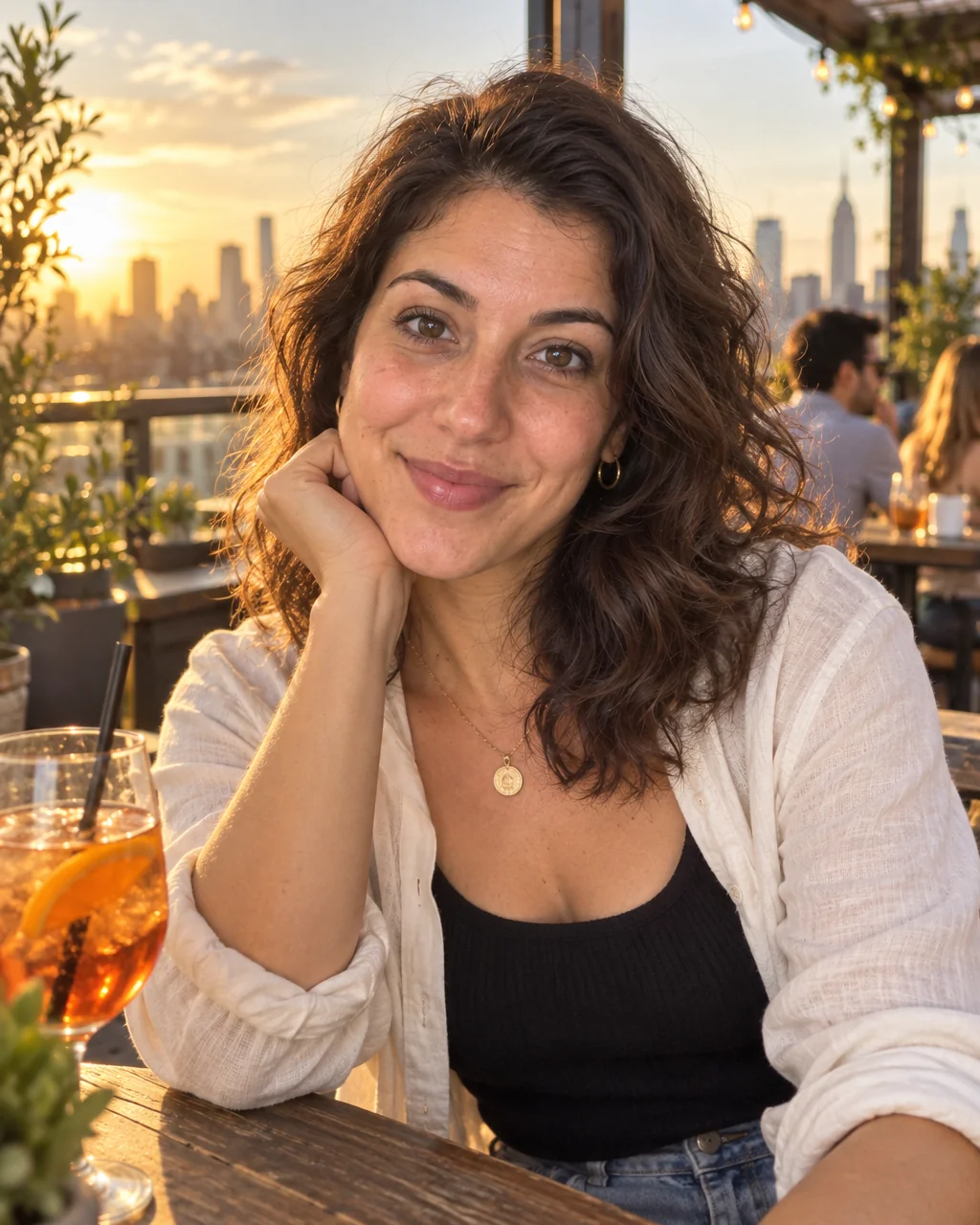
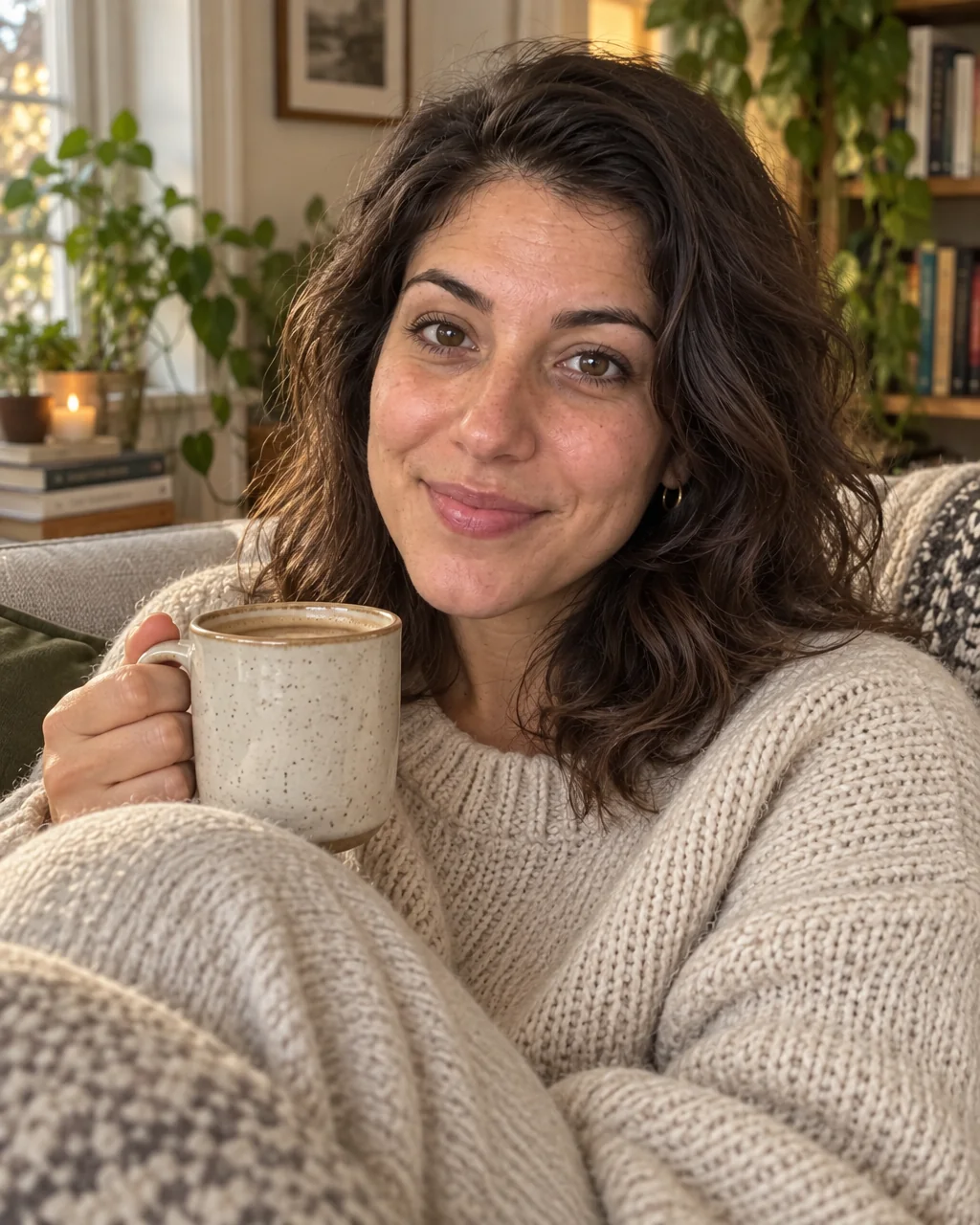
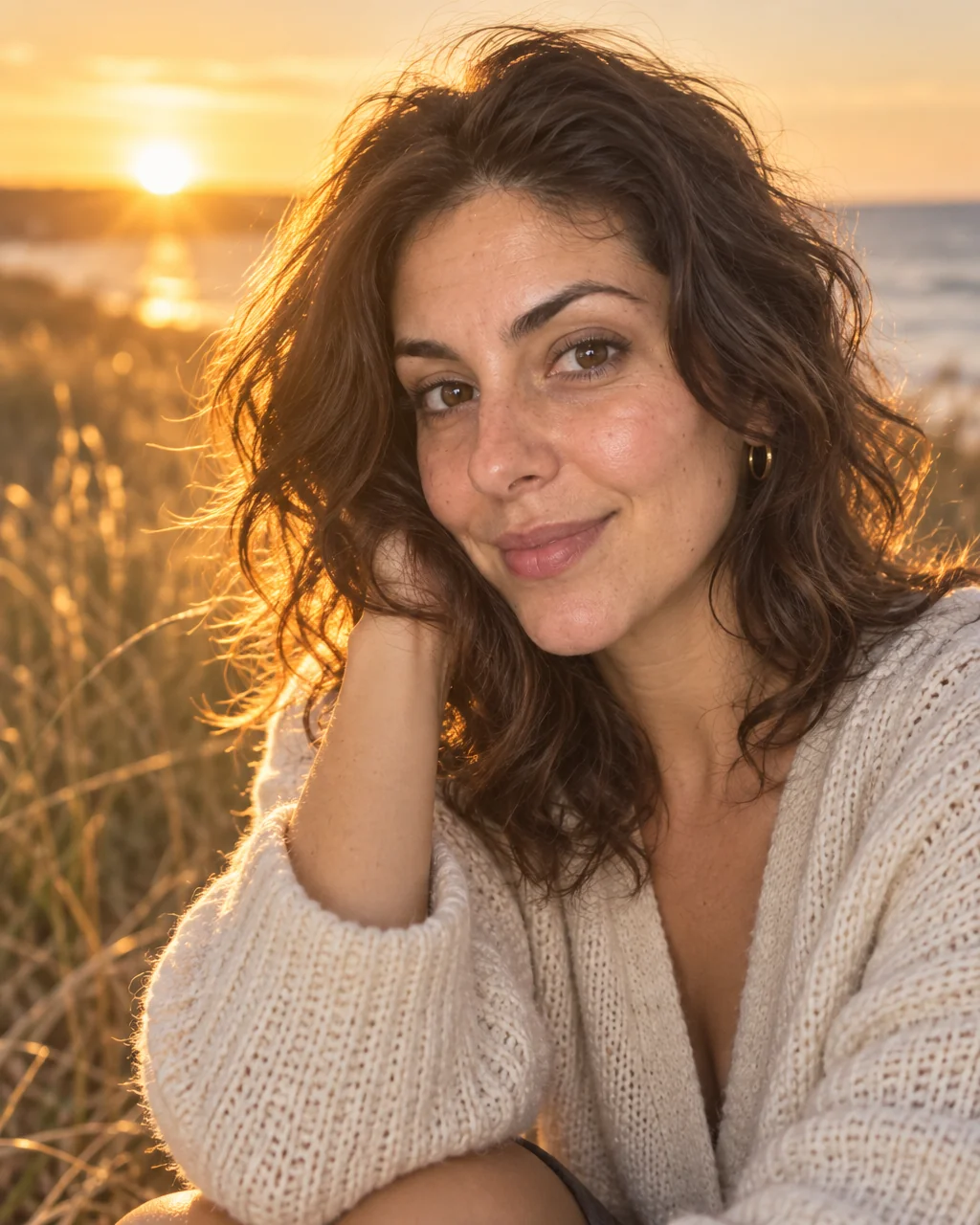
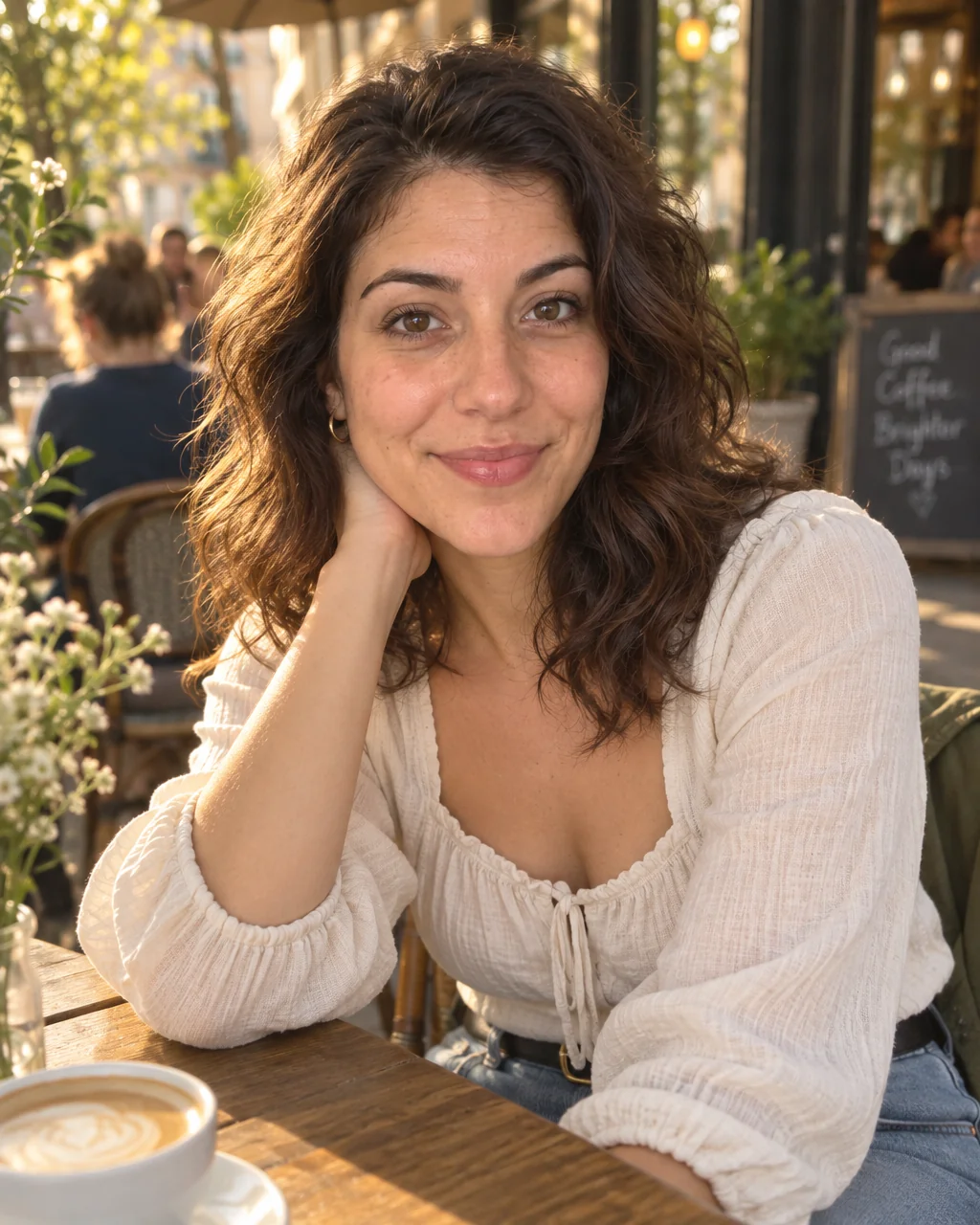
The photos on a dating profile do more work than the bio, and most of them were taken by nobody: mirror selfies, car selfies, a cropped group shot from a wedding. Dating profile photos from the Studio look like a friend with a real camera caught you on a café terrace in late-afternoon light.
You want a set of photos that are warm, candid and unmistakably you, without asking anyone to spend a Saturday photographing you. Drop in a few selfies, pick the Dating Profile preset, and the studio makes dating profile photos designed to keep your face as it is while fixing the light, the setting and the framing. Add a second angle or a new outfit line for variety, then send your favorite of the dating profile photos to Face Retouch and Blur Background before it goes on the profile.
4 free credits — one Standard run of any tool. No card needed.
Made for when
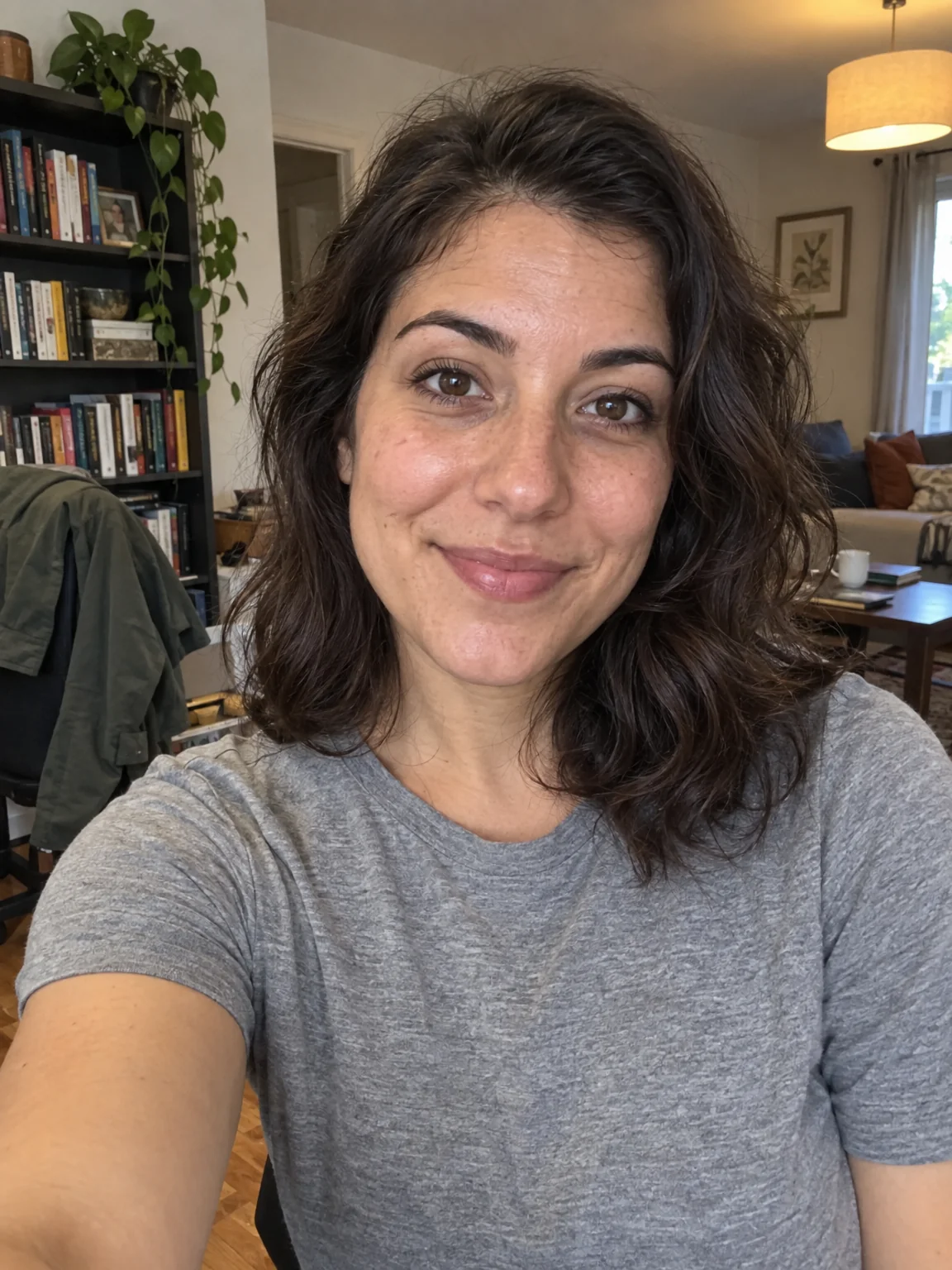
- Every photo you have is a selfie and the apps punish that
- The one good picture of you is from a wedding, with a cropped-out shoulder
- You want to look relaxed and social, not posed in a studio
- Different apps need different moods and you have one photo
Step by step
- 01
Open AI Photoshoot, attach your selfies, select Dating Profile
Everything about dating profile photos except your face comes from this preset, and the face comes from you.
AI Photoshoot - 02
Retouch the keeper with Face Retouch
Blemishes and redness go while pores, freckles and moles stay, so the photo still looks like you.
Face Retouch - 03
Adjust the mood with Relight or Time of Day
Twenty lighting setups let dating profile photos go softer, warmer or more dramatic after the fact.
Relight Photo