Dating & social
Tinder photos, no photographer
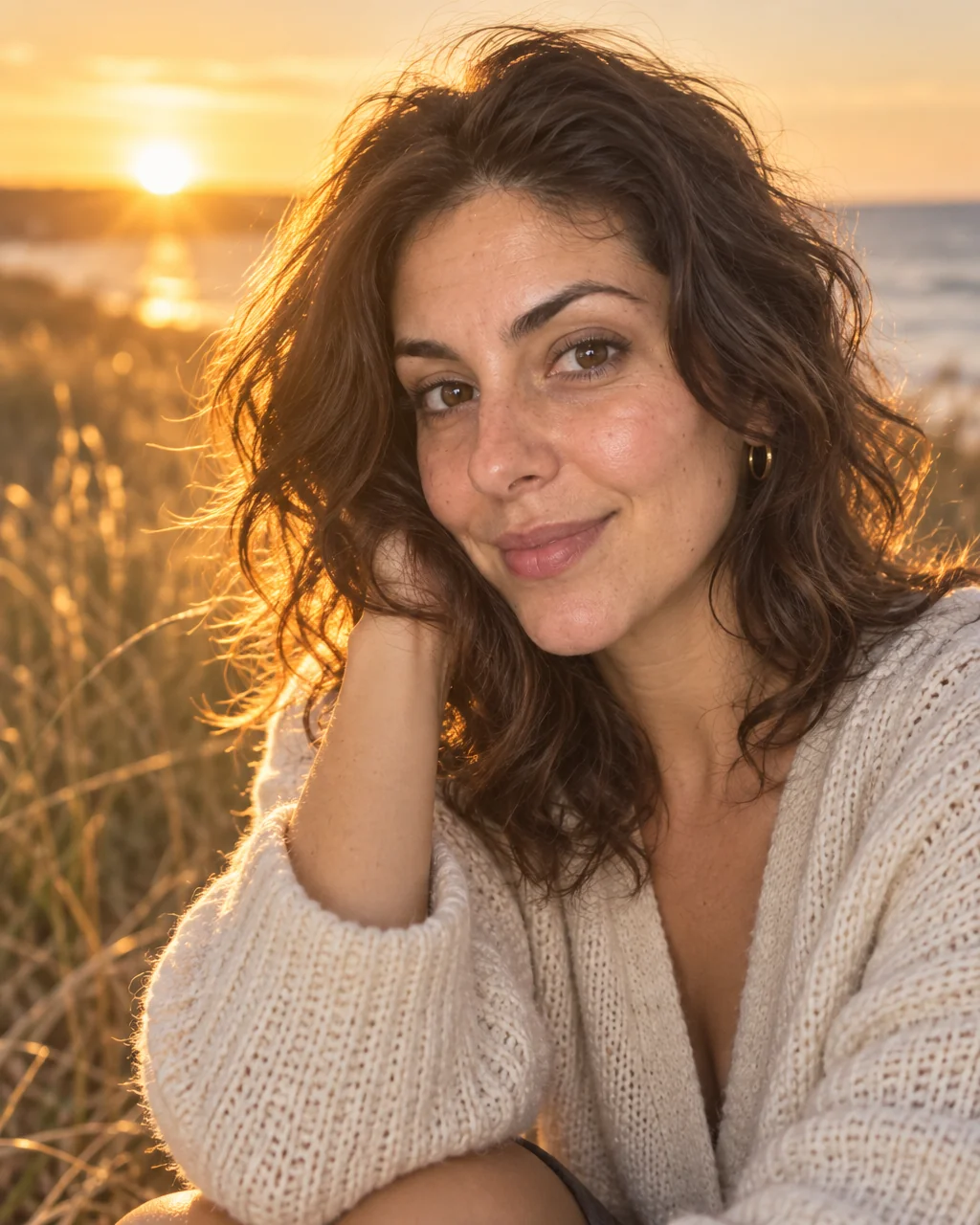
Tinder gives you a card and a half-second. The first photo needs a clear face, good light and a setting that suggests you go places — a rooftop at golden hour, a terrace, a street with life in it. Tinder photos from the Studio are shot with exactly that first-swipe brief.
You want a lead photo that stops the thumb and a second and third that prove the first was not a fluke. Drop in a few selfies, pick the Dating Profile preset, and the studio makes Tinder photos designed to keep your face as it is while fixing the light, the setting and the framing. Add a second angle or a new outfit line for variety, then send your favorite of the Tinder photos to Face Retouch and Blur Background before it goes on the profile.
4 free credits — one Standard run of any tool. No card needed.

Made for when
- Your first photo is a gym mirror and your matches show it
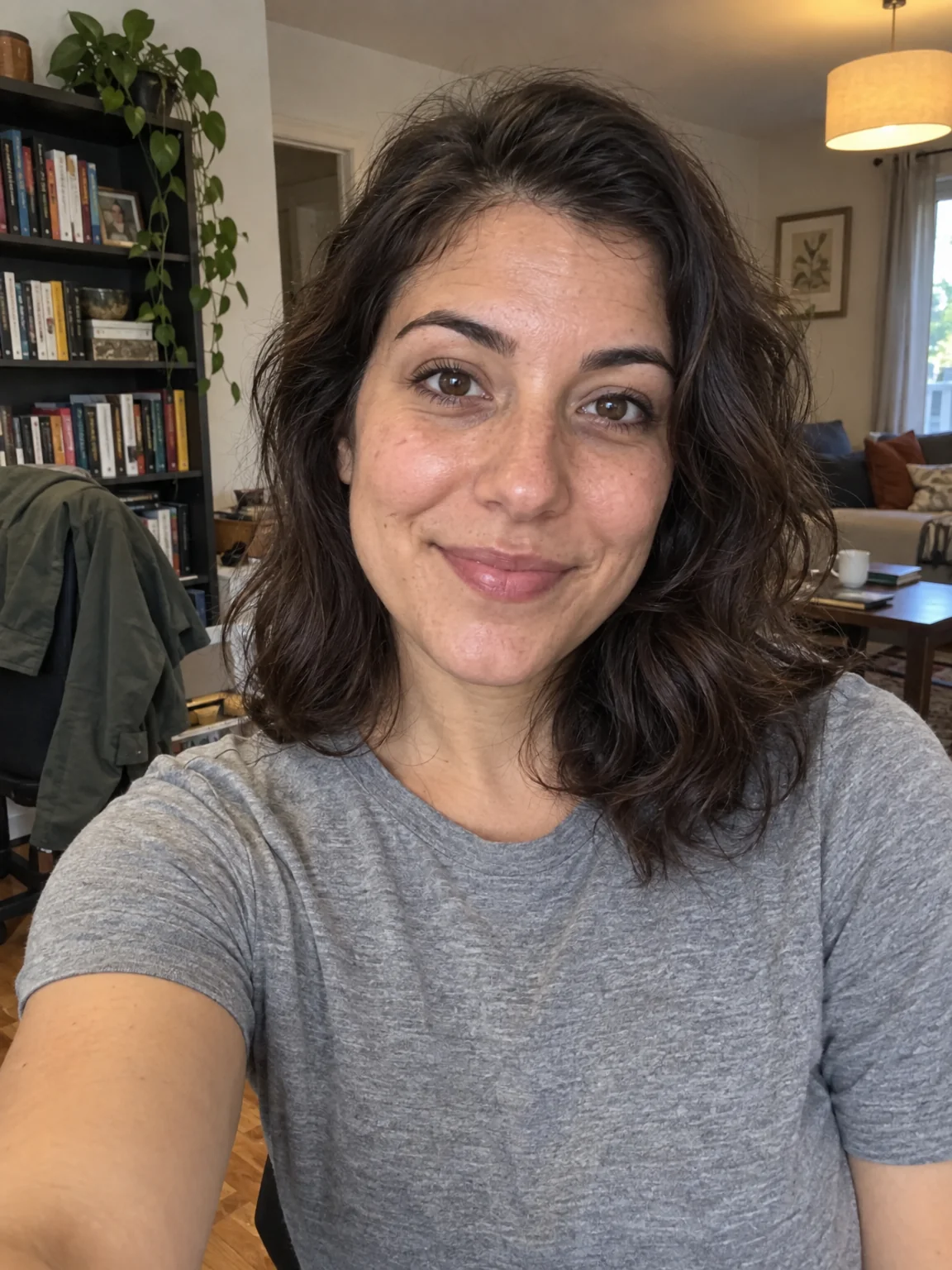
- The best photo of you is four years old and everyone can tell
- You want a lead photo with a setting, not a bedroom wall
- Sunglasses, group shots and filters have been quietly hurting you
Step by step
- 01
Start AI Photoshoot on the Dating Profile preset with a few selfies
The preset carries the framing, light and wardrobe for Tinder photos; your selfies carry the likeness.
AI Photoshoot - 02
Retouch the keeper with Face Retouch
Small marks and flyaways disappear; the geometry of your face does not change.
Face Retouch - 03
Enlarge the winner with Upscale
Detail is reconstructed rather than stretched, so the print holds up on the wall.
Image Upscaler