Dating & social
Profile pictures, no photographer
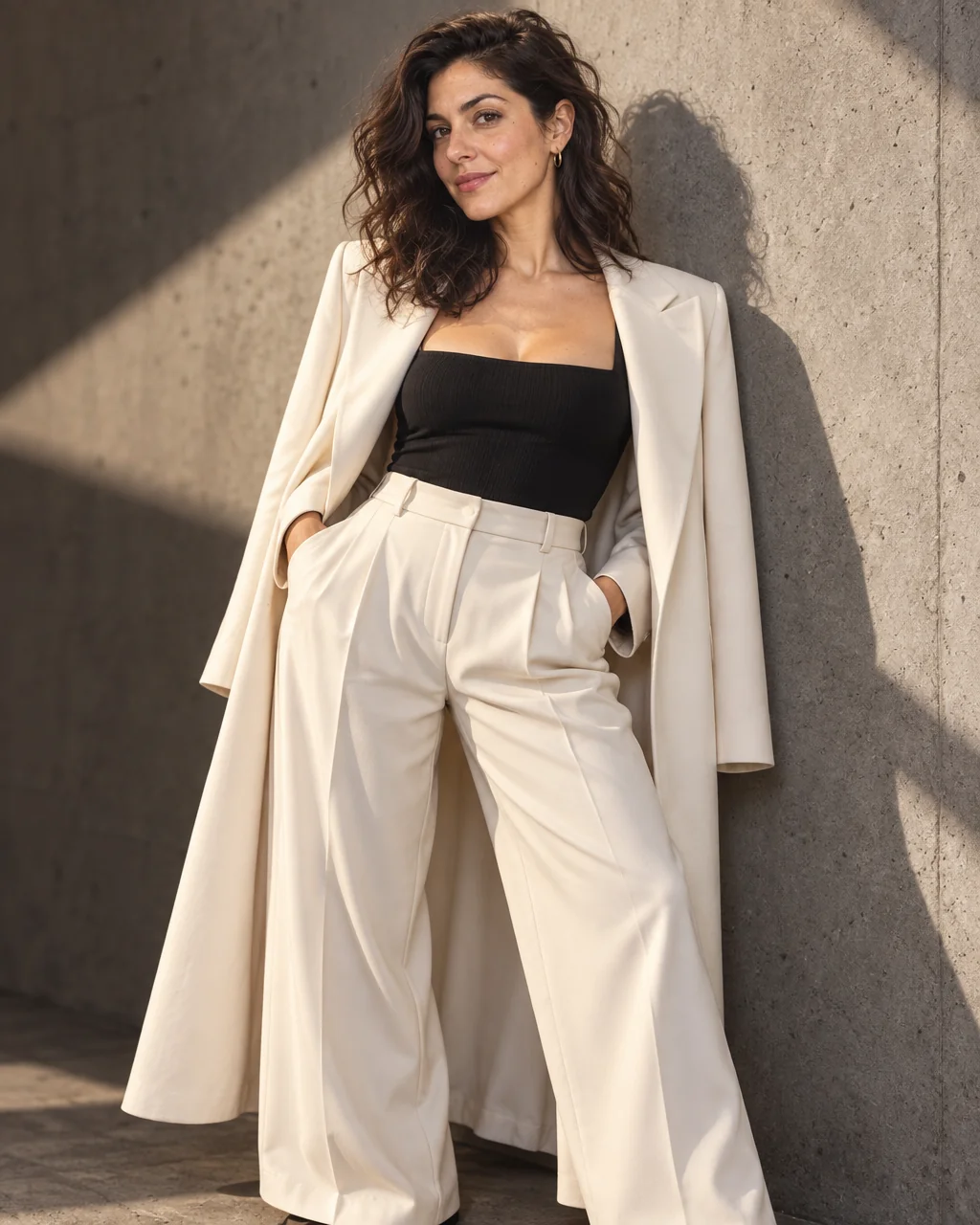
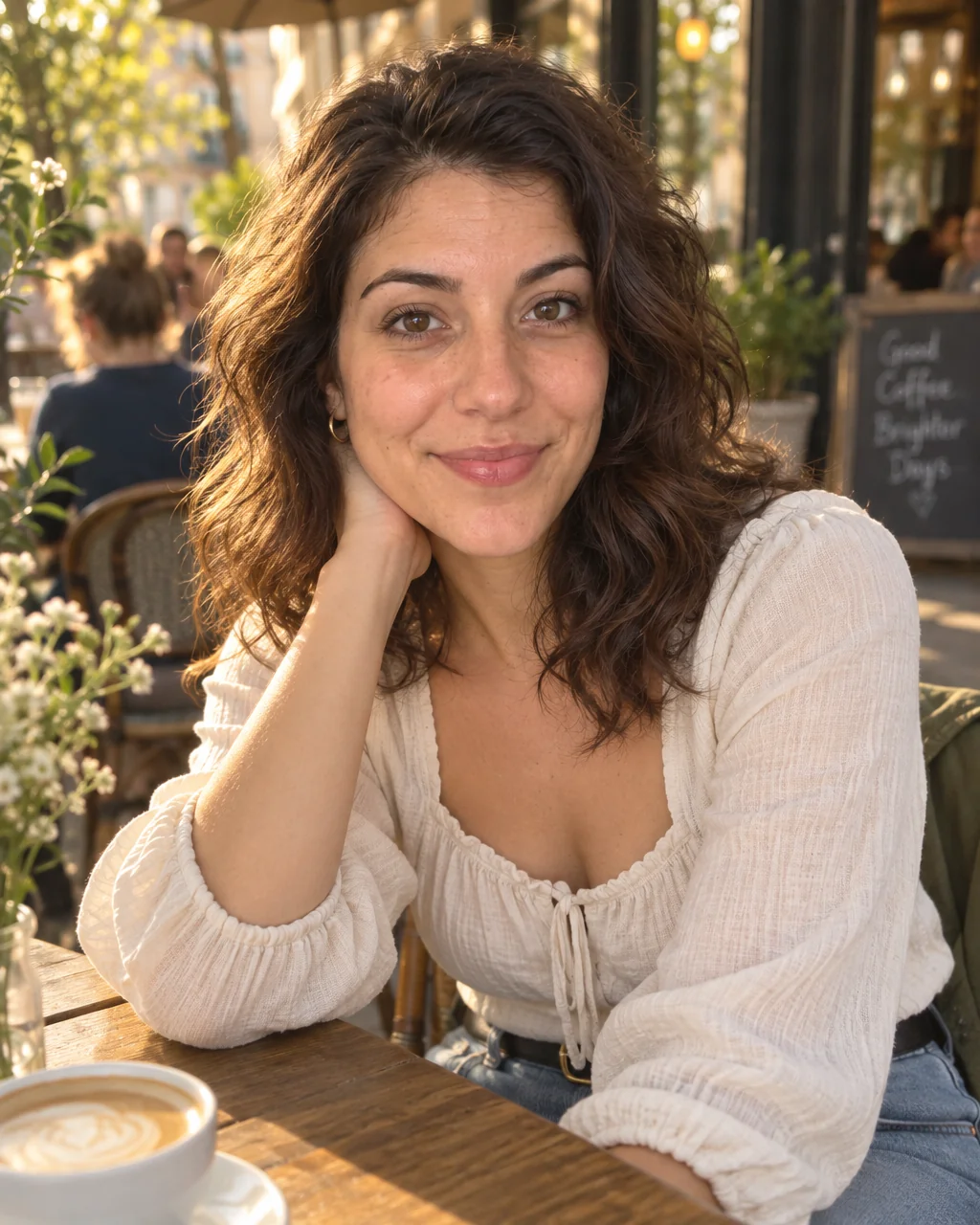
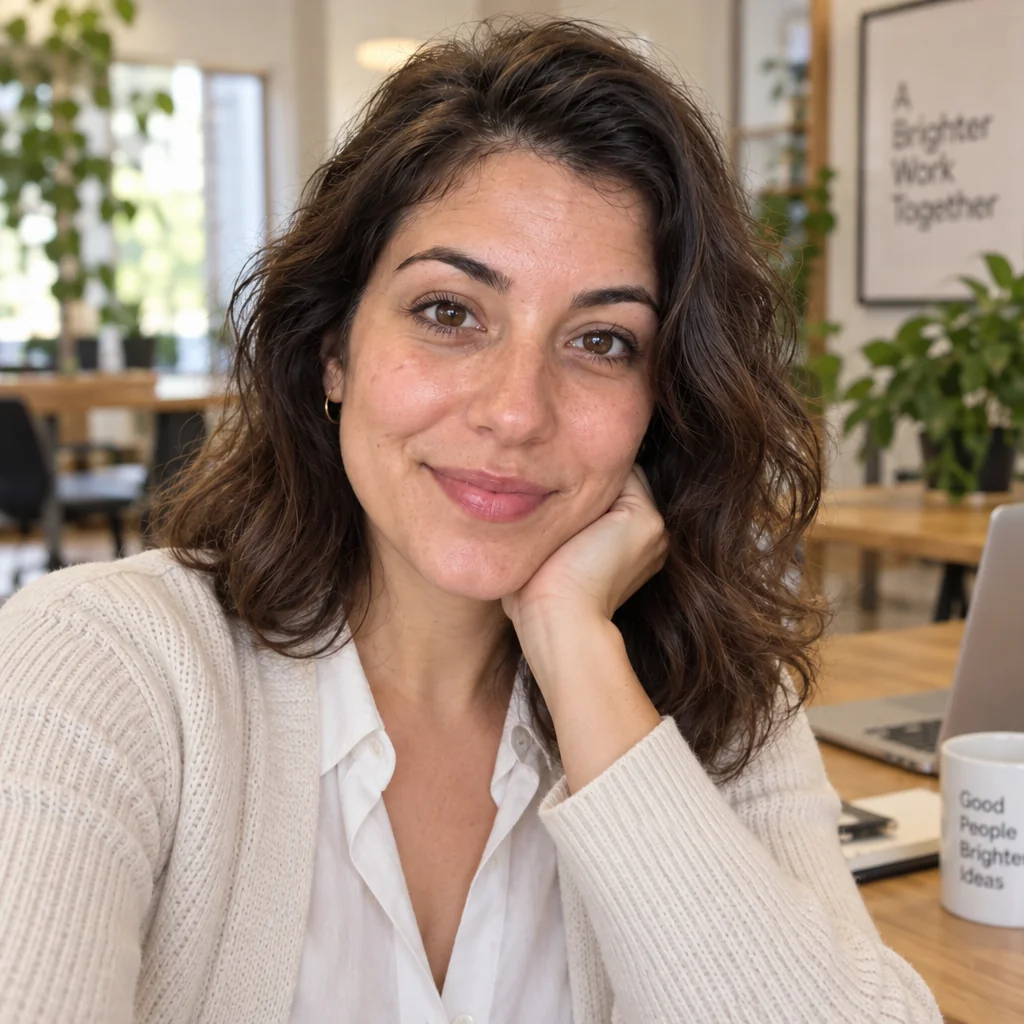
Slack, WhatsApp, GitHub, Zoom, the company directory, the running club app: every one of them shows a small circle of your face, and most of those circles are a decade of inconsistency. Profile pictures from the Studio are shot square, centered, cleanly lit and in a look that works everywhere.
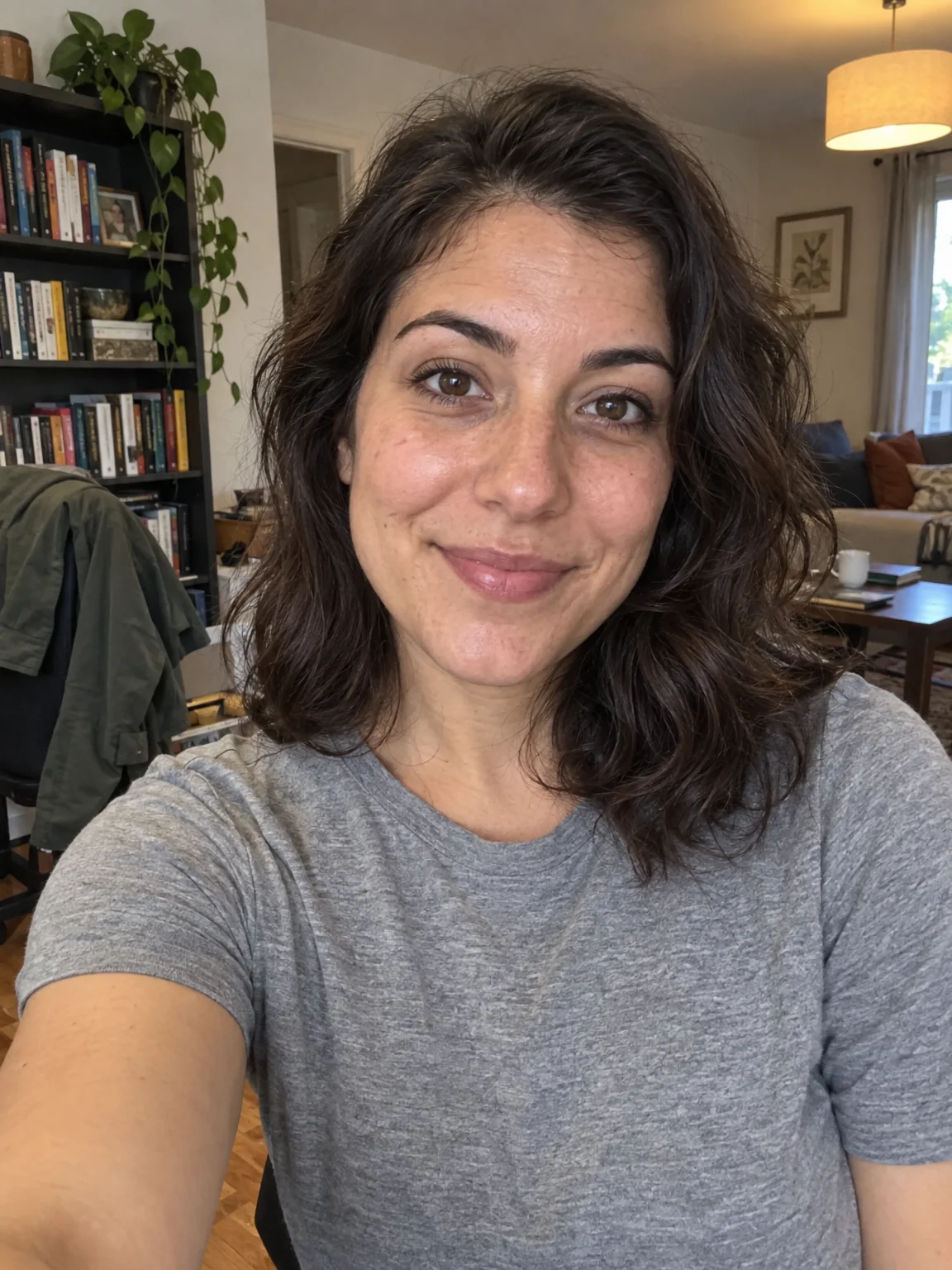
You want one good square photo that survives being shrunk to a thumbnail on every platform you use. The Business Casual preset handles the part of profile pictures you cannot do alone — a photographer's distance, flattering light, a real location — and your selfies handle the likeness. Add a second angle or a new outfit line for variety, then send your favorite of the profile pictures to Face Retouch and Blur Background before it goes on the profile.
4 free credits — one Standard run of any tool. No card needed.
Made for when
- You have a different face on every app and none of them are recent
- Small circles crop off your forehead or your chin
- Work platforms want professional and social ones want relaxed
- You want to look like the same person across all of them
Step by step
- 01
Upload 1–4 selfies and choose the Business Casual preset
This is the shoot itself — profile pictures rendered around your own face in seconds.
AI Photoshoot - 02
Retouch the keeper with Face Retouch
A restrained pass that evens skin and brightens eyes without the plastic look of a filter.
Face Retouch - 03
Swap the backdrop with Background Changer if needed
Put profile pictures against a brand color, a plain wall or a named location without starting again.
Background Changer