Dating & social
Instagram portraits, no photographer
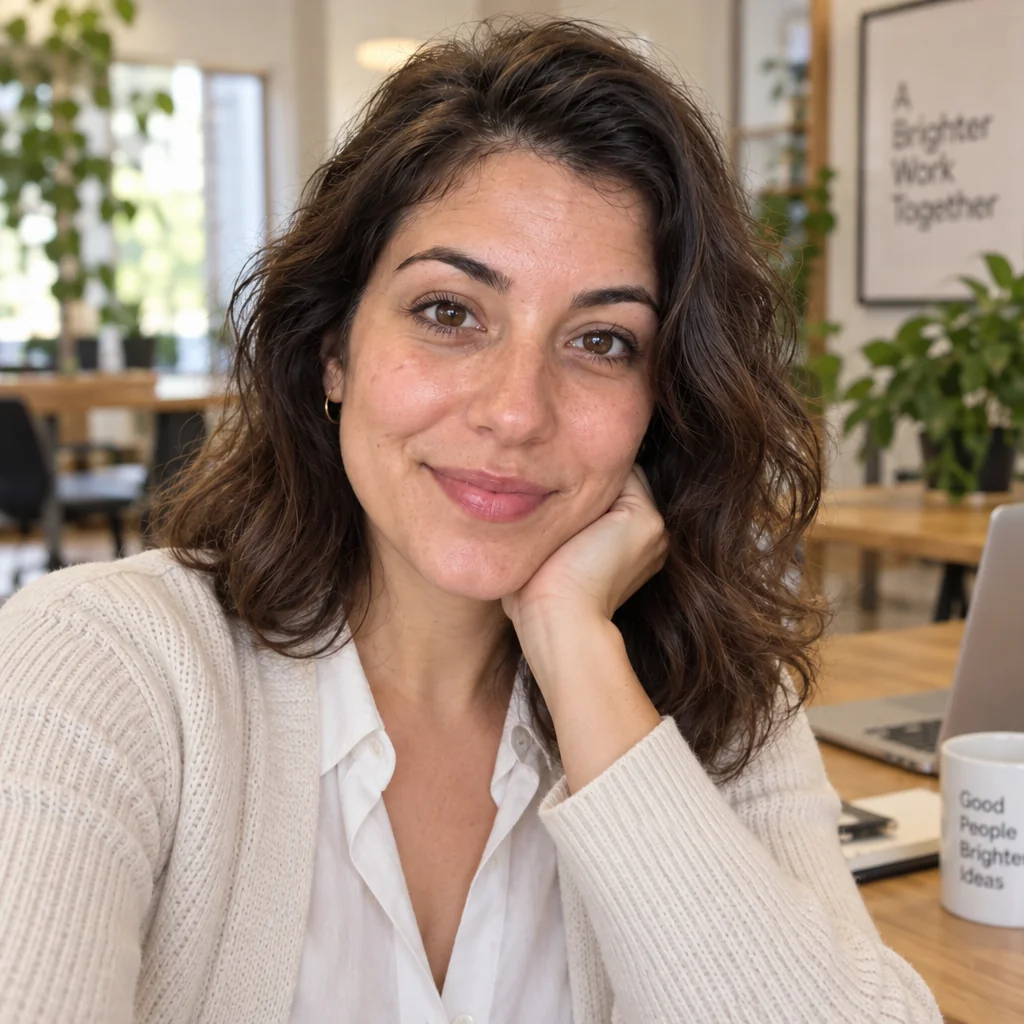
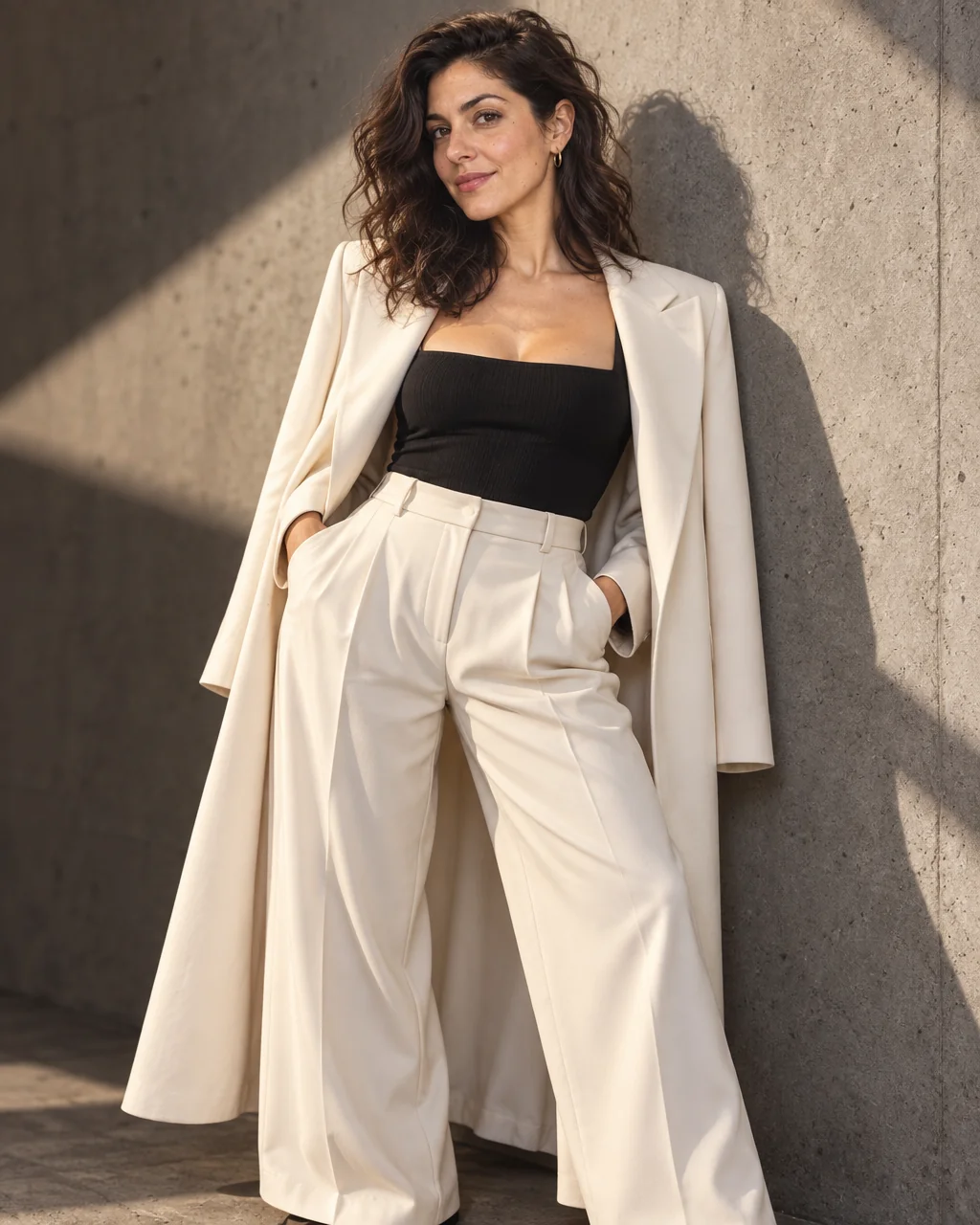
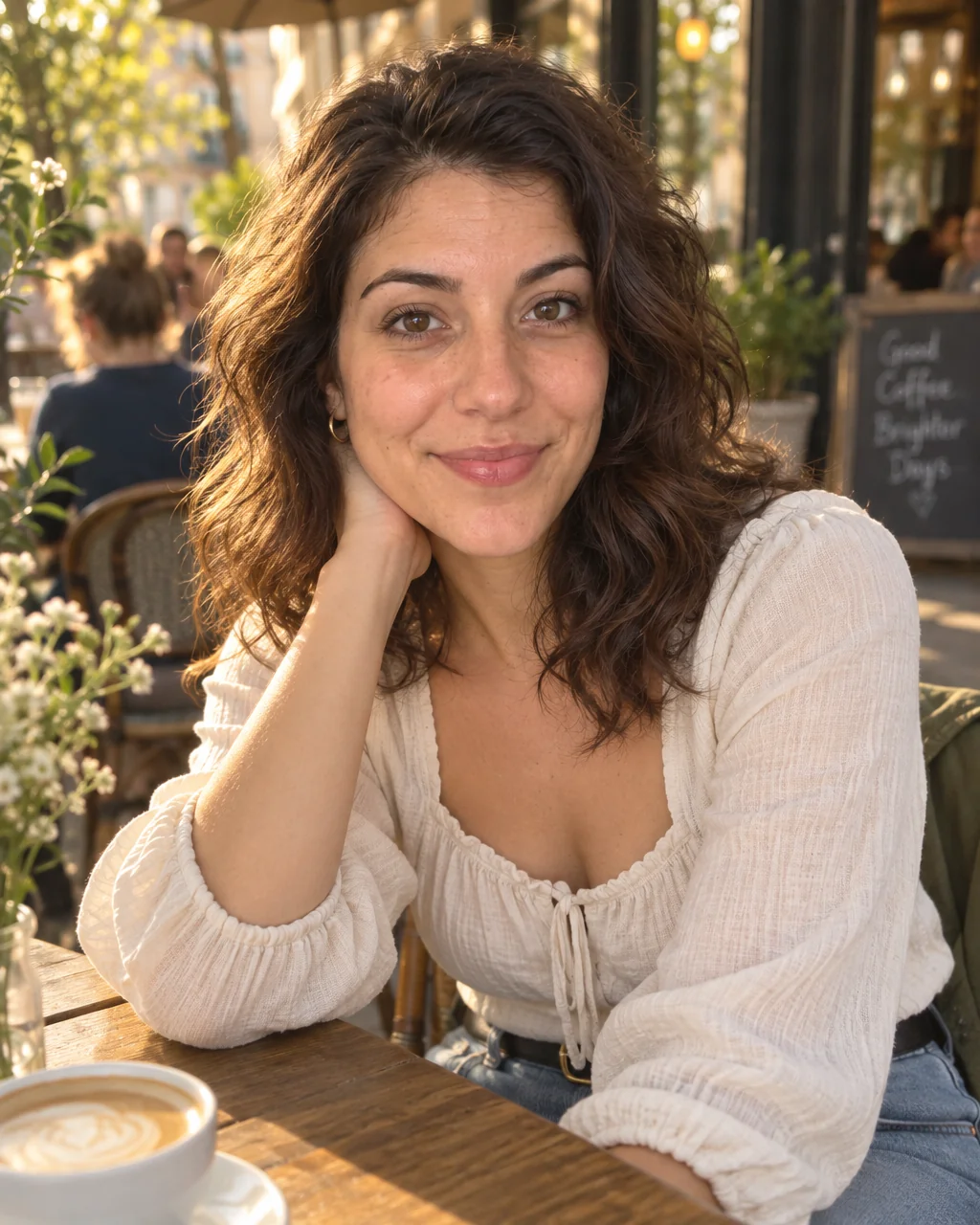
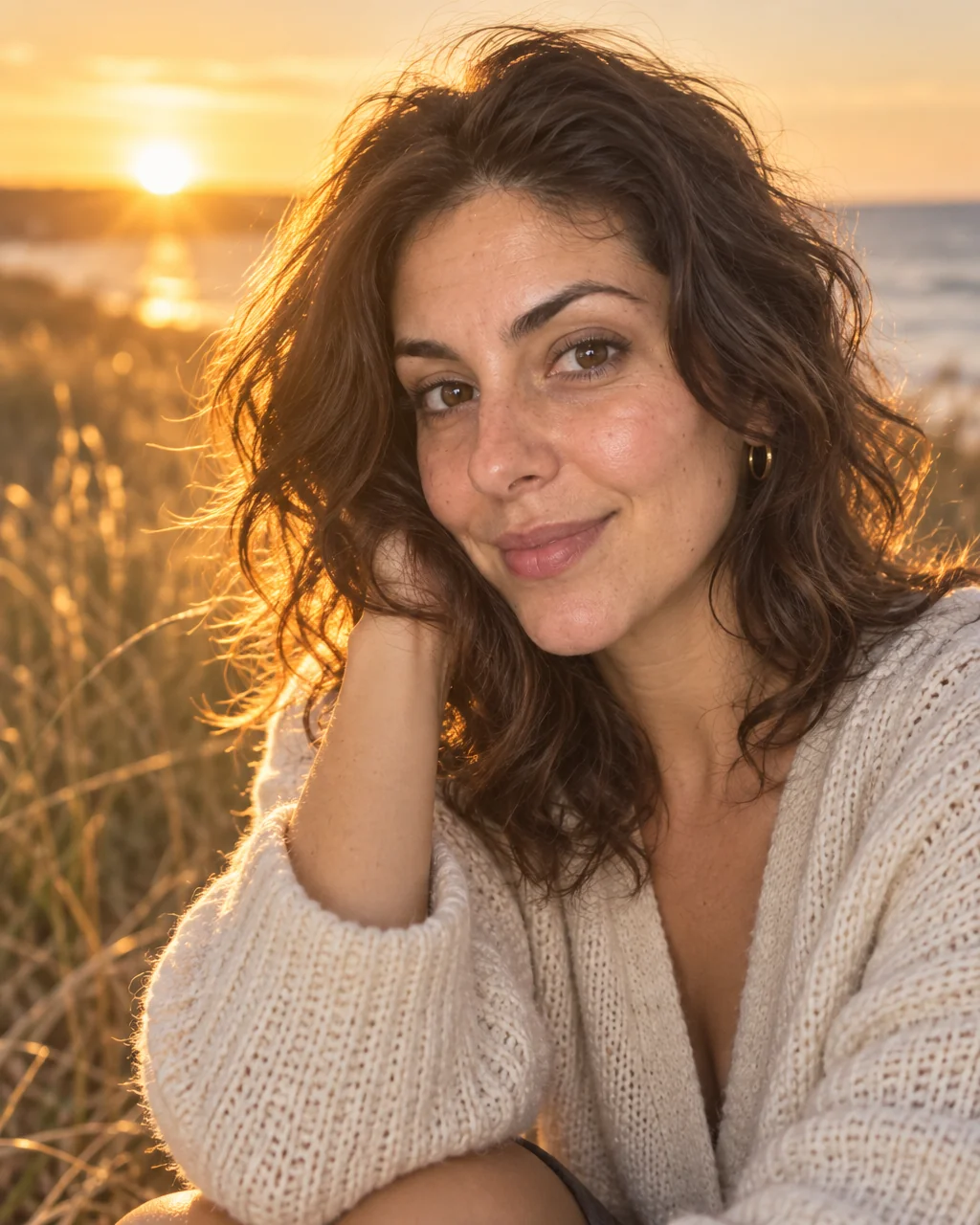
The Instagram grid is a portfolio whether you meant it that way or not, and a 4:5 portrait in golden-hour light is its most reliable post. Instagram portraits from the Studio are shot at that ratio, backlit with a glowing rim on the hair and a soft fill on the face.
You want a feed-ready portrait that matches the light of your best posts, without waiting for the right twenty minutes of sun. The Golden Hour preset handles the part of Instagram portraits you cannot do alone — a photographer's distance, flattering light, a real location — and your selfies handle the likeness. Reshoot Instagram portraits with a different setting or outfit until you have a small set that shows range, then retouch lightly and post.
4 free credits — one Standard run of any tool. No card needed.
Made for when
- You never have someone to take the photo at the right hour
- Your grid is screenshots and reposts and needs a face on it
- Stories, reels covers and the grid each want a different crop
- You want consistent light across a series of posts
Step by step
- 01
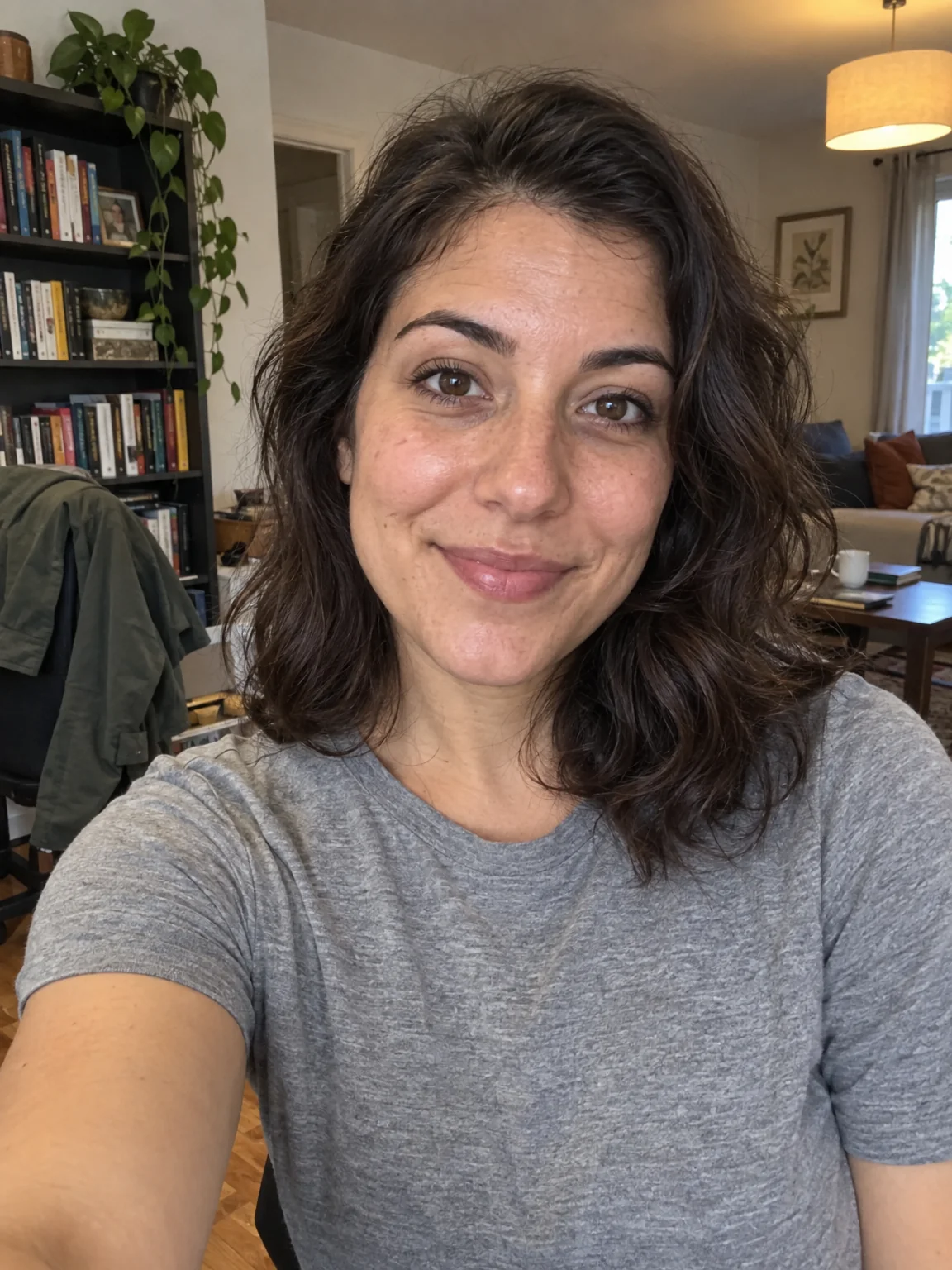
Upload 1–4 selfies and choose the Golden Hour preset
The preset carries the framing, light and wardrobe for Instagram portraits; your selfies carry the likeness.
AI Photoshoot - 02
Retouch the keeper with Face Retouch
Blemishes and redness go while pores, freckles and moles stay, so the photo still looks like you.
Face Retouch - 03
Upscale the final photo for print
8 MP covers standard prints; 16 MP handles A3 and canvas — Instagram portraits deserve a photo.
Image Upscaler